
50 Apple Watch App and Watch Face Designs to Inspire Your Next Project
Love it or hate it, we all know that the most exciting aspect of any Apple hardware platform is what third party app developers will do with it. Take a look at these unique concepts.



Designing for a screen that fits on your wrist comes with a different set of challenges. There’s less room for information, less time to capture someone’s attention, and a real need to make every interaction count. That’s also what makes wearable interface design so interesting.
Apple Watch app concepts offer a fascinating look at how designers approach these challenges, from inventive ways to display the time to compact fitness dashboards, messaging interfaces, and everyday utilities. Some experiment with typography and visual style, while others explore how to make useful information easier to access at a glance.
We’ve gathered 50 Apple Watch face and app concepts that offer plenty of inspiration for anyone interested in smartwatch UI design. Many of the original projects date back to the early days of Apple Watch, so think of this collection as a look at the evolution of wearable design rather than a catalogue of current apps or downloadable watch faces.
Apple Watch App Concept by Creativedash
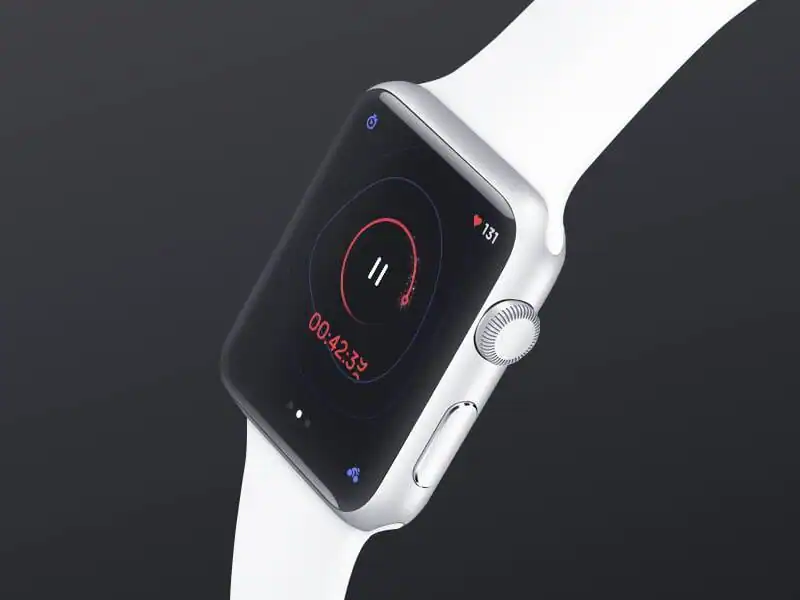
Dribbble Activity concept by Oleksiy Tymoshenko
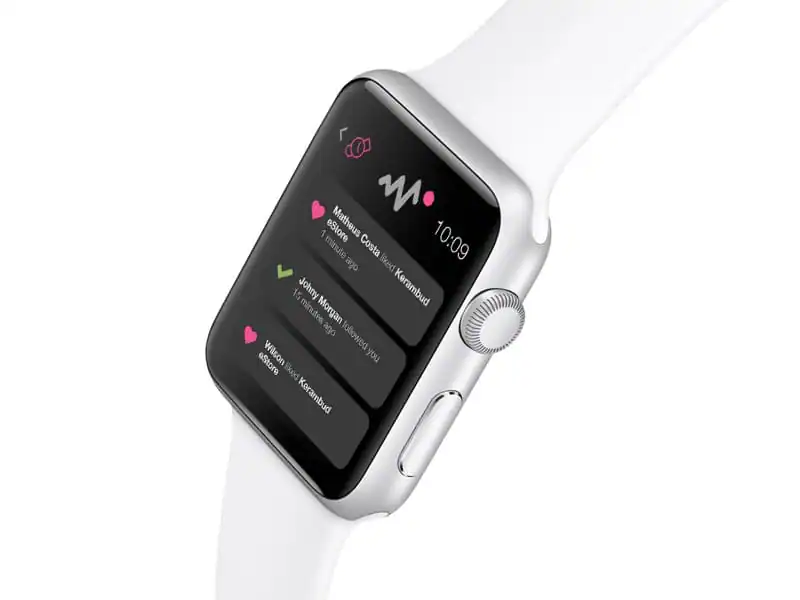
Apple Watch by Kingyo
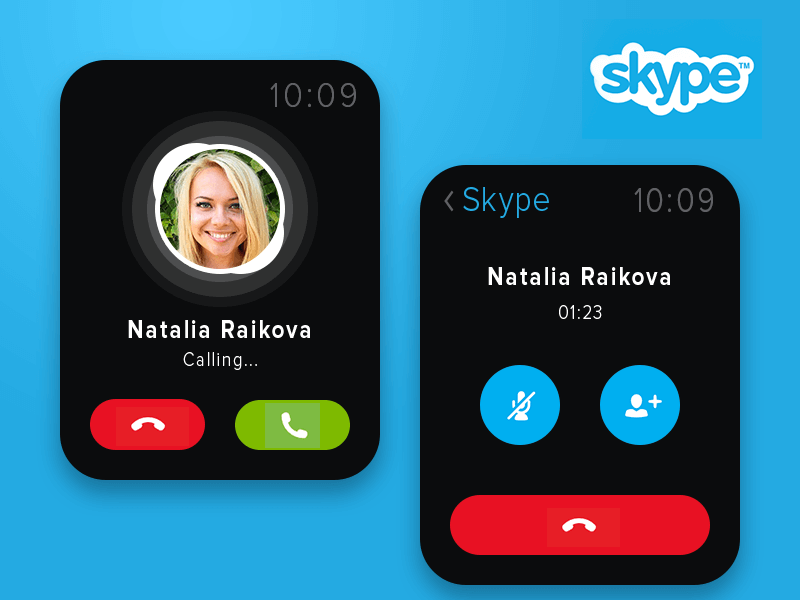
Skype iWatch Concept by Valik Boyev

Apple Watch Free Time by Alexander Zaytsev
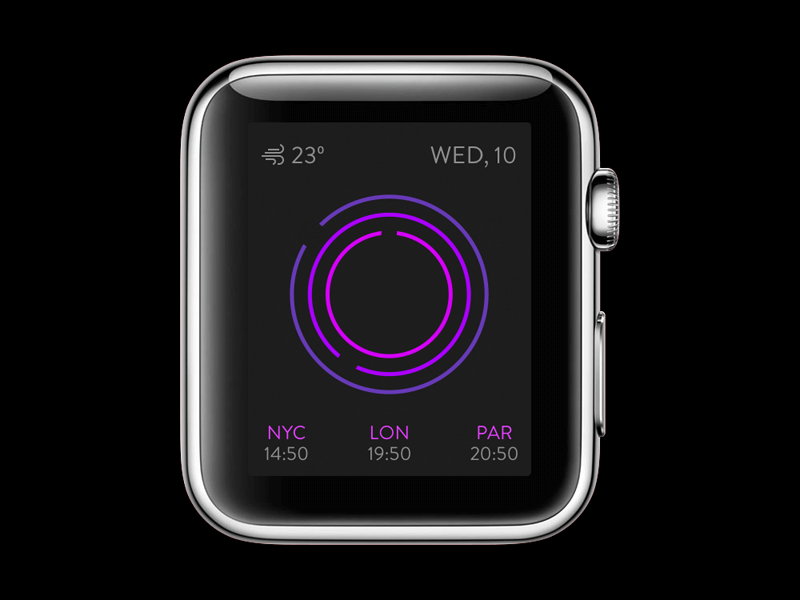
Applewatch by plearns
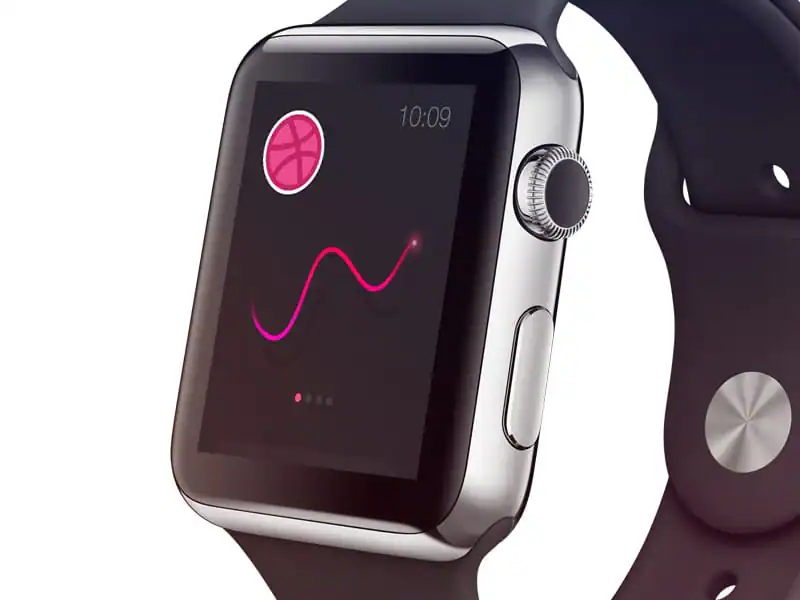
Apple Watch Japan Time by Alexander Zaytsev
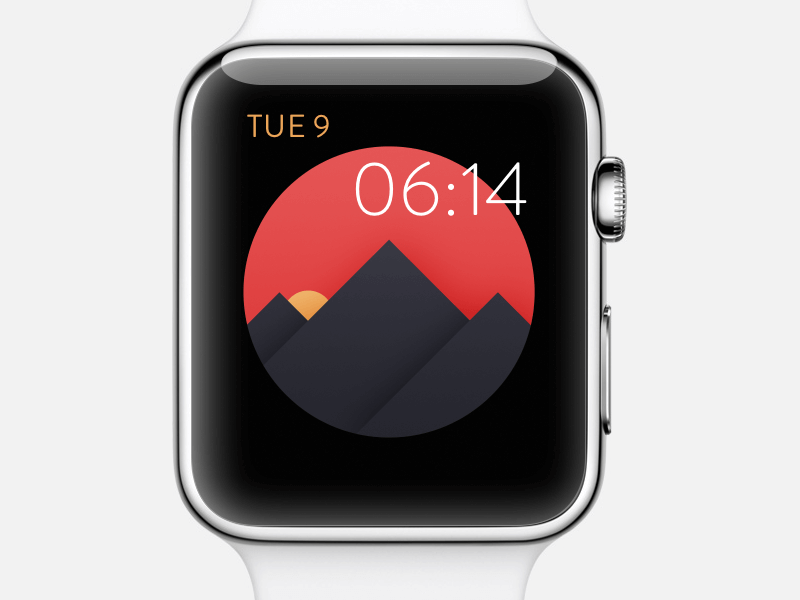
What If? by Charlie Isslander
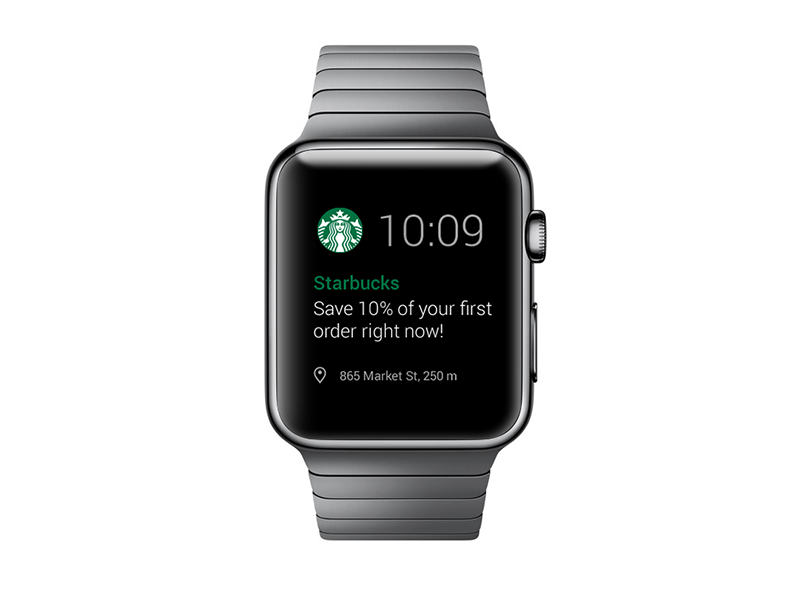
Apple Watch – Meditation App by Anke Mackenthun
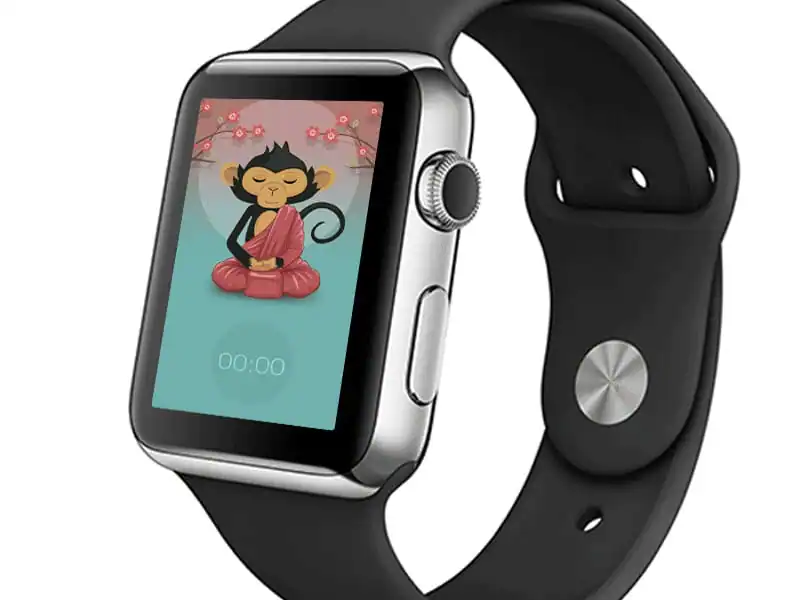
Watch Face [Concept] by Michael Dolejš
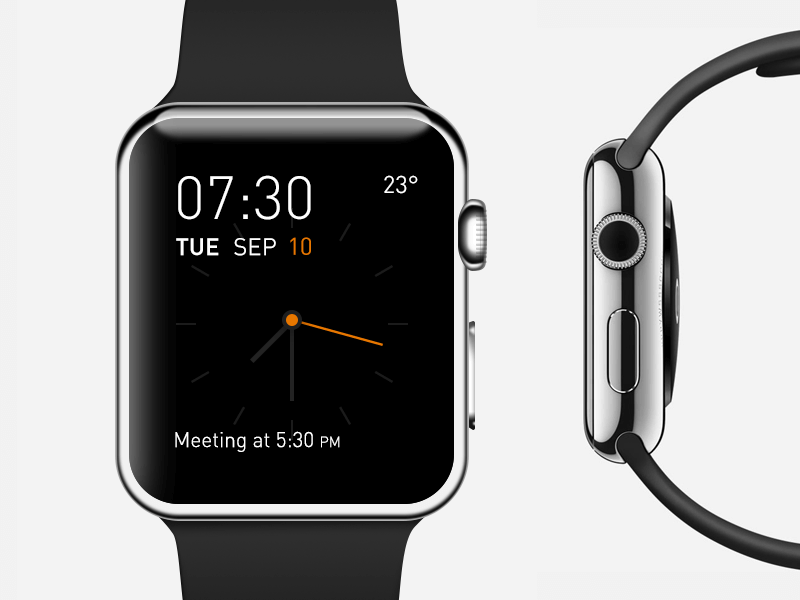
Apple watch clock by Martin Eriksson
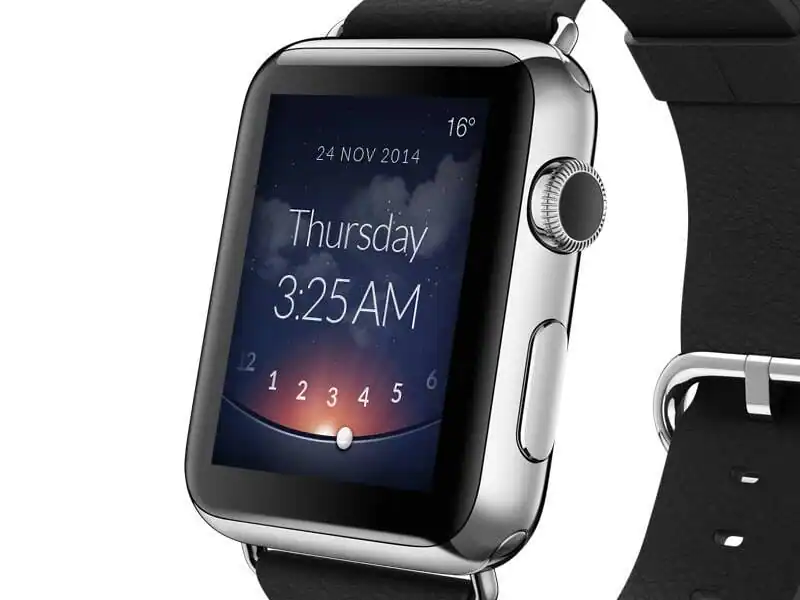
iWatch Alarm clock by Maria Clara Irisarri
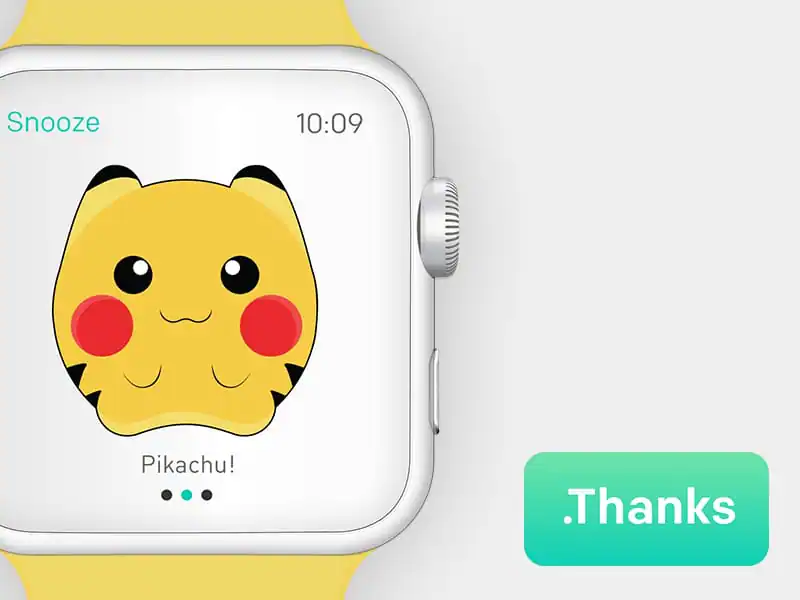
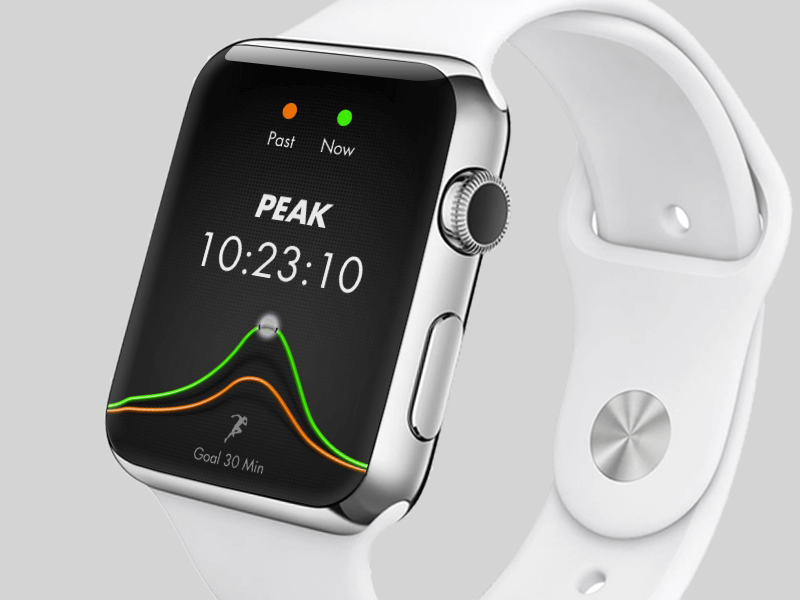
Apple Watch Running by Michael Martinho
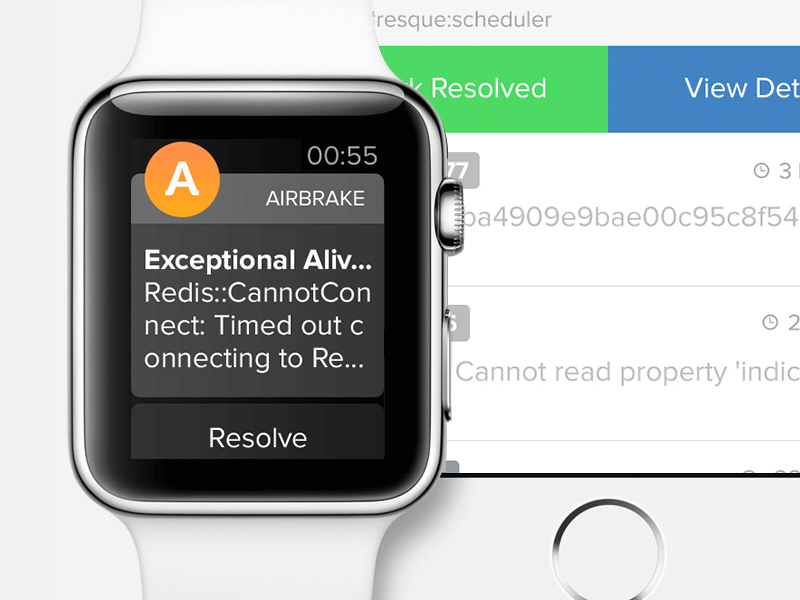
Airbrake Coming to Wrists Near You by Ivan Tolmachev
Watch by Bill Labus
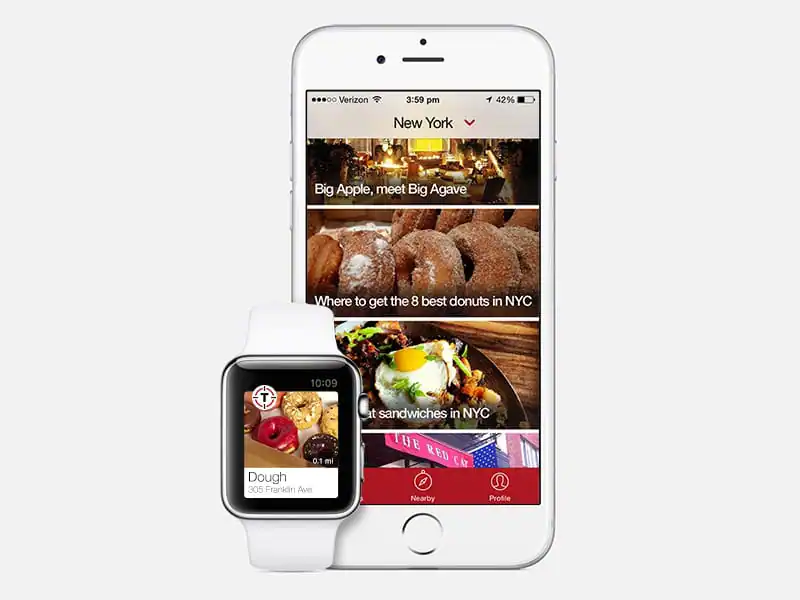
Thrillist Apple Watch Concept by Erica Virtue
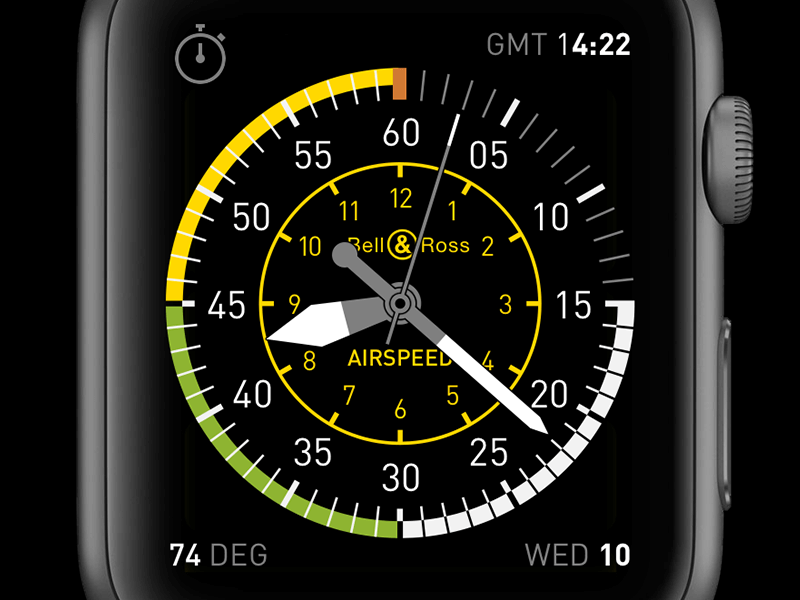
Hours for Watch #2 by Jeremy Olson
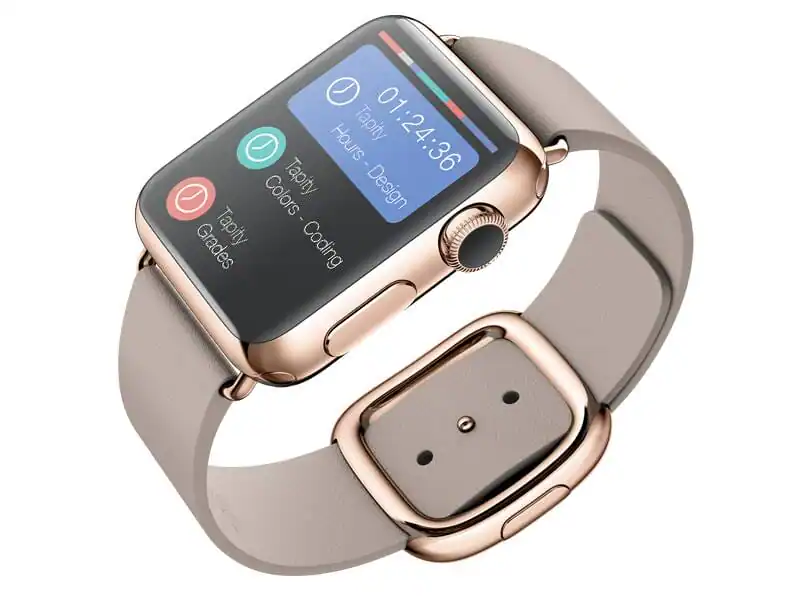
WATCH Nike Running App Concept by geo1
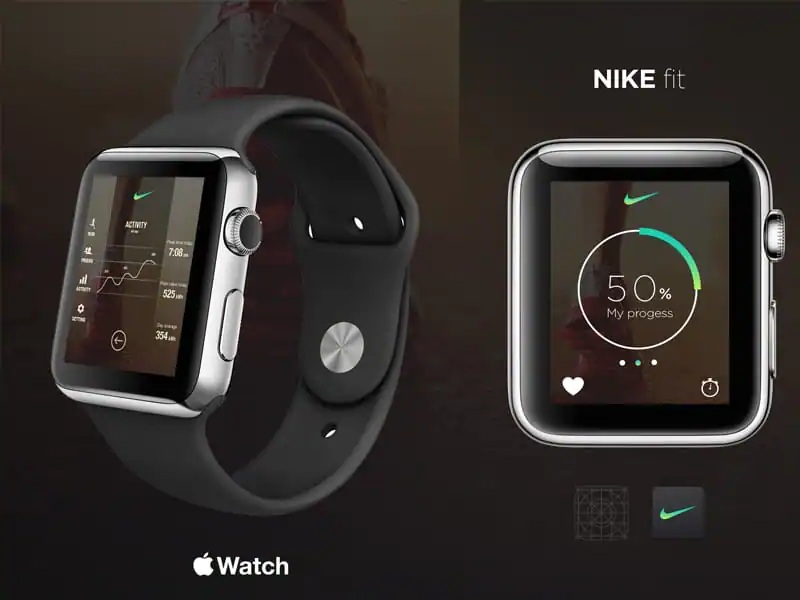
Behance Apple Watch by Tyler Gough
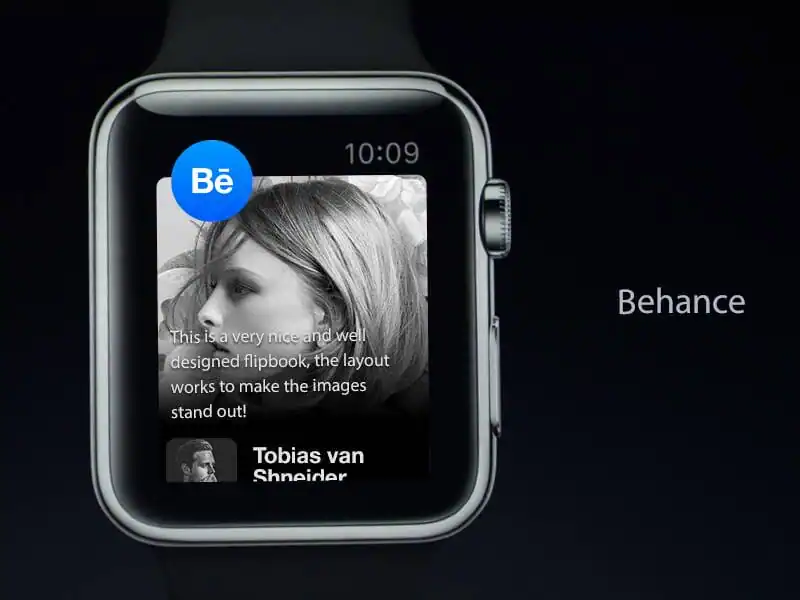
GateMe – Apple watch concept by Stefan Hiienurm
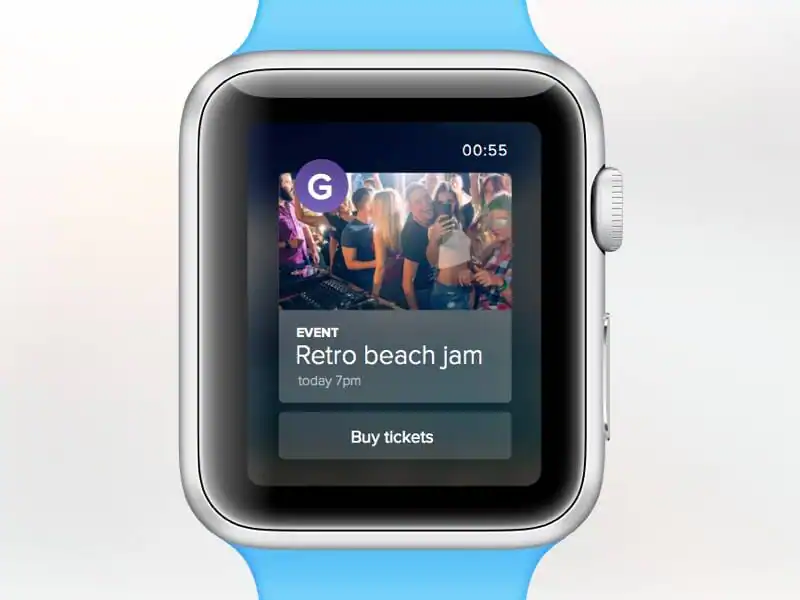
Apple watch clock 2nd by Martin Eriksson
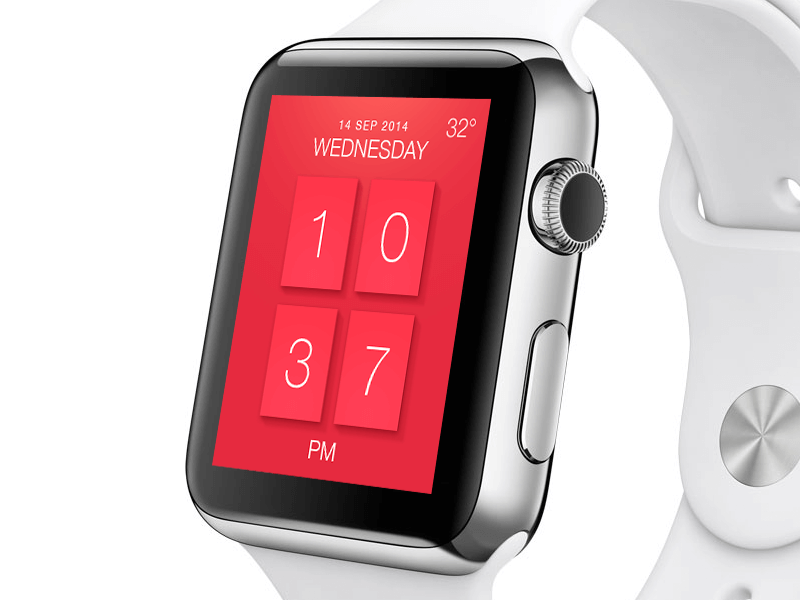
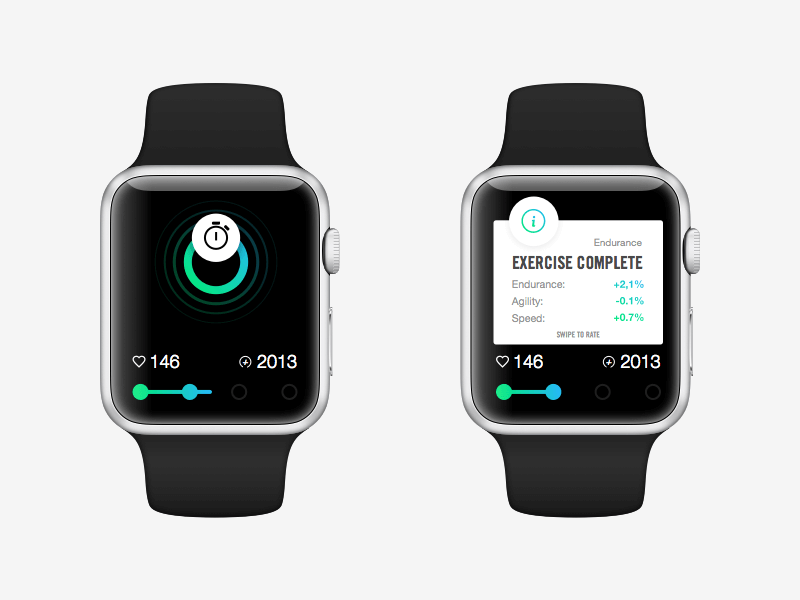
Apple Watch Activity by Rob Voets
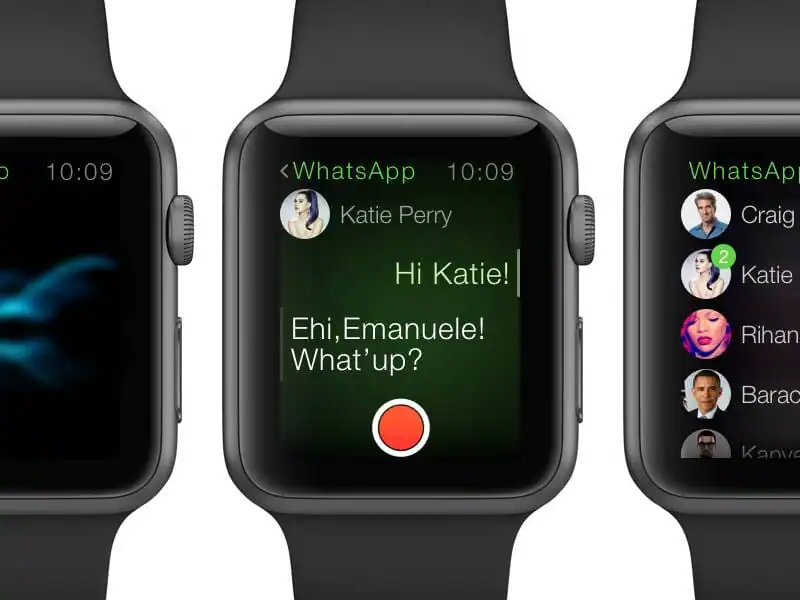
Apple Watch – WhatsApp Concept by Emanuele Macri
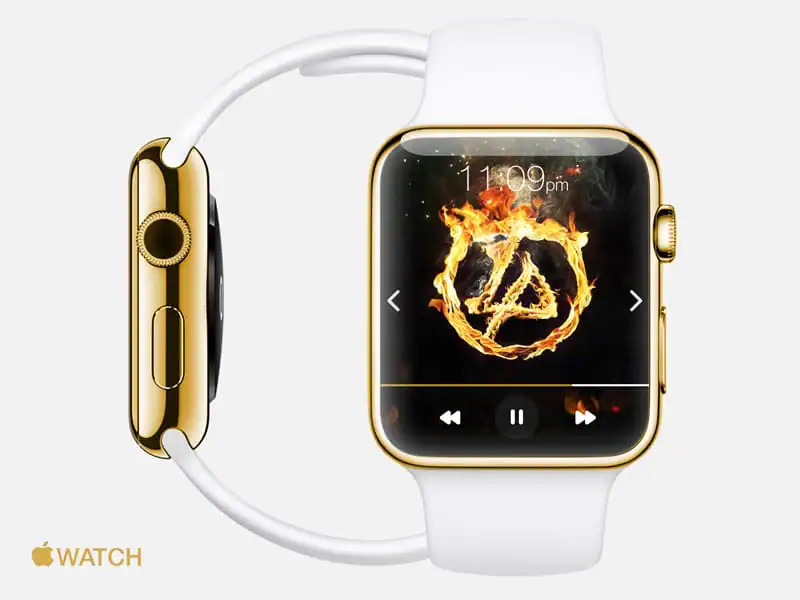
Apple Watch Music Mockup by Joe Taylor
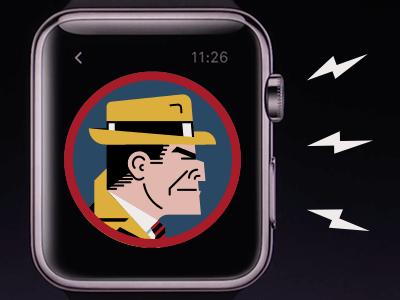
Lightning bolts… or nah? by Miguel Camilo
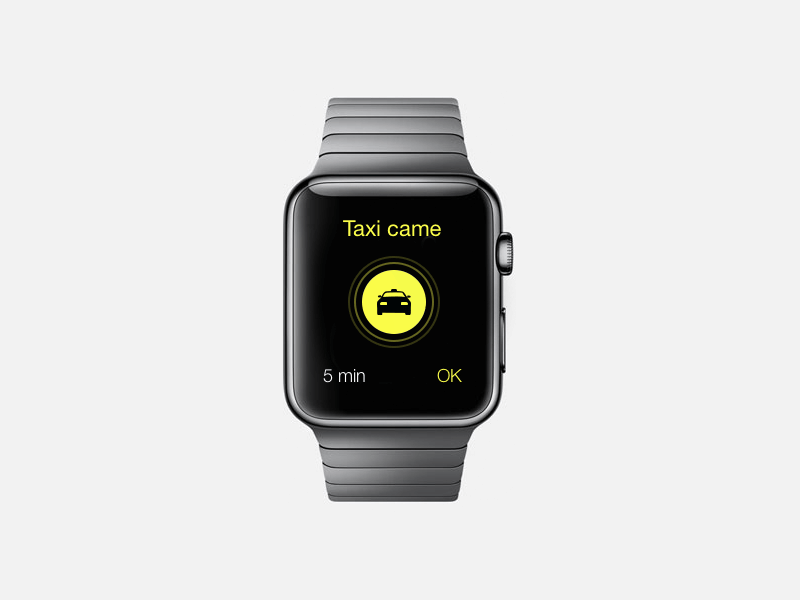
Taxisms Apple Watch Concept by Pavel Karpov
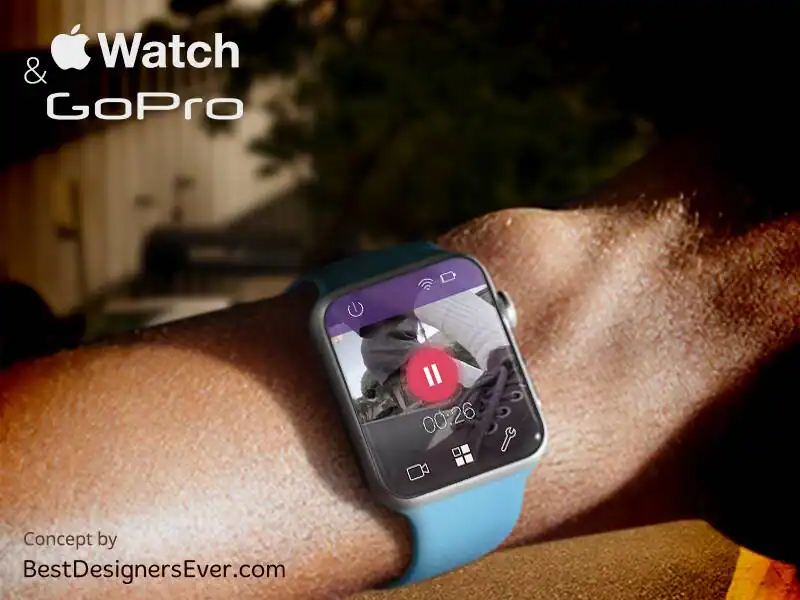
Apple Watch concept for GoPro App. by Best Designers Ever
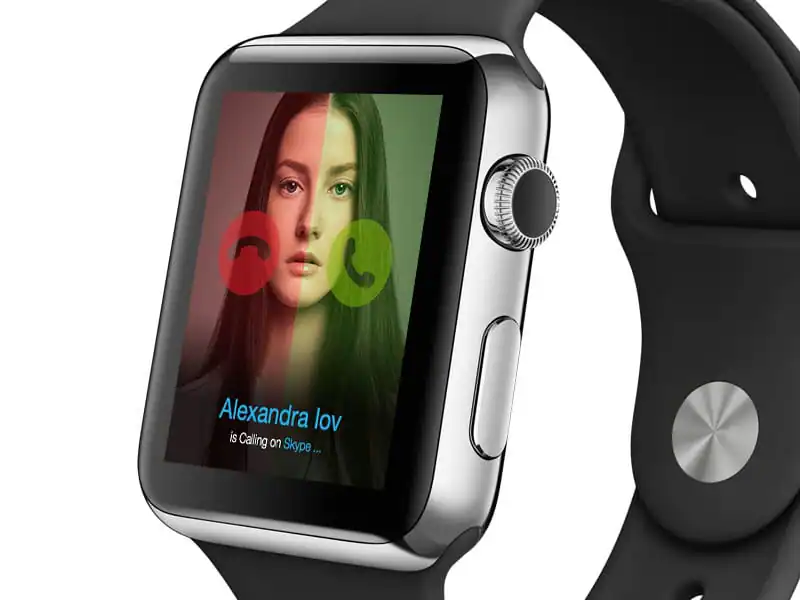
Apple Watch – Skype by Rus Adrian Ewald
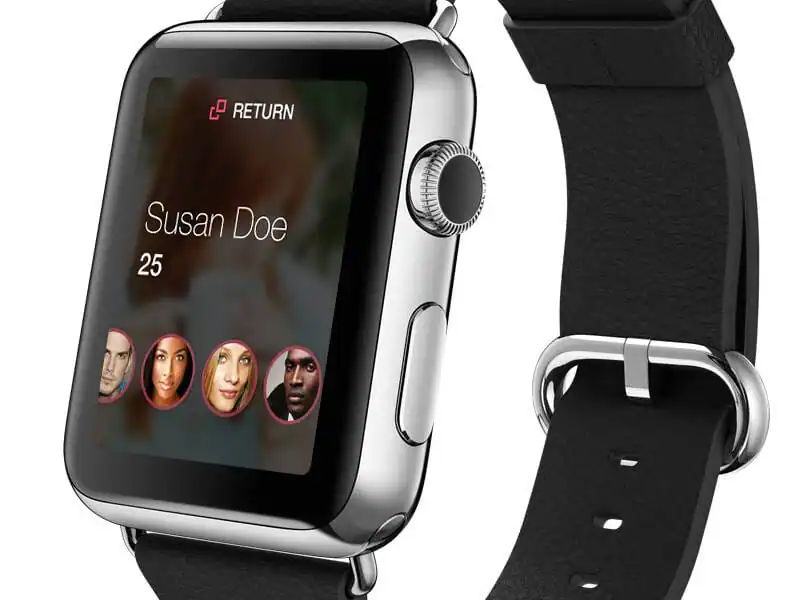
Possible Dating App for Watch by Will Taylor

Casio Apple Watch Face by Ricardo Thompson
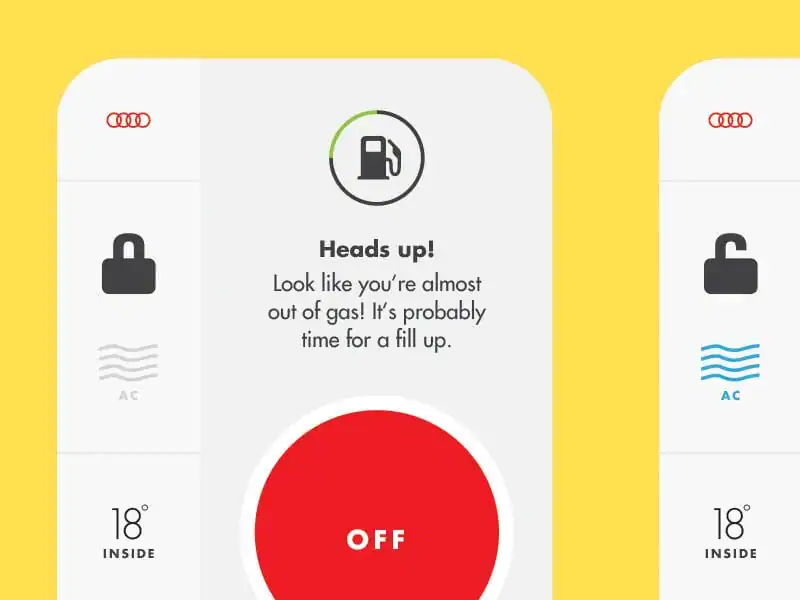
Watch UI – Audi Assistant by Shafeez Walji
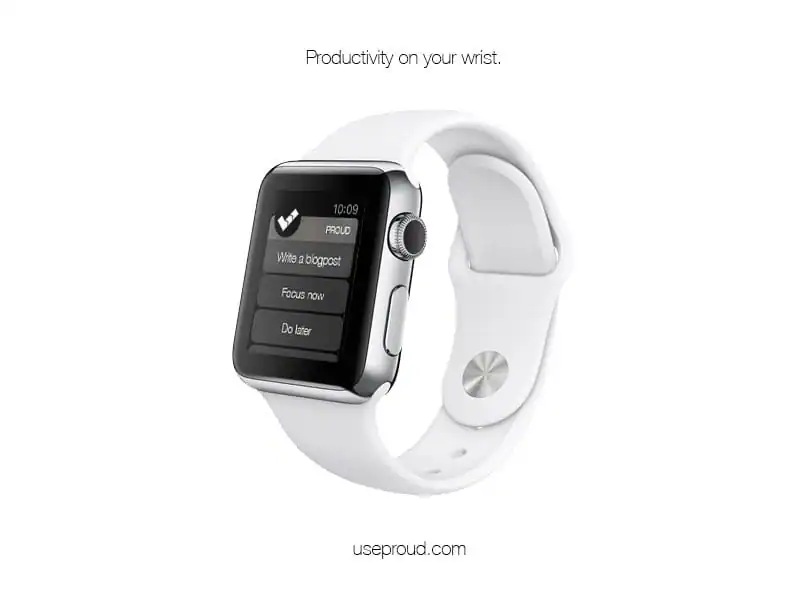
Proud on  WATCH by Piotr Szwach
 WATCH WatchFace by ×”× ×¨×™ מקס
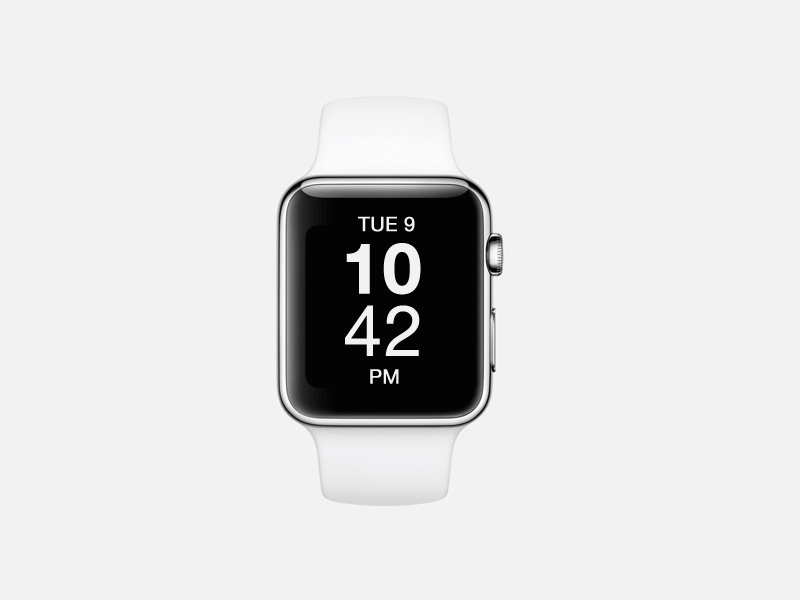
Apple Watch Mockup for Noon Pacific by Clark Dinnison
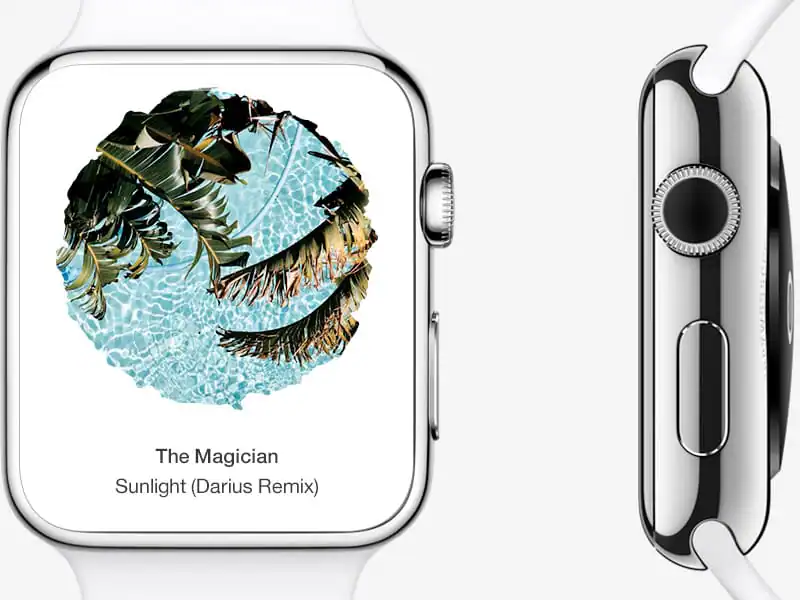
Sellf on watch by Rita Petrilli
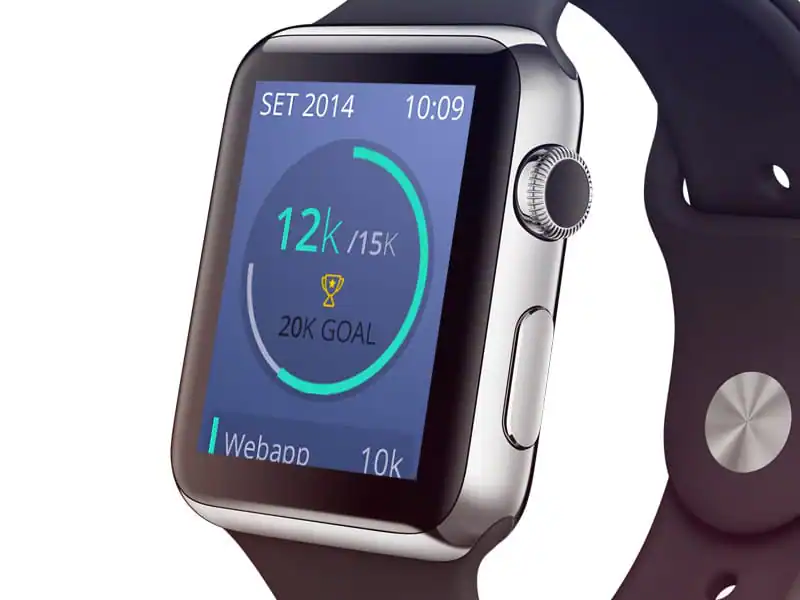
Wakie Apple Watch by Afiq Xilantra Azmi
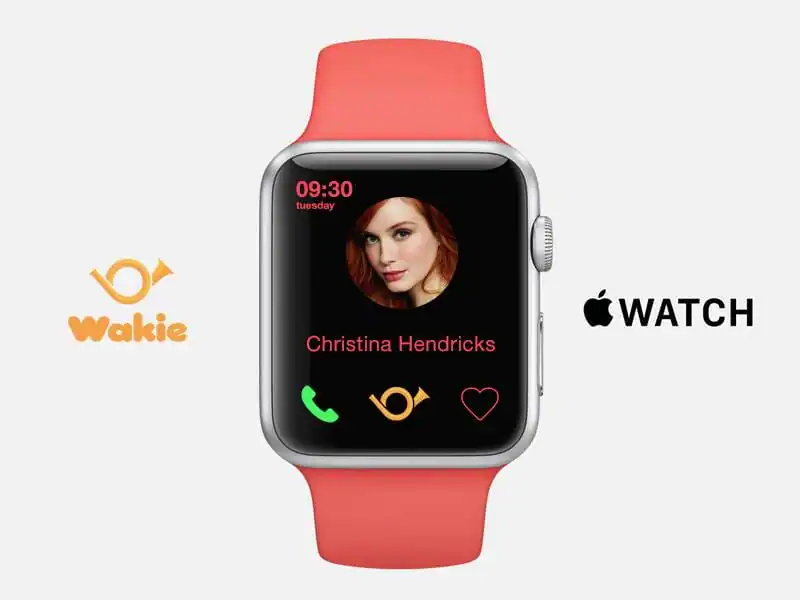

Apple Watch Mimie App by Anggit Yuniar Pradito
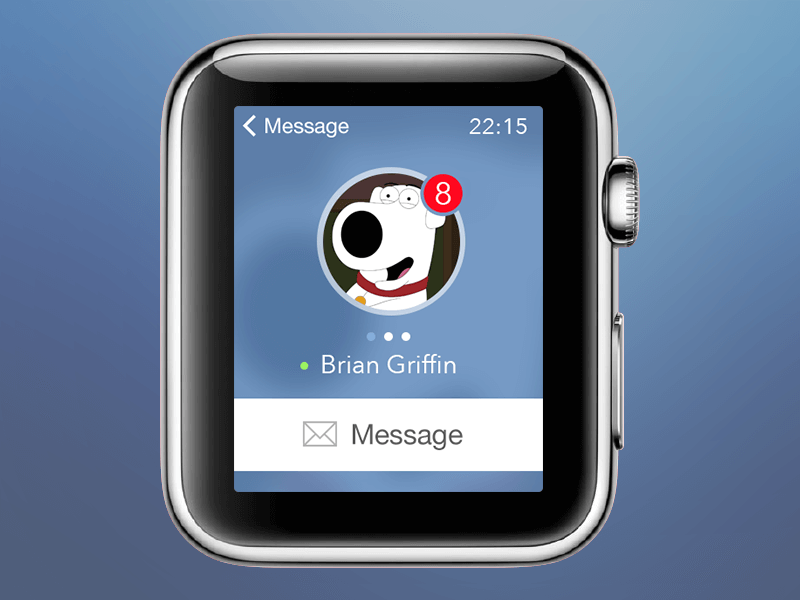
Vk messenger concept by Evgeniy Muhurov
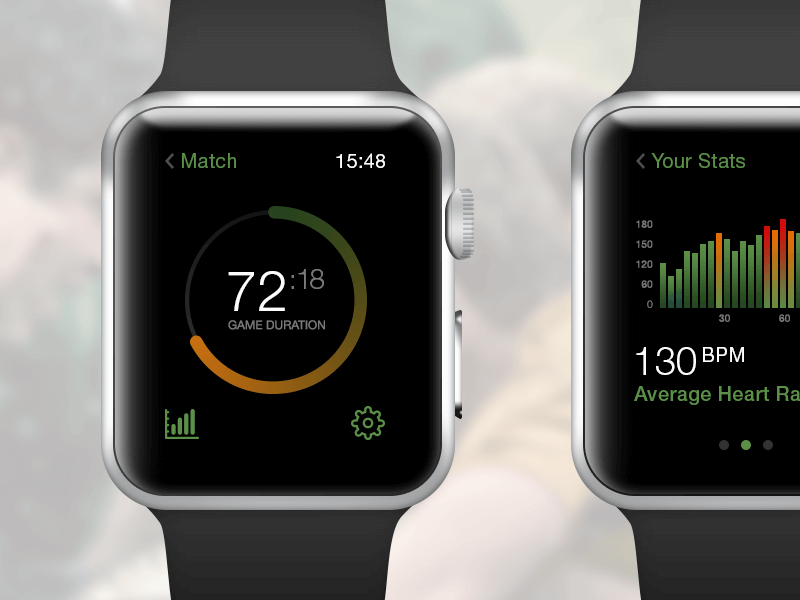
Sportmatchr Apple Watch App by XEE Tech

Apple Watch Facebook Concept by Daniel Macedo
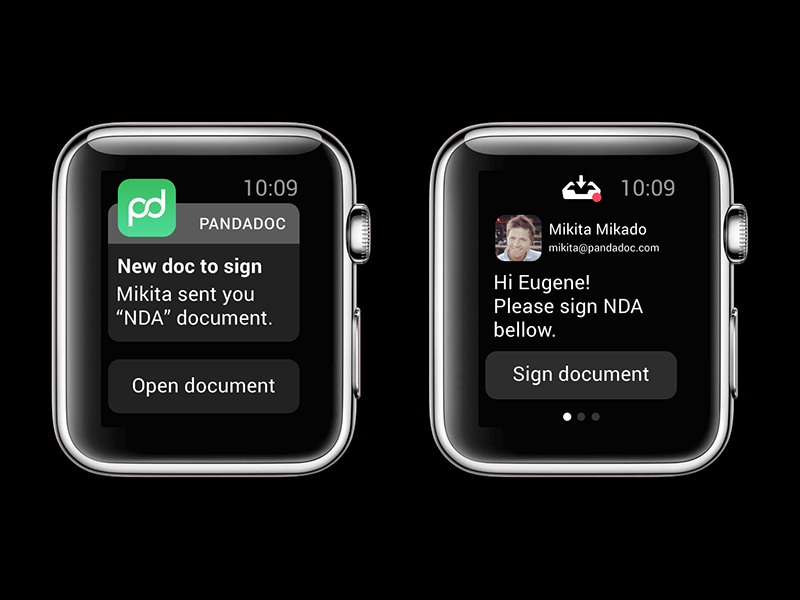
PandaDoc for Apple Watch by Eugene Nevgen
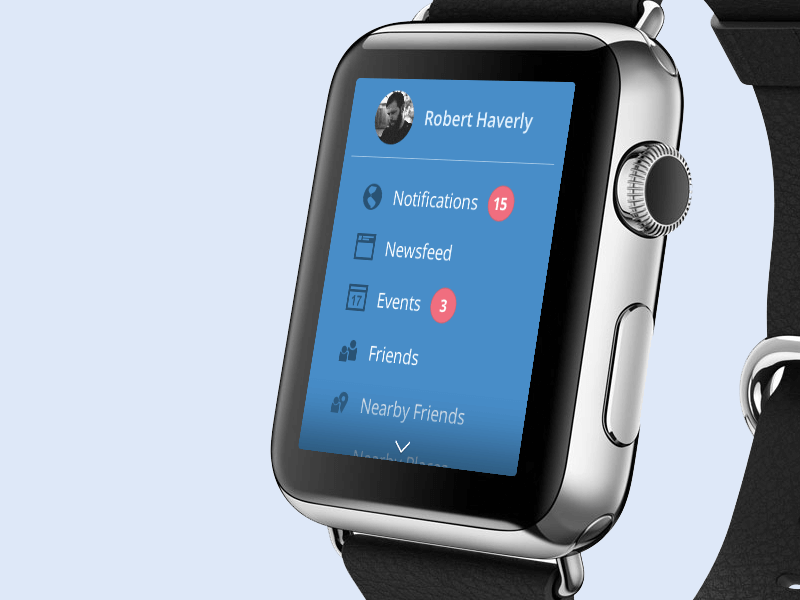
Facebook Apple Watch UX exploration by Robert Haverly
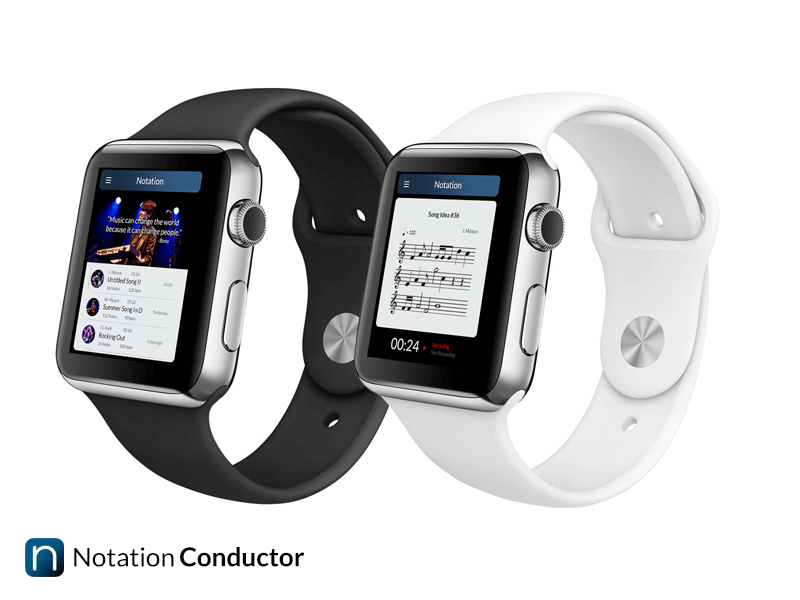
Notation Conductor for Apple Watch  by Jamie Maison
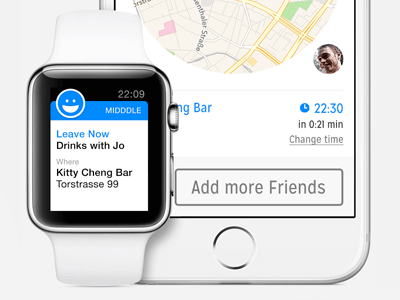
Midddle App on Apple Watch & iPhone 6 by Nico Engelhardt
Apple Watch Soccer by Bart Dunweg
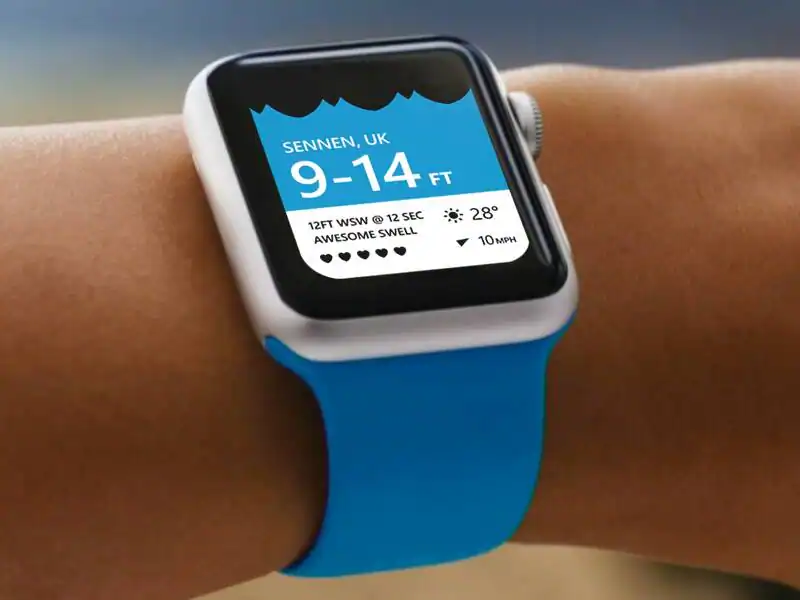
Tide For Apple Watch by Martin Spurway

Apple Time by Kevin Py
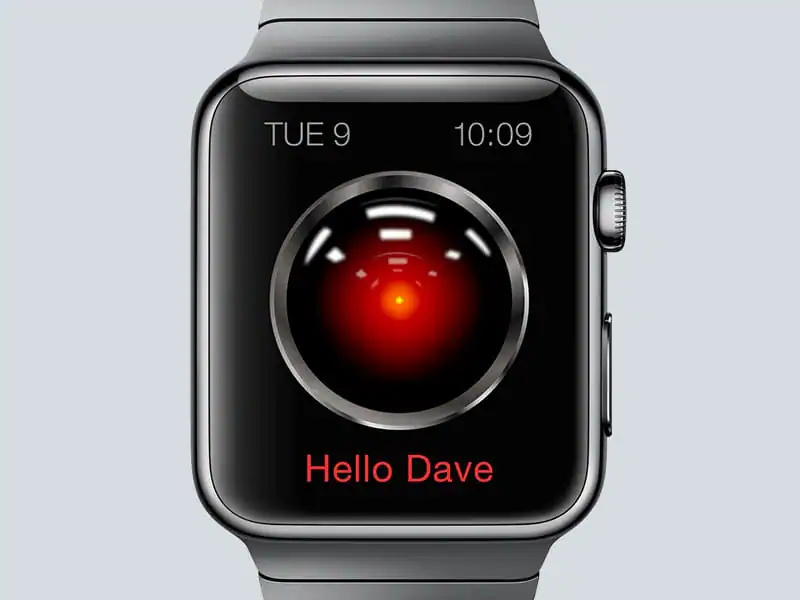
Apple Watch HAL9000 by Denys Nevozhai
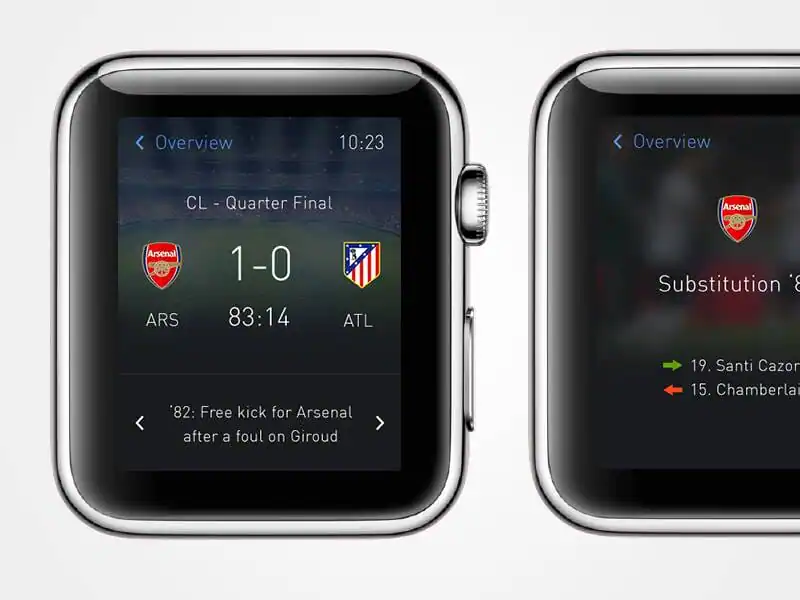
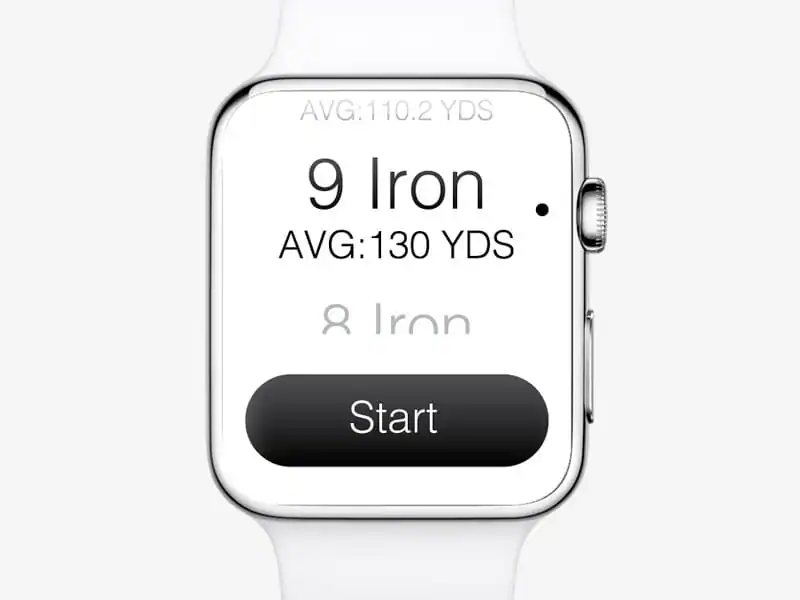
Golf Watch by Alex Korth
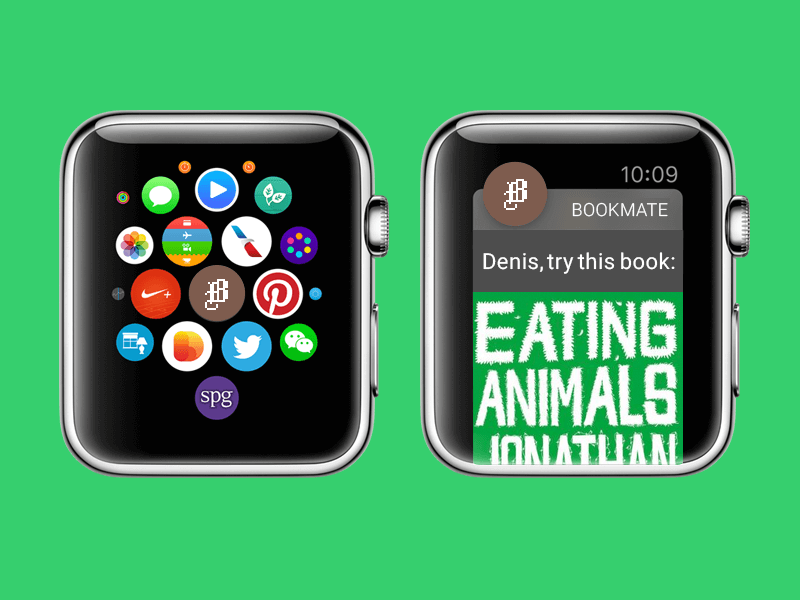
Bookmate for Apple Watch by Denis Sharypin
Apple Watch app design focuses on creating interfaces for the Apple Watch’s small screen and wrist-based interactions. Designers need to prioritize essential information, make controls easy to use, and help people complete tasks quickly without navigating a complicated interface.
A good Apple Watch interface puts the most important information first, uses readable typography, keeps interactions simple, and avoids overwhelming people with too much content. It should be designed around the specific task someone needs to complete on their wrist.
Designers can use interface design tools such as Figma to explore layouts and create prototypes. For platform-specific implementation and guidance, Apple’s developer documentation and design resources are useful references. Check the current watchOS guidelines before finalizing interface patterns.
Not every watch face concept can be installed on an Apple Watch. Some designs are visual explorations created for portfolios, while actual watch faces must work within Apple’s supported watchOS features. You can personalize supported faces and use compatible complications to display information from apps.
Download these worksheets and start practicing with simple instructions and tracing exercises.
Download now!







Making beautiful design simple & accessible to all.
View More Posts



7 Comments