



Whether you’re redesigning a popular logo or testing the UX on your latest app, being a designer is a busy job. Luckily, there are many useful tools that can help make prototyping, organizing, and managing designs more efficient. To make your work life easier, here are 7 handy design tools you can start using today.
1. Weld
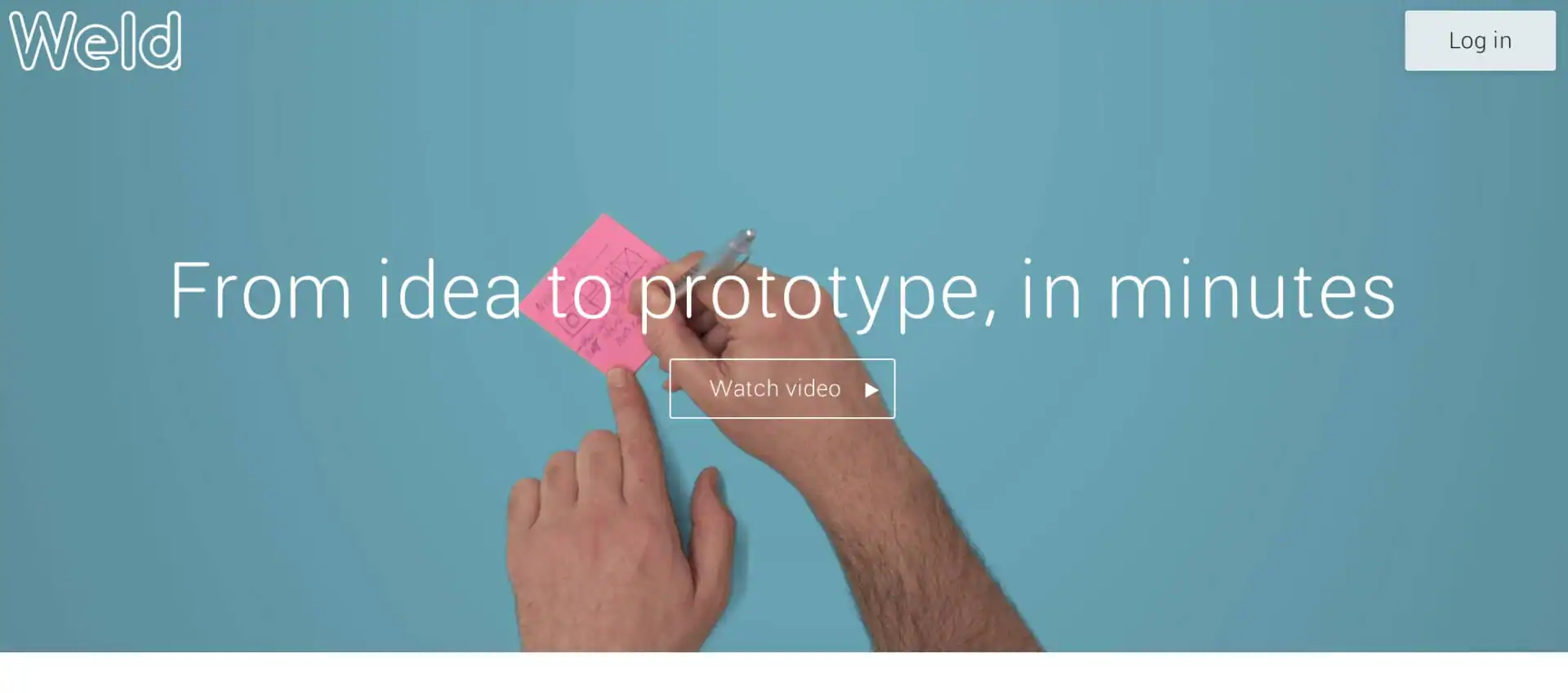
Weld strips away complexity by giving designers the power to focus on an outside-in UX approach. This prototyping tool allows you to design and share responsive interfaces without an ounce of code.
2.Tiff
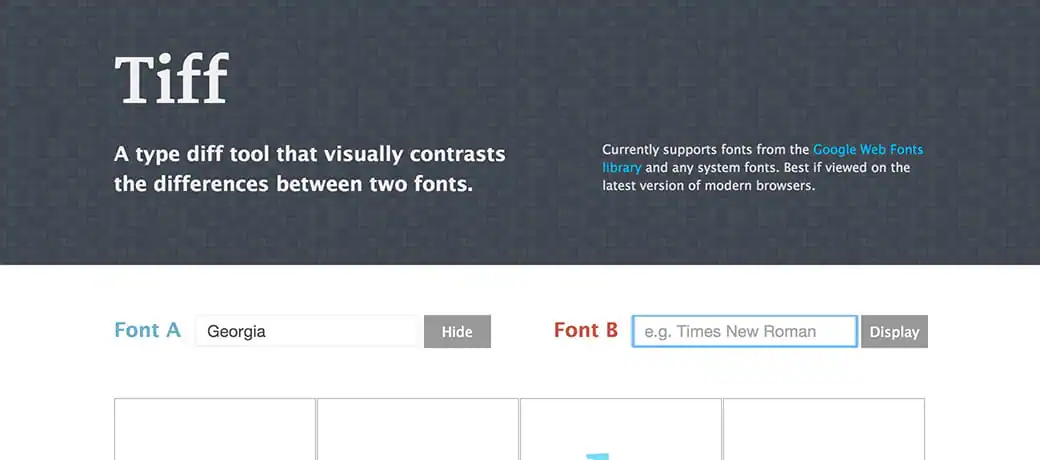
Tiff helps designers visually contrast the difference between two fonts by placing them side-by-side. Tiff works with all system fonts so you can easily compare an infinite amount of different typefaces and make faster font decisions.
3. Brandfolder
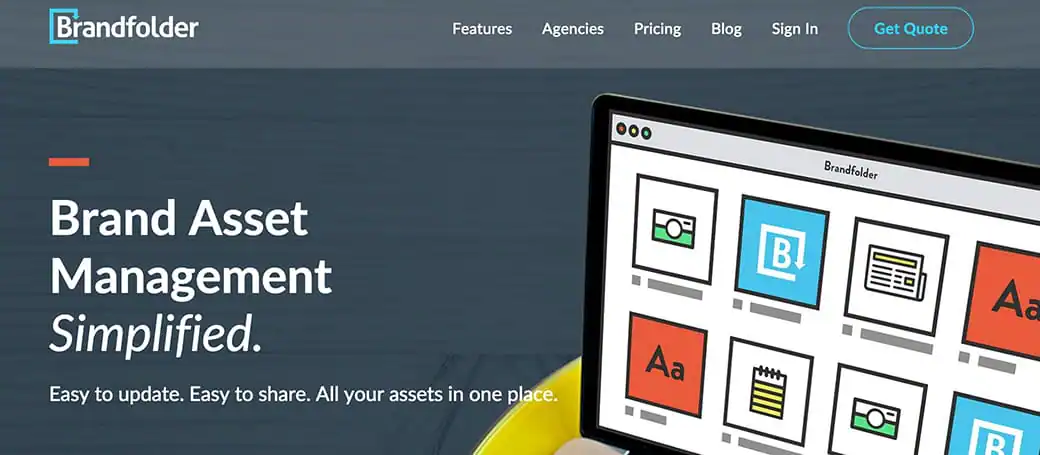
Brandfolder’s user-friendly interface makes it simple to organize logos, colors, and fonts all from a single cloud-based folder, which can be made public or private. Having all of your assets in a single location means you can quickly respond to logo requests, eliminating the need for one-off email requests.
4. WhatTheFont
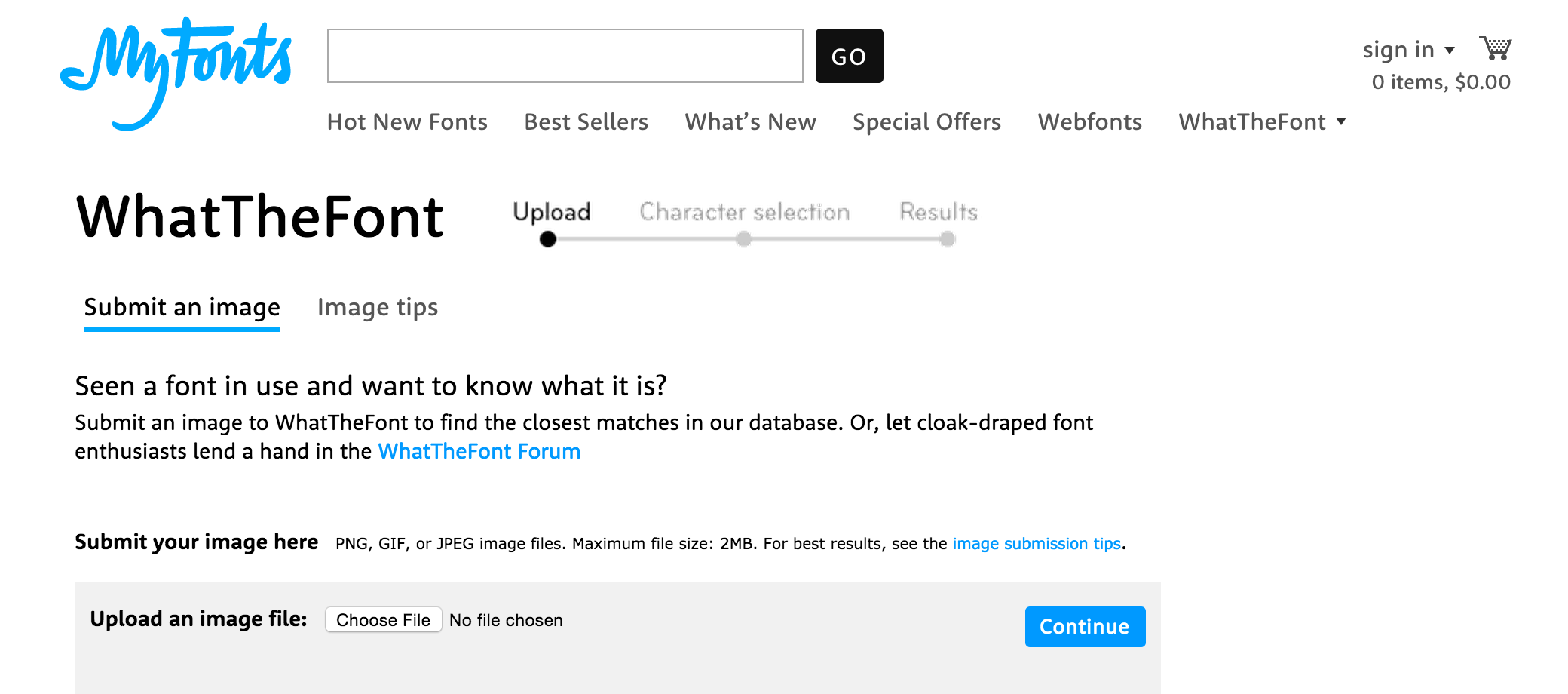
This handy site is like Shazam for typography. If you’re browsing the web and come across a font you adore, WhatTheFont can help you discover its origins. Simply upload a screenshot of the font in action and it will be matched with the name of a matching typeface.
5. Colorkit
This color tool helps designers create, manage and save their own color collections. With the ability to integrate colors into existing projects and attach them to shapes and text, organizing colors has never been easier.
6. Userbrain
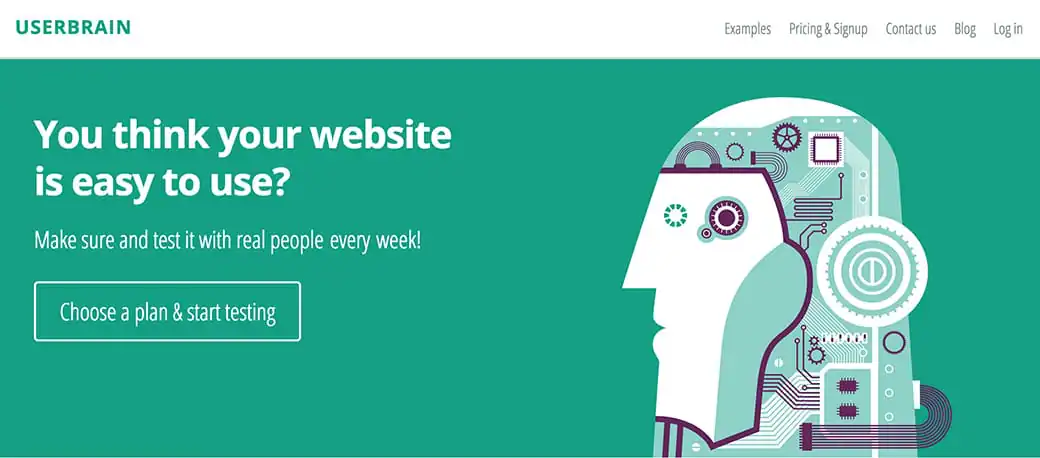
With Userbrain, designers can get new users to test out their website each week. By providing you with frequent feedback, Userbrain makes it easy for you to identify issues and make necessary changes as soon as possible.
7. Unroll.me
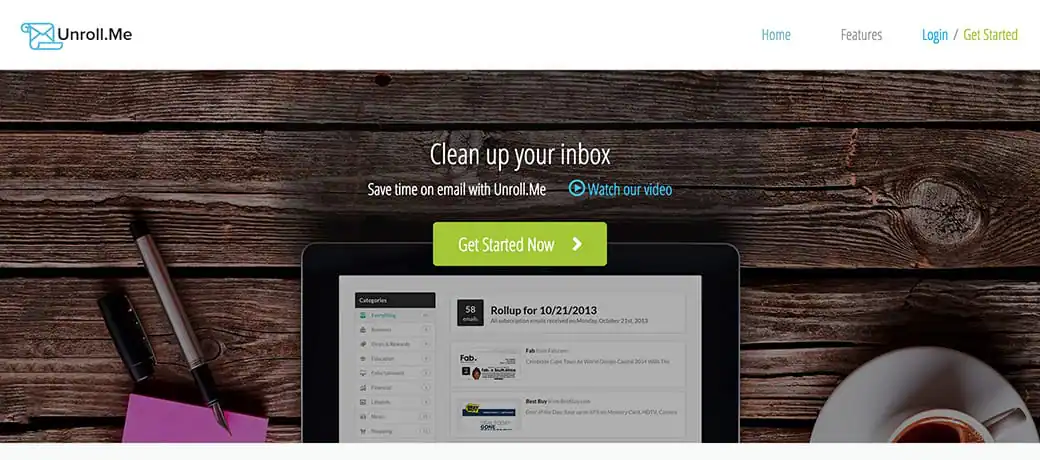
This smart subscription organizer makes it easy to unsubscribe from all those mass emails cluttering your inbox. You can also opt to have your emails organized into a single daily email, ensuring that you receive only the messages you want, exactly when you want them.
Products Seen In This Post:
What Did We Miss?
Do you use any of the tools above to make your workflow more efficient? Which are your favorite? Also let us know if there’s anything you’d add to the list.
Michelle Polizzi is the Content Coordinator at Brandfolder, where she manages a branding and design blog. She enjoys interviewing the creative minds behind successful brands, and writing in-depth articles about everything from typography to package design.

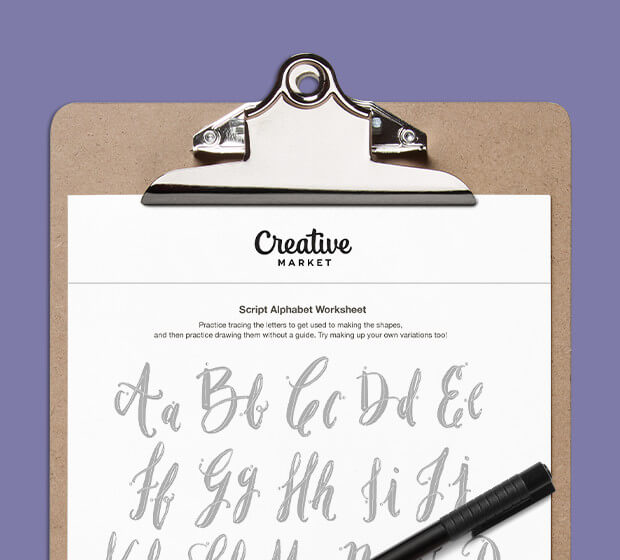
Download these worksheets and start practicing with simple instructions and tracing exercises.
Download now!







Making beautiful design simple & accessible to all.
View More Posts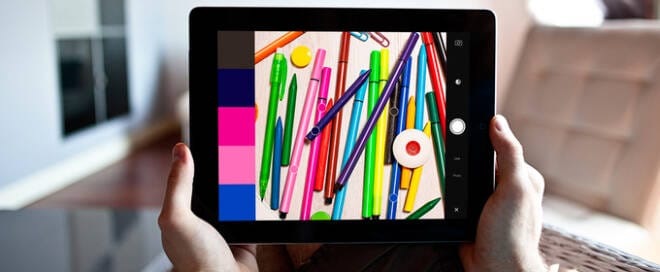

11 Comments