Categories / Tutorials

Learn The Trick to Creating Seamless Patterns in Illustrator

Creative Market Last updated: April 4, 2024 · 1 min read

We’re teaming up with Skillshare to bring you some fantastic premium design tutorials. In this post, you’ll see an excerpt from Bonnie Christine’s class on surface pattern design. She’ll teach you how to quickly and easily create seamless, repeating patterns in Adobe Illustrator. If you’ve ever tried to make a seamless pattern on your own, you know that it’s a tricky task. Bonnie’s method is so simple though, you won’t believe how quickly you can make awesome vector patterns. This is just a small sample of Bonnie’s awesome full course on pattern creation. Head over to Skillshare to view the other videos.

Popular Patterns



getpaidtowrite-banner

Lettering Worksheets
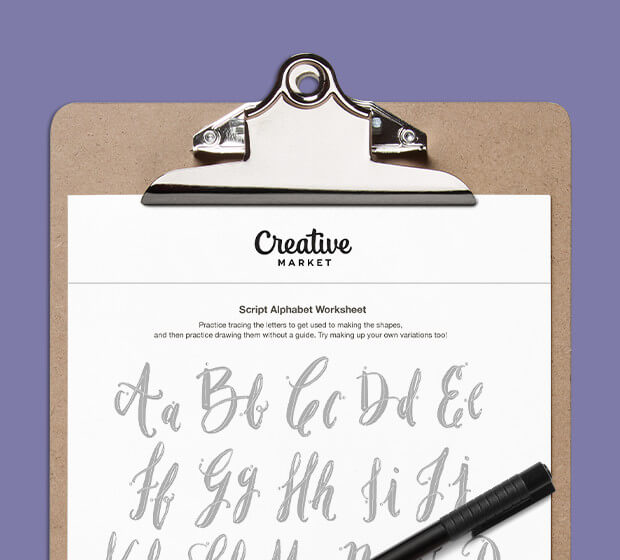
Getting started with hand lettering?
Free lettering worksheets

Download these worksheets and start practicing with simple instructions and tracing exercises.

Download now!
About the Author
Author
Creative Market

Making beautiful design simple & accessible to all.

View More Posts


Go to My Shop
Related Articles
5 Comments
  • I love Bonnie! I took her course and haven't looked back yet. Great investment. :) 11 years ago
  • I signed up for this course a while ago but haven't made it through yet, though it's great so far. Thanks for sharing the best part! I didn't realize how many cool tricks there are in Illustrator for doing this, especially the swatches and recolor tools. 11 years ago
  • This is great, thank you so much. 11 years ago
  • very useful! thank you so much! 11 years ago
  • Bonnie is always helpful...with sharing good tips.. thanks 7 years ago