



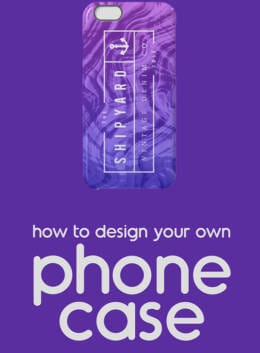
Ever wanted to personalize your own cell phone case? This week we’ve got a new design tutorial to share with you – and all you’ll need are free products! We’re working hard to make Creative Market the world’s best marketplace to buy creative digital goods. Even if you’re not ready to buy something though, you can still enjoy the site. We give away not just one, but six free goods every single week. On to this week’s tutorial:
Materials
Liquid: 10 Abstract Backgrounds
Video
Steps
- Download the free* products above. The mockup file is not a free good this week, but it isn’t required to design the case either.
- Create a Photoshop document
- Place a background and scale it
- Create a gradient fill overlay
- Set the fill mode to “color”
- Open the logo pack and select your favorite.
- Customize the type and color
- Place it on top of your background. Scale and rotate as desired.
- Optional: open the mockup file and open the smart object layer, inserting your cover art there.
- Upload your design to a site like Society6 or Zazzle to produce the physical case. The file size in this tutorial (1300px x 2000px) fits Society6 cases.
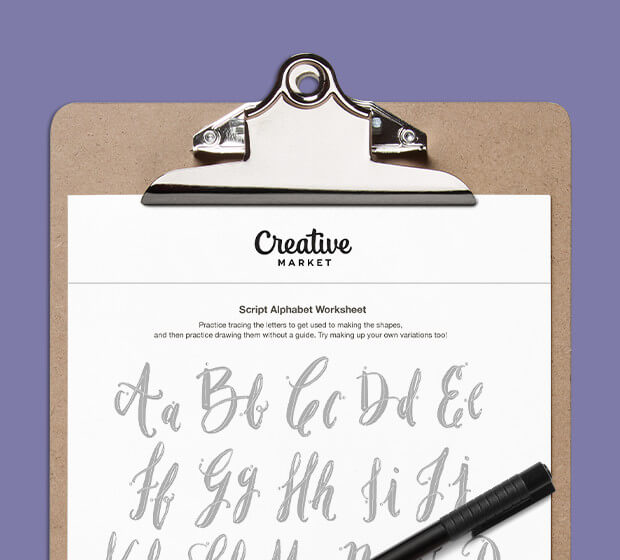
Download these worksheets and start practicing with simple instructions and tracing exercises.
Download now!






My mission is to help people create while offering amazing value on every product I produce.
View More Posts



2 Comments