



We’ve been going together for seven months now and we’ve had some fun times, a few laughs, but now feels like the right time to take our relationship to the next level. We like you, you like us, so why not make it official? That’s right creatives, we’re in “like” with you and we’re not afraid to show it.
Last week we released our new “Likes” feature across the marketplace, making it even easier for you to keep track of the products that catch your eye and also to share the love with the artists that created them. To use this new feature, there are two different ways you can “Like” a product.
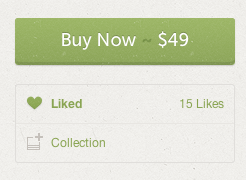
The first is directly on the product page. On each product, right under the big green “Buy Now” button, you’ll now see an option to “Like” and add to a Collection. When activated, the “Like” button will turn green and let you know that you liked this product.
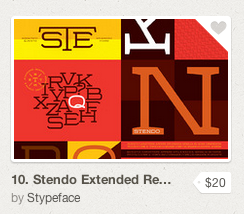
You can also “Like” products right on the homepage and category pages while you’re browsing around. Hover over any item and a little heart will be revealed in the top right corner. When you click that it will change to green and show that you liked this item.
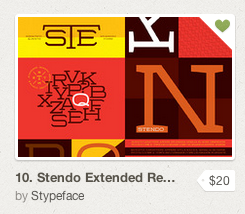
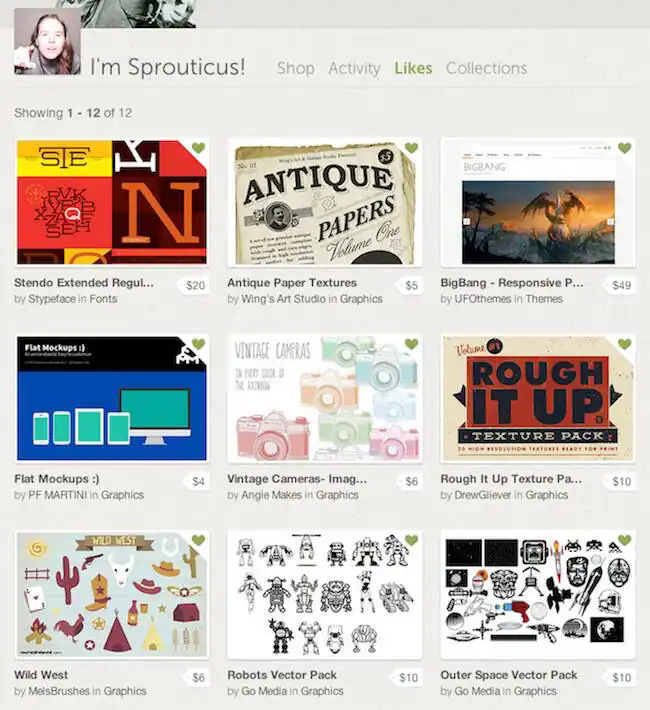
Where do all of these likes go, you ask? The products will be added to your “Likes” section on your profile page where you can manage and unlike any products you might have changed your mind about. To do this, you would just click that little green heart and then product will be grayed out and gone the next time you visit this page.
We hope you don’t mind us being so forward, but we have such an awesome community and sometimes we just can’t contain ourselves. Stay tuned for even more great features and updates to come!
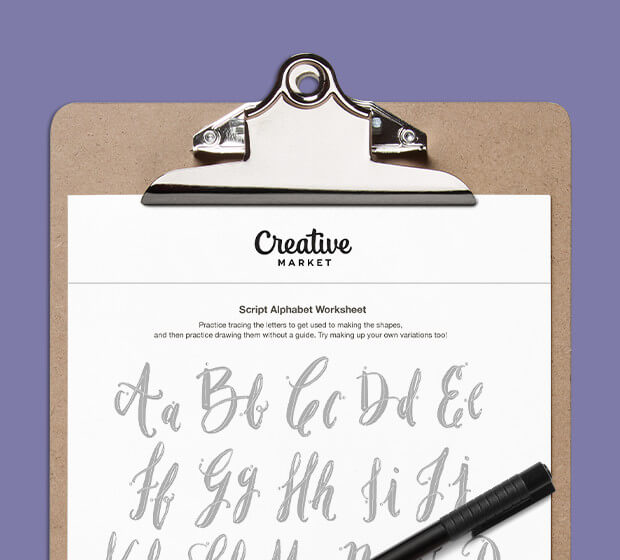
Download these worksheets and start practicing with simple instructions and tracing exercises.
Download now!






Tinkerer. Maker of quirky fonts with a sprouty disposition.
View More Posts


20 Comments