



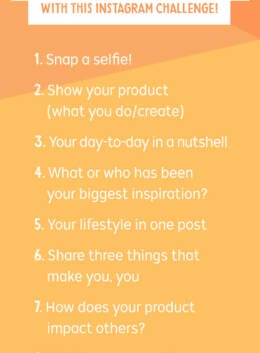
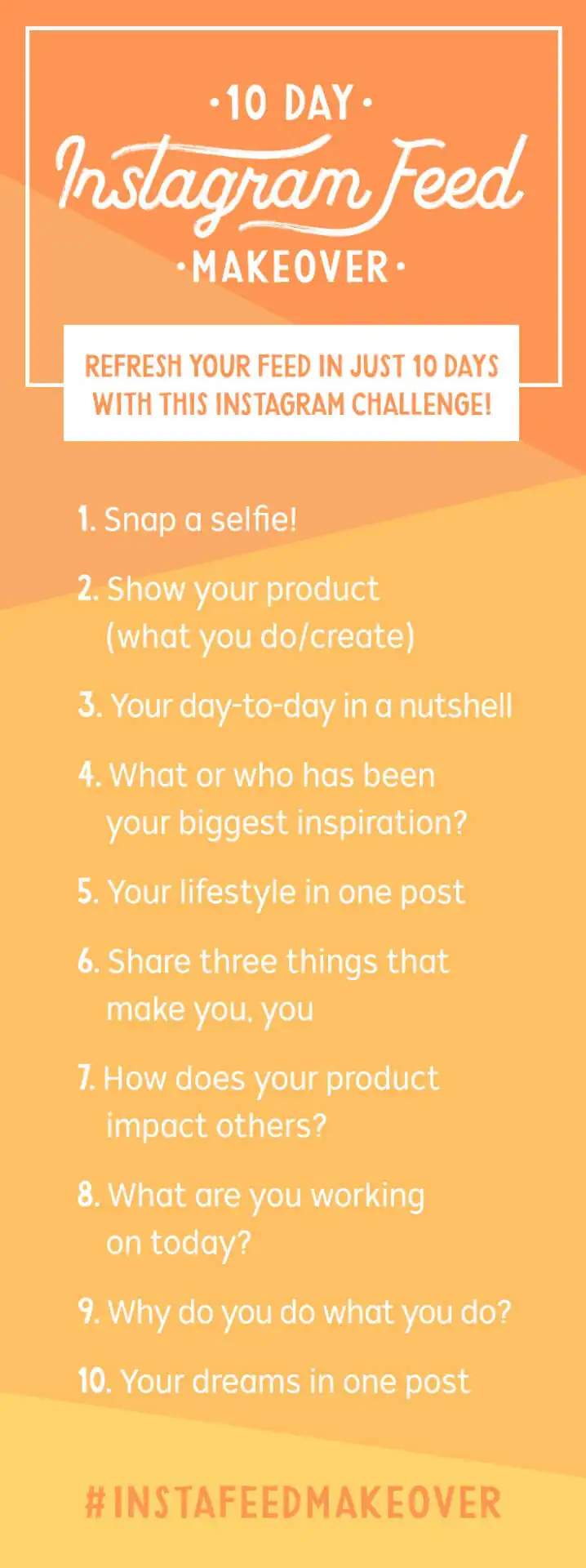
Does your Instagram need a little refresh? It’s your lucky day! To celebrate our new Social Media templates category, we’re launching a 10-day Instagram Makeover Challenge!
We’ve lined up 10 daily prompts that will encourage you to post something new and relevant every day for 10 days. Head over to the Creative Market Instagram account to learn more and join the challenge!
To kick the challenge off, we’ve asked Rosemary Watson, a brand stylist & strategist, to share 10 important strategies for anyone who wants to up their Instagram game. Rosemary is an Instagram powerhouse and has even developed a course on the subject. We’ll let her take it from here.

Step 1: Gather Inspiration
The first step to any great project is to gather up ideas and inspiration. One of my favorite new ways to organize all those juicy nuggets is to use Instagram’s new Saved Images and Collections.
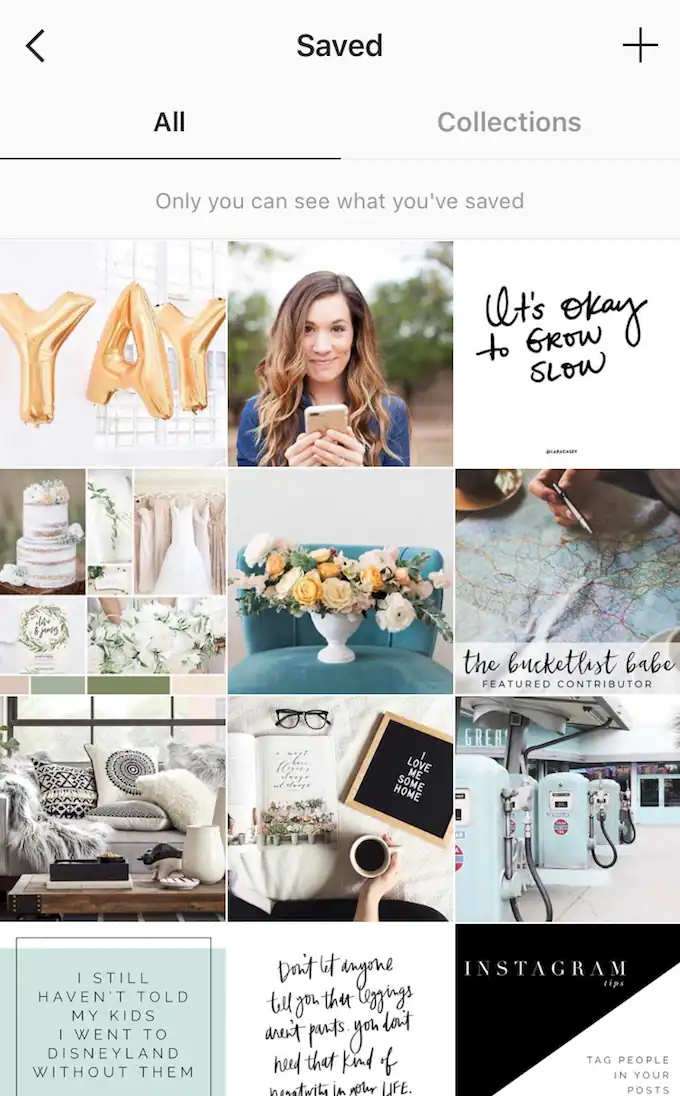 That little flag in the upper left corner of your profile can unlock a smorgasbord of gorgeous posts from all around Instagram. Whenever you spot something you love on the platform simply click that handy little flag, and it’s stored safe and sound within Instagram, and then organize them with ease in the Collections.
Step 2: Know Your Brand Keywords
We always want to make sure we are representing our personal brands on all our social media platforms, and especially Instagram because it’s so very visual. I tell my students to think of their Instagram feeds like their own personal magazines. If you went to the magazine section of Barnes & Noble, what magazine would your personal brand be closest to? What are the three most fitting adjectives that would describe your magazine?
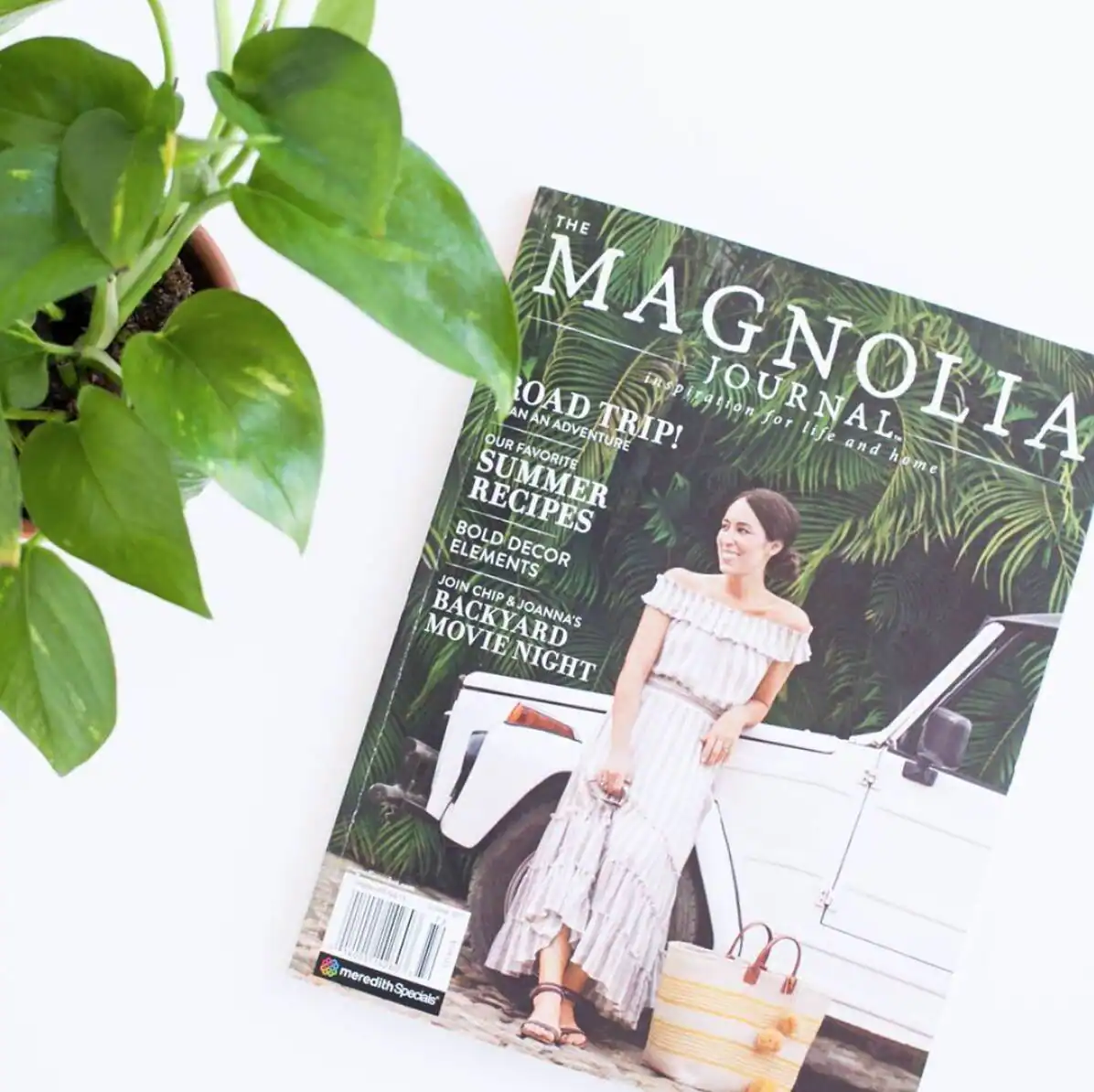 Make sure every post you share on Instagram embodies those adjectives so you can show up consistently and allow your Instagram followers to know you, like you, and trust your brand because you’re showing up the same way every day. The three brand keywords or adjectives you select will be the “North Star” to all your design decisions. It’s so important to have that clarity before you start designing all willy nilly.
Step 3: Pick a Color Palette
This is where the fun part starts my friends. All of us creatives love jumping into color! Here is where you get to choose: Are you going to stick solely to one brand palette, or will you change up coordinating color palettes throughout your feed? I actually switch out my color palette inspiration each week by starting off my Mondays with a Mood Board Monday theme.
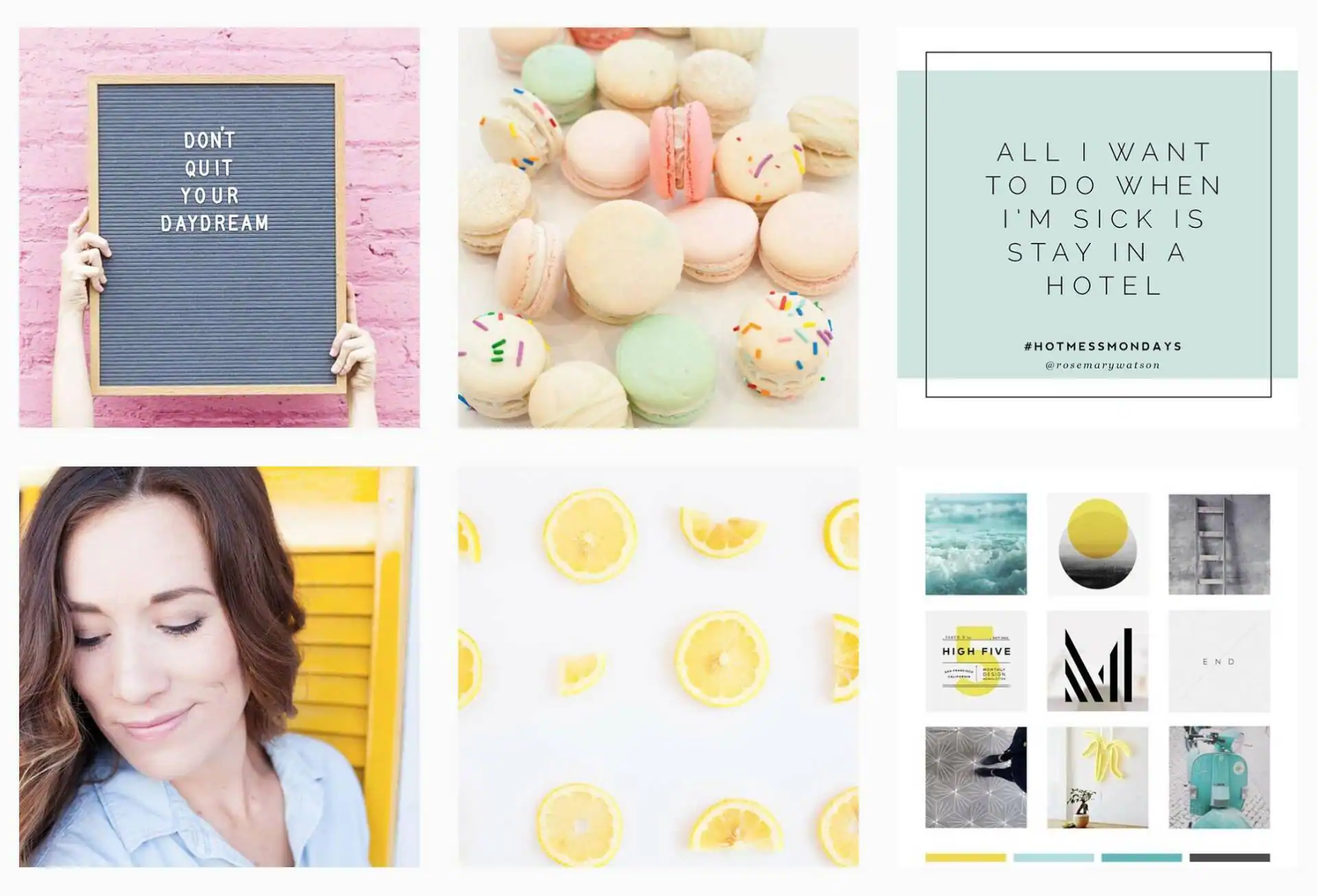 Then, I plan out the visuals for the rest of the week based on the colors of that week’s color palette. No matter what you choose, there are a TON of fantastic resources on Creative Market where you can get amazing color palettes to guide your Instagram Refresh, like this Ladypreneur Branding Kit from Station Seven.
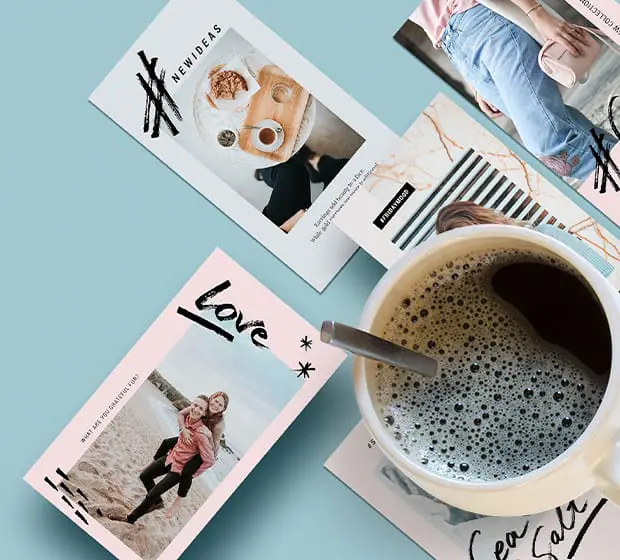
Download this kit to quickly export Instagram shots that match your brand’s visual style. PSD and AI files are included, as well as a moodboard to display your brand’s assets.
Download it nowStep 4: Choose Your Fonts
Another one of my favorite parts is selecting the fonts I’ll use in graphics on my Instagram feed. Fellow font lovers like me can sometimes go overboard trying to share every single font they fall in love with, but it can produce a less polished and less cohesive feed.
Stick to three main fonts for your Instagram feed. This will prevent design overload for your followers, and it will make your posts more easily recognizable as your followers are scrolling through Instagram.
Step 5: Brainstorm Some Recurring Themes
Using content themes for your Instagram posts is the fastest way to make your Instagram Refresh simple and streamlined. Come up with daily themes you can share every single week and create templates based on those themes.
 Some of the different themes I have used are Hot Mess Mondays, Happy Hour Fridays, Instagram Tip Tuesdays, Friday Introductions, and Sunday Prep. Once you have topics to consistently create posts around, your audience will start expecting and looking forward to your theme days.
Step 6: Plan Your Content
Using Editorial Calendars, I will sit down and create a plan for all the posts I will be sharing for the week or month. Visualizing what you are going to share enables you to make sure your posts all work together towards your goals. It also gives you a checklist of the different content you need to create and schedule. If you’re in the market for an Instagram Editorial Calendar, you can find a free one on my blog here.
Step 7: Curate Your Images
Now that you know what you’ll be sharing on Instagram and when you’ll be sharing it, it’s time to gather up all the images for your posts. After all, Instagram is a visual platform. Creative Market is the perfect place to start when curating images. There are so many talented photographers to choose from, so you’re sure to find photos that fit your brand style. Here are a few of my favorites…
Rosemary Watson | Productions (of course!)
Step 8: Create Your Graphics
Once you’ve decided on the perfect images for your brand, it’s time to think about any graphics you’ll include in your posts. This is where having those new Social Media templates from Creative Market will save you so much time. I especially like this Instagram Mood Board template by CreativeWhoa.
Step 9: Get Personal
If there is one thing I cannot stress enough about Instagram, it’s to show up on your feed! Start gathering up those selfies! Or, work with a photographer if you need to. Either way the world wants to see you. I like to use the rule of thumb that there should be a photo of you in every single 9 grid, or every cluster of images 3 down and 3 across.
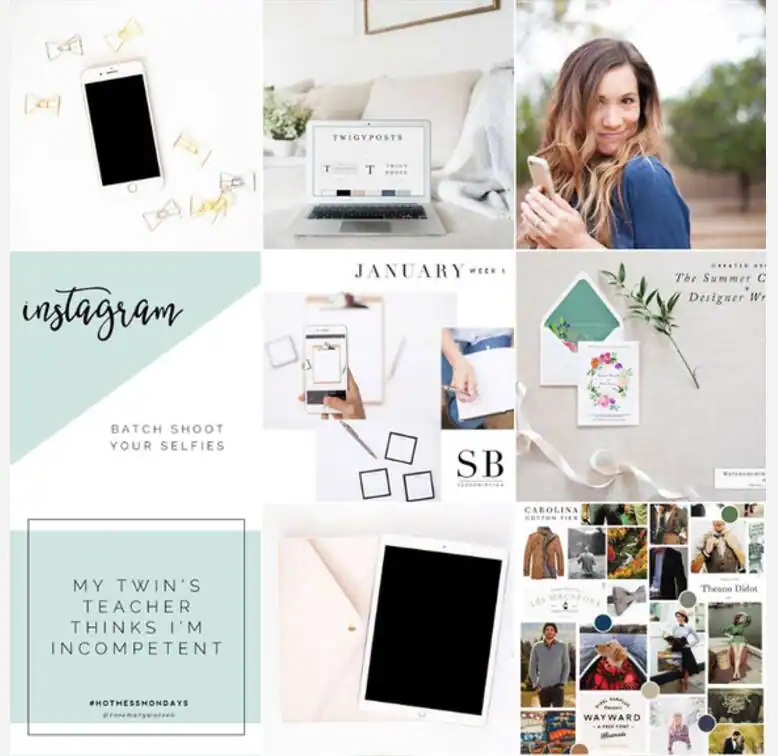
Step 10: Check the Layout
And last but not least- make sure you check all the visuals together to ensure you are creating a stunning and refreshed Instagram feed that serves as your virtual magazine. There’s so many apps to help you do this nowadays, but I really love The Preview App. It allows you to drag and drop your images, use filters, and rearrange as needed (in case you need to squeeze in a new image)!
Let the Refresh Begin!
Hopefully these tips have empowered and inspired you to refresh your Instagram feed and start getting all you can out of this very powerful social media platform. I’ll be joining Creative Market’s Instagram Makeover Challenge this week on my Insta account, I hope you will as well so you can put some of these tips into action.
 Thanks so much for joining me for this blog post. If you have any questions at all, please don’t hesitate to leave a comment below, or even email me at info@rosemary-watson.com. I’d be happy to chat!
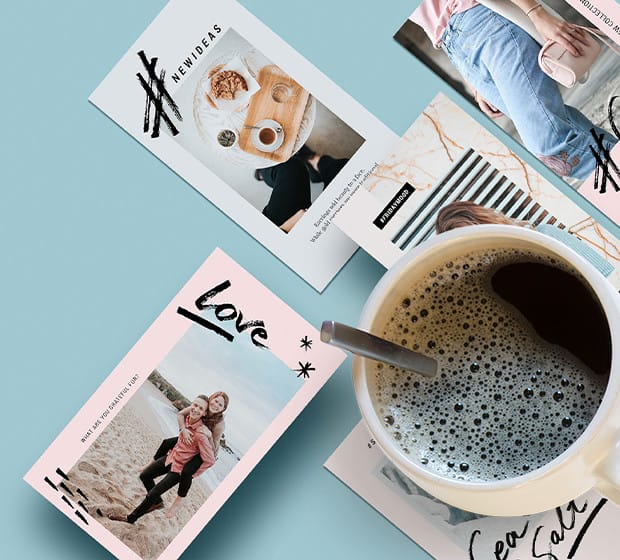
Download this kit to quickly export Instagram shots that match your brand's visual style. PSD and AI files are included, as well as a moodboard to display your brand's assets.
Download it now




11 Comments