



With Photoshop CC now on what seems like a constant update schedule, it’s harder than ever to keep up with this ever-evolving, ever-expanding application. Even in the last few months, all kinds of new features have popped up, and if you’re not familiar with them, you could be falling behind in your craft. Fortunately, we’ve got you covered and have scoured the Internet for the freshest easy Photoshop CC 2014 tutorials.
Quick Overview
If you’re looking for a quick overview of the newest Photoshop CC 2014 features, here’s where you should start:
Extract Assets
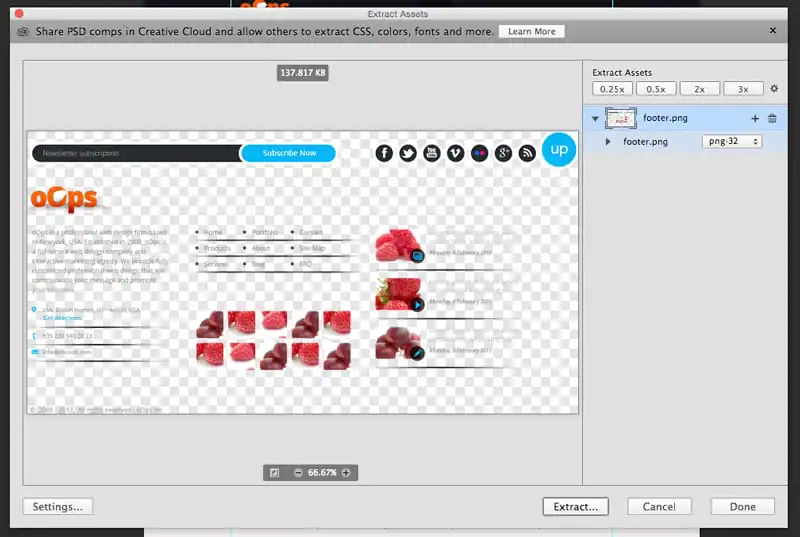
Photoshop may get a bad rap from some web designers, but it miles beyond where it used to be and each new release has more features aimed at simplifying design workflows for the web. The latest release completely revamps the Photoshop Generator tool into a new, robust, Extract Assets dialog. Here are a couple of tutorials to get you started.
Blur Gallery
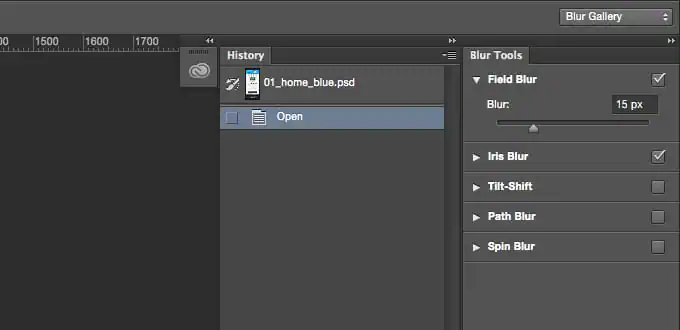
You simply can’t have too many blur tools at your disposal. The new Blur Gallery contains a powerful set of professional blurring utilities, such as the ability to blur along a path.
- How to Rock the New Blur Gallery in Photoshop CC 2014
- Master Photoshop CC 2014’s new Path Blur
- The New Path Blur in Photoshop CC 2014
Guide Layout
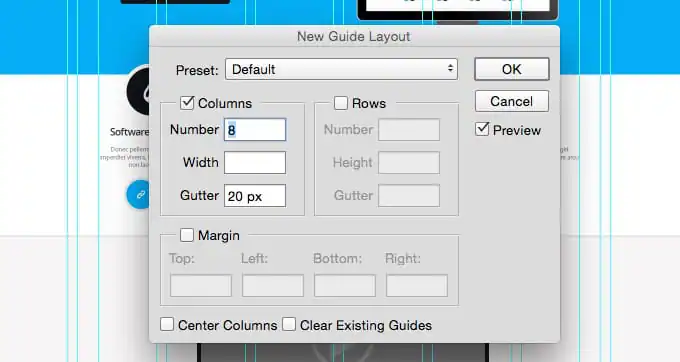
has served us well, but Photoshop is now baking in many of these features right out of the box. With the new Guide Layout tools, you can quickly create a uniform grid of guides or even convert vector shapes into guides.
- New Guide Layout and New Guide from Shape in Photoshop CC
- Photoshop CC 2014.2 — New guide layout (October 2014 new release) tutorial
3D Printing
Creative Market is an Autodesk company, so you know we’re all about 3D printing. The latest version of Photoshop includes some features that allow you to print real-world 3D objects. Thanks to the simple explanations in these tutorials, we’ll definitely be trying this out soon!
Smart Objects & Layer Comps
Smart Objects and Layer comps have long been go-to tools for serious Photoshop professionals. With Photoshop CC 2014, the two come together beautifully. You can embed an external PSD as a Smart Object and easily swap between Layer Comps. If you only learn one thing today, it should be this. This functionality can have a drastic impact on how you build website and UI mockups.
- Smart Objects and Layer Comps in Photoshop CC 2014
- Photoshop 2014 – Deep Dive on Linked Smart Objects and Layer Comps
Focus Area
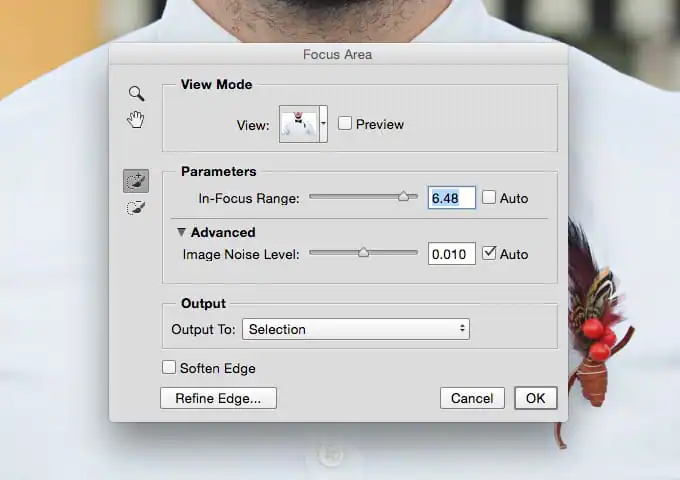
Photoshop CC 2014 has a really cool feature that allows you to pinpoint selections to only the portion of the image that’s in focus. It’s a remarkably useful feature if you find yourself swapping out backgrounds a lot.
- How best to use Photoshop CC 2014’s new Focus Area selection tool
- Focus Area Selections — Photoshop CC 2014
- Adobe Photoshop CC 2014 – Focus Area Selections
CC Libraries
This is easily one of my favorite Photoshop features in a long time. The new Libraries Panel allows you to drag in and save almost anything from your PSD. These items can then be retrieved quickly and easily across different files and devices.
- Creative Cloud Libraries
- The Libraries Panel in Photoshop CC
- First look at Creative Cloud Libraries, connecting Adobe’s desktop and mobile apps
- CC Libraries in Photoshop
What’s Your Favorite New Feature?
These tutorials should be enough to keep you busy until the next major Photoshop CC release. Leave a comment below and let us know which of these new features is your favorite.
Download these worksheets and start practicing with simple instructions and tracing exercises.
Download now!








Making beautiful design simple & accessible to all.
View More Posts



7 Comments