



Are you ready to make your website stand out from the rest or give it that unique feel? If you’ve never installed a new Joomla theme before, we’ve made a simple guide to help you along the process so you can start using it right away.
In this guide, we will cover:
- What IS Joomla
- What You Need to Install a Joomla Theme
- How to Install A Joomla Theme
- Helpful Tips
- Other Resources
- Download a Joomla Theme
What is Joomla
Joomla is a Content Management System (CMS) where you can easily create websites for personal or business use. You can visit Joomla for a more in-depth look at what it can do for you.
Creative Market provides a variety of Joomla themes to help make your website unique and to stand out.
What You Need to Install a Joomla Theme
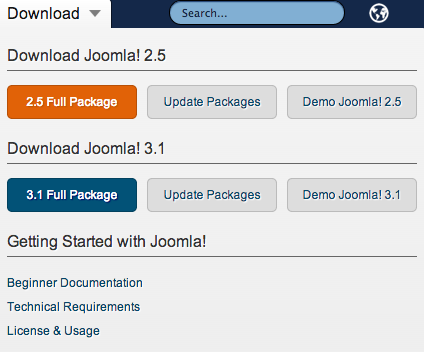
All you need is a Joomla Theme from Creative Market and a downloaded version of Joomla. You can visit Joomla‘s website for a more in depth look at the different packages.
How to Install a Joomla Theme
Step 1 – Getting Your Files
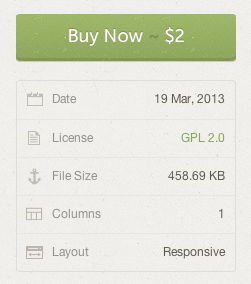
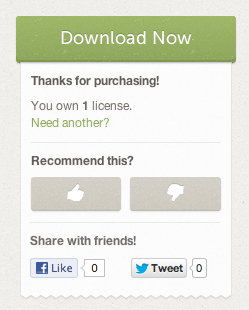
Once you have downloaded Joomla and found a theme that suits your needs, you can download the ZIP file that contains your theme and save it to your computer. The file automatically saves to your Downloads folder.
Step 2 – Installing Your Joomla Theme
Install You Joomla Theme via the Admin Panel with a Packed Template File
Once you have downloaded your awesome new Joomla theme, you will need to log into your site via the Admin Panel (www.your-site-name.com/administrator/).
Click on Extensions, then Extension Manager. Below are the screenshots for both version 3.x and version 2.5 respectfully.
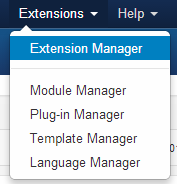
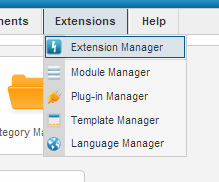
From the Extension Manager page click Install. Now, click the Choose File button and navigate to your new Joomla theme. Once you have selected your file, click Upload & Install.
Version 3.x
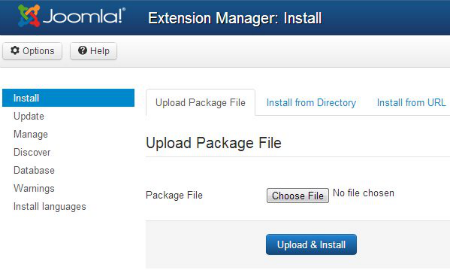
Version 2.5

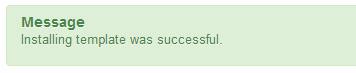
Congratulations
! You are now ready to make your website spectacular!
Step 3 – Go Be Awesome
That’s it! Once your theme is installed in Joomla, you can start customizing it for your needs and then you can show off your new look to your site visitors.
Helpful Tips
Please make sure you read the documentation that comes with the theme.
If you still need help, try contacting the seller of your Joomla theme, or shoot us an email. We would be happy to help!
Other Resources
How To Modify A Default Joomla
Find Joomla Themes on Creative Market
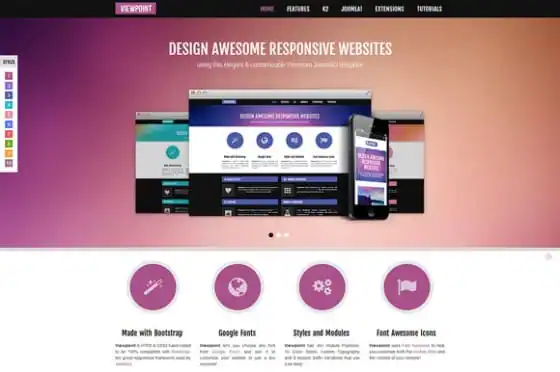
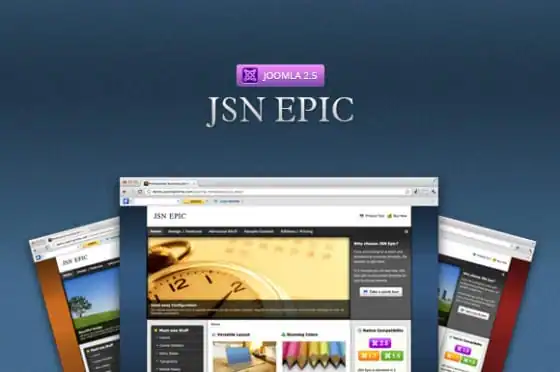
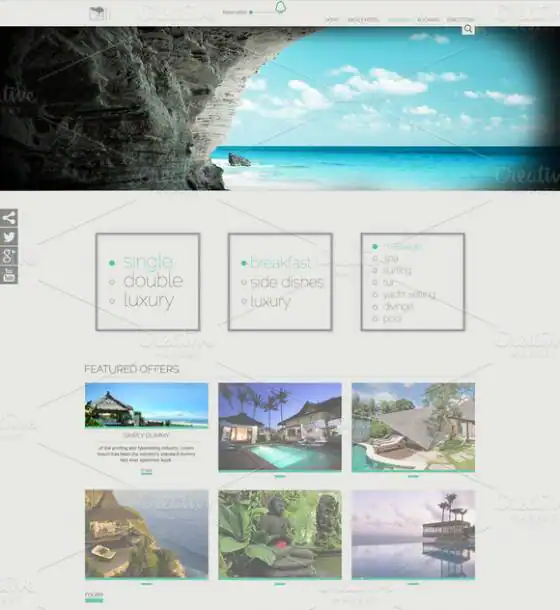
If you’re still on the hunt for just the right look for your website, maybe some of these great themes can help you get started:

Download these worksheets and start practicing with simple instructions and tracing exercises.
Download now!








3 Comments