



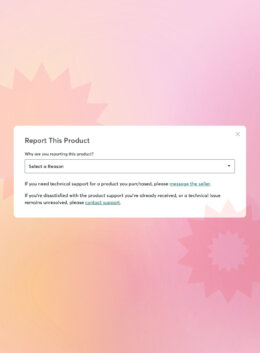
Quality fuels trust, earns repeat customers, and sets great marketplaces apart. With that in mind, we’ve just rolled out a sharper, smarter Report Product tool that helps buyers and shop owners flag quality issues on Creative Market.
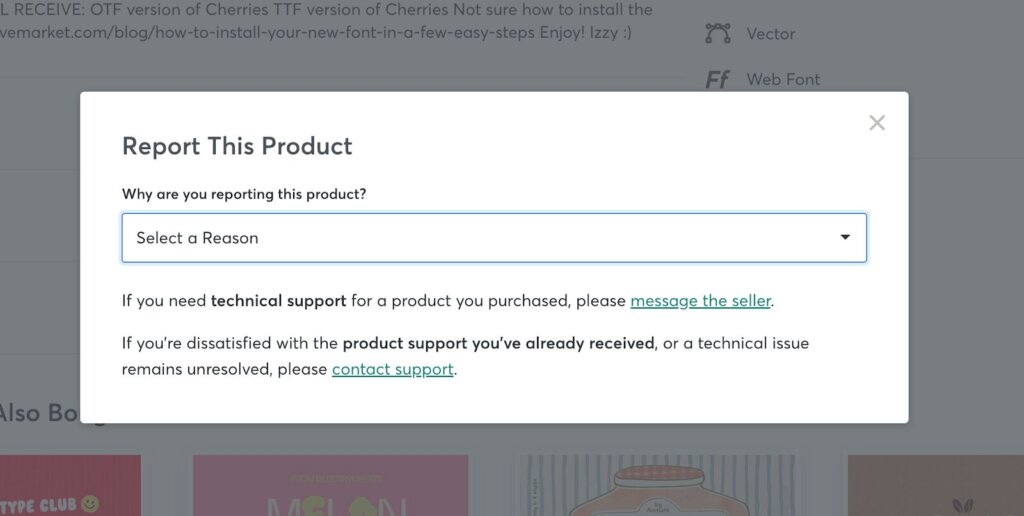
Found under the Product Specs section on every product page, the updated reporting tool allows you to choose a reason, add context, and submit your feedback. Whether you’re flagging a misleading preview or raising a copyright concern, it’s a straightforward way to bring issues to our team’s attention.
Why This Matters (And Why We Built It)
Designers deserve a space where high-quality assets stand out. So do shop owners who invest time in great products and honest previews. We’ve always relied on our community: not just to create the work that powers Creative Market, but to help keep it sharp and trustworthy. That means surfacing the good and flagging the bad.
For too long, reporting low-quality or problematic products felt clunky and hidden. We heard your feedback, loud and clear: reporting should be simple, visible, and effective.
The new Report Product experience was built in direct response to requests from our community. It’s easier to find, includes clearer reason choices (like “Missing AI Label” or “Misleading Preview”), and gives us what we need to follow up quickly.
We’re committing to better quality across the board. Every report feeds directly into our internal tools and moderation pipeline. If something gets flagged, our team sees it and takes action.
What You Can Report (And How It Works)
Once you click “Report Product” link, you’ll see a menu of reasons to choose from:
- Copyright Infringement / DMCA
- Misleading Preview Images
- Low Quality
- Inaccurate Description
- Spam
- Inappropriate Content
- Missing AI Label
- Other
You’ll be prompted to describe the issue in at least 100 characters, so we have the context to investigate.
Once submitted, you’ll see a success message and confirmation that our team has it. We review every report manually and track them on the backend, especially those reported by more than one buyer.
Ready to Flag Something?
Next time something doesn’t look right, say something. Head to the Product Specs section and click Report Product to share your feedback. It only takes a minute, and your input helps us raise the bar for everyone.
Download these worksheets and start practicing with simple instructions and tracing exercises.
Download now!


Senior Product Manager at Creative Market. I'm a product manager and developer passionate about community.
View More Posts




3 Comments