



Creating web pages is an exciting but lengthy undertaking, and any tools you can utilize to speed up the process or help execute a better design in the long run is a tool you need. There is certainly no shortage of resources, tools and apps available to designers, but sometimes that can be part of the problem. With an endless selection, how do you choose the ones that are best for you? In order to help save you time and frustration, here is a list of some of the most useful and exciting new tools and resources for designers and developers that are now available. Pick one or all and make website creation as simple as possible.
Ghostlab
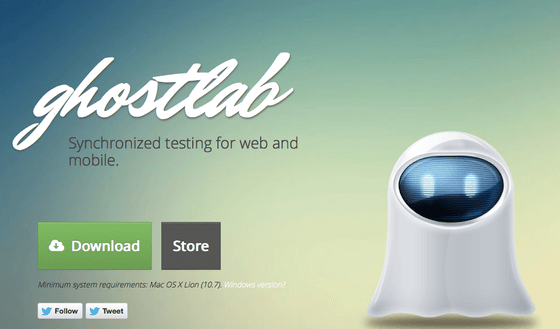
Are you having trouble ensuring your site works across all the dozens of different devices and operating systems? It’s not particularly efficient to check the appearance manually on all of them, so instead there’s Ghostlab. As it states, it synchronizes mobile and web testing to make your life easier and updates faster. It checks page scrolls, page clicks and reload among other things, and it makes sure you look good wherever your users are looking for you.
Daturi
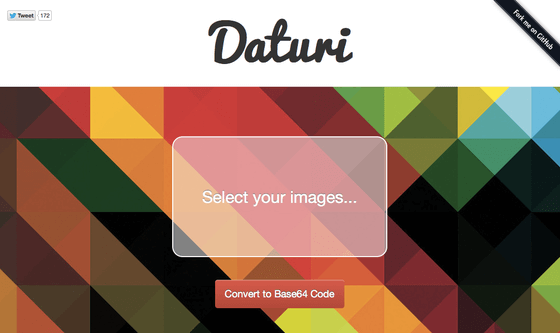
If you need to directly embed a background image using CSS you’ll have to convert it to Base64 Code, but you don’t have to do it manually. Use Daturi and just drag and drop your image into the field and click “Convert to Base64 Code.†It’s really that easy.
PixelDropr
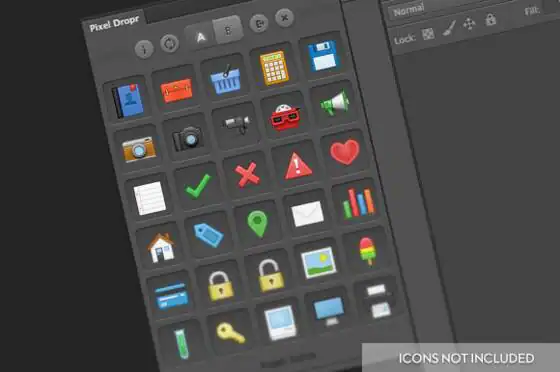
Every good website uses at least a few icons, and many of them use dozens. Collect, organize and drop icons into PSD files using PixelDropr. It’s a Photoshop plug-in, and it allows you to pick and drop icons (or their individual elements) from your collection into any PSD file. It’s simple to use, looks great and it allows you to adjust all the icon elements with ease.
Niice
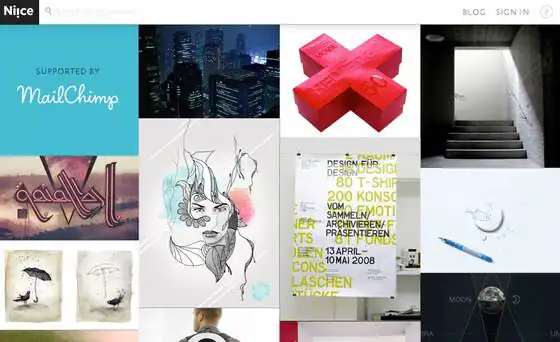
Sometimes inspiration is hard to find. You may be on a roll for weeks and suddenly come up short when a deadline is approaching. Find your mojo again by browsing the search engine-like Niice, a website that culls images based off your search term from Dribble, Designinspiration and others that have on trend and beautiful work. It’s gorgeous, and once you play with it, you won’t be able to help being inspired.
PLTTS
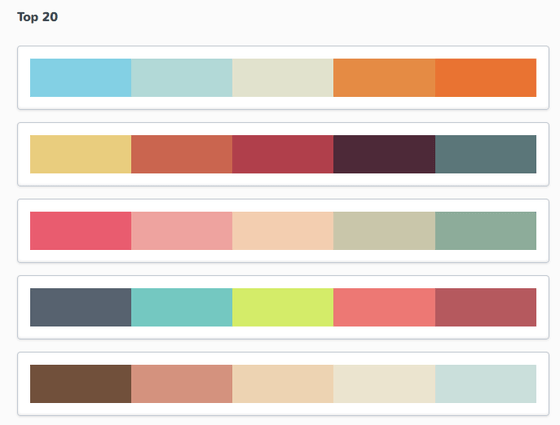
Pronounced “palettes†this handy resource offers you a quick way to choose flattering, stylish colors to suit your website or just one specific element. You can type in your color in the PLTTS HEX search, and it will provide a variety of palettes with two to five shades. Or, you can simply browse the most popular combinations and guarantee a favorable reaction from users.
CloudComp
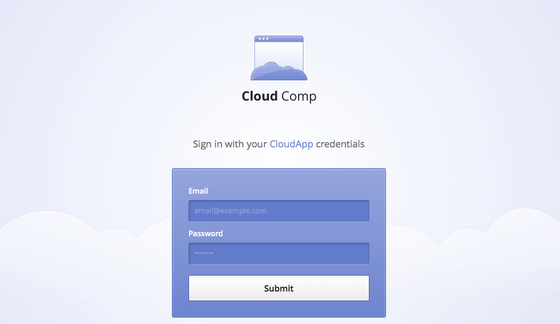
If you’re designing for a client, whether they’re high maintenance or not, it always helps to send them mock-ups of the work as it progresses. An easy way to do this is by using the CloudComp tool on Cloud App. Not only is it free, but it’s also lightweight and easy to use. It allows you to show off screen shots of your comps of mobile, web or app designs with your client so they appear realistic and professional.
++++++
Every year, quarter, even month, there are dozens of brand new ways to streamline the process of creating web content and developing sites. Though sifting through all of them can be time consuming, there are a number that will definitely help you work smarter and faster. The recommendations above are some of the latest and best on the market. Try them and see how much better your web design turns out.
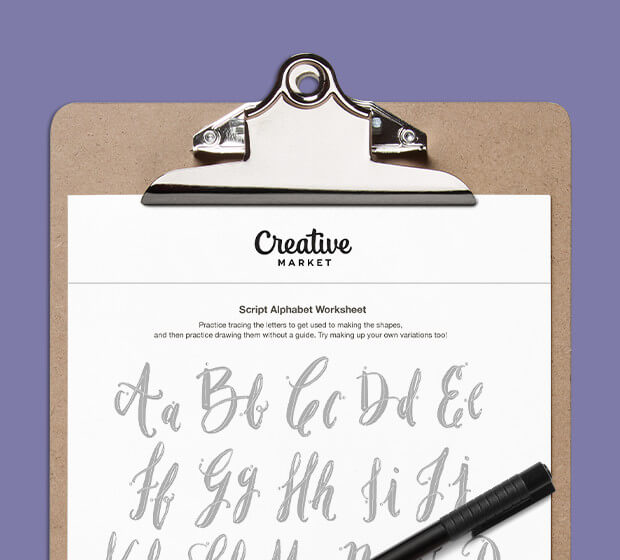
Download these worksheets and start practicing with simple instructions and tracing exercises.
Download now!



12 Comments