



If you’re a designer, it’s no longer enough to just know Photoshop. Thanks to the explosion of the web and mobile, there’s a whole range of new apps and tools that can help you do your job. But this is a good thing. It’s no longer a case of one size fits all. Every day there are new options you can add to your toolkit that can help you get the job done. We’ve compiled a list of 10 of the best graphic and web design tools that will be on the rise in 2016. Get ahead of the curve and get familiar with them today.
1. The Astropad Graphics Tablet
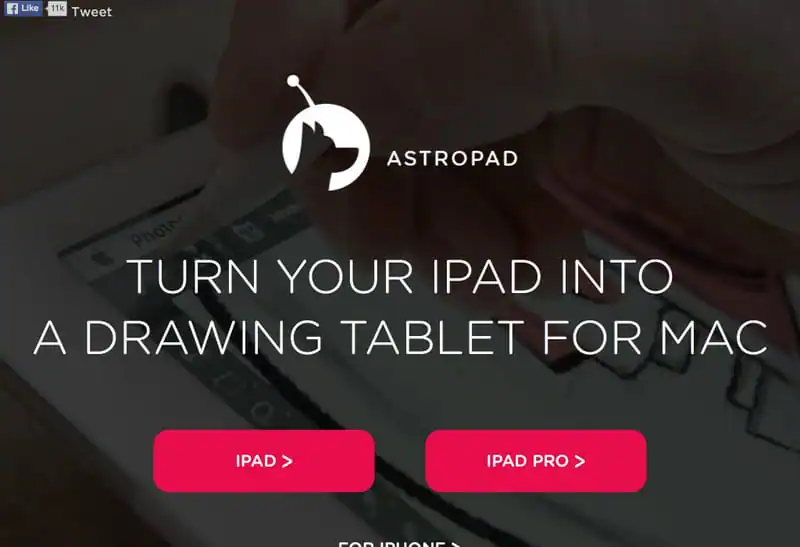
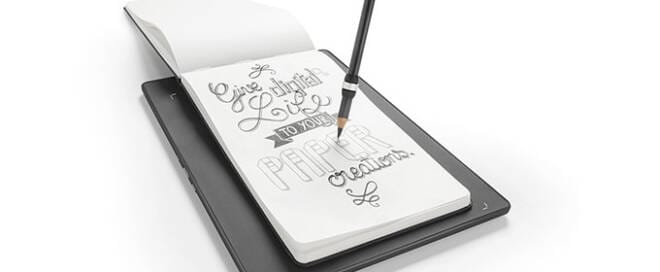
If you don’t have a Wacom, this is the next best thing. The Astropad lets you turn your iPad into a graphic tablet. It even features palm rejection, which means you can rest your hand on it while you draw.
2. Adobe Color CC
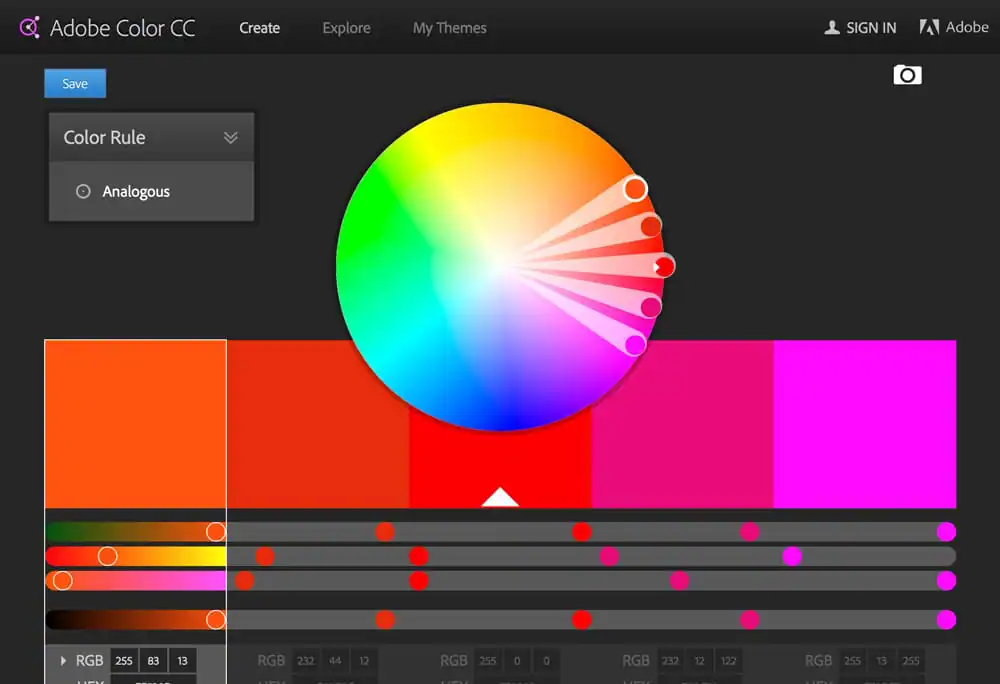
In addition to the usual suspects like Photoshop and Illustrator, the Adobe suite these days includes a wide range of mobile apps and handy widgets. One such must-have is Adobe Color CC. Formerly known as Kuler, Adobe Color CC lets you create and store color palettes and use them across your designs, even in the cloud.
3. Adobe Comp CC
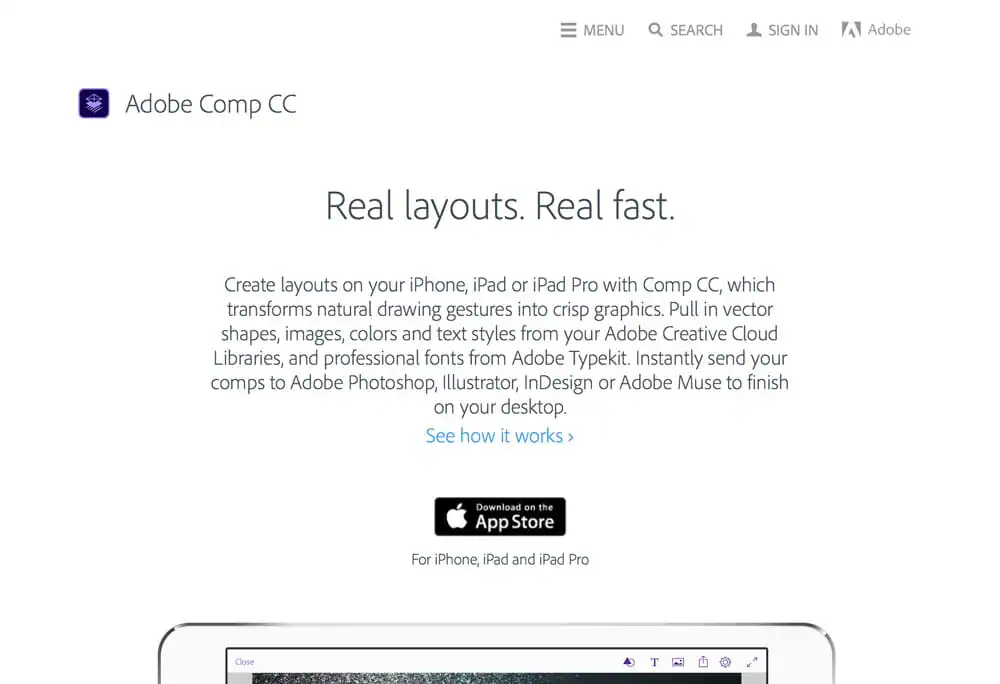
At the beginning of the design process, it helps sometimes to be able to put together a few simple, freeform sketches that sum up your idea. At these times, opening up Photoshop is probably overkill. That’s when you need Adobe Comp CC. It’s an iPad app that lets you trace out a few ideas with just a swipe and a pinch, and have them turn into neat comps.
4. FontBook
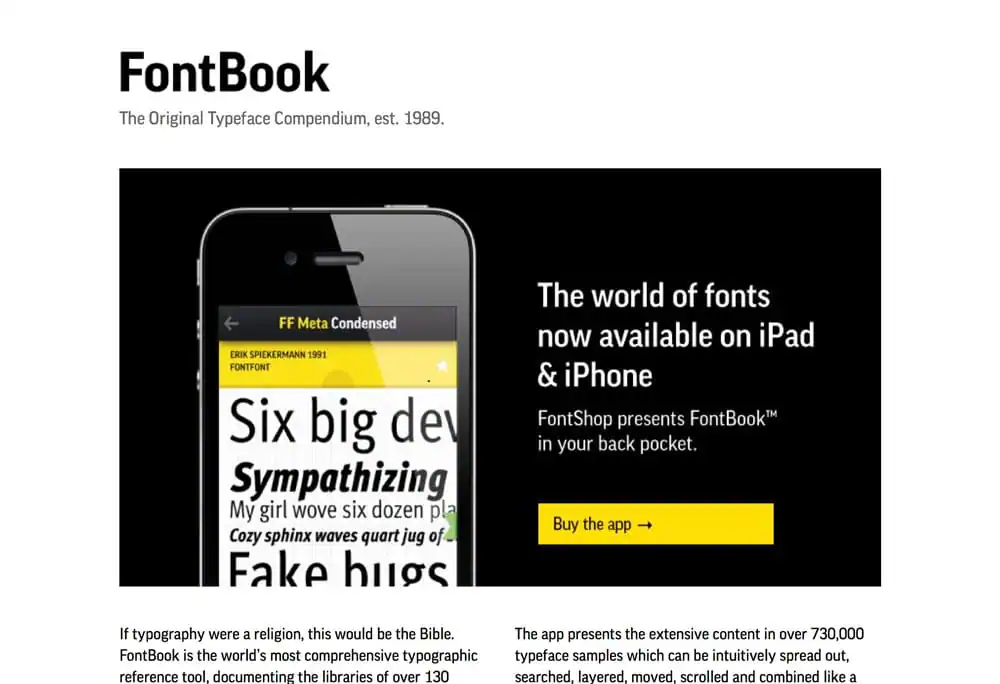
The built-in tools for managing fonts on a Mac or PC aren’t all that crash hot. What’s missing is a comprehensive suite that lets you see all the fonts on your system, as well as browse for new ones on the market. That’s exactly what FontBook lets you do.
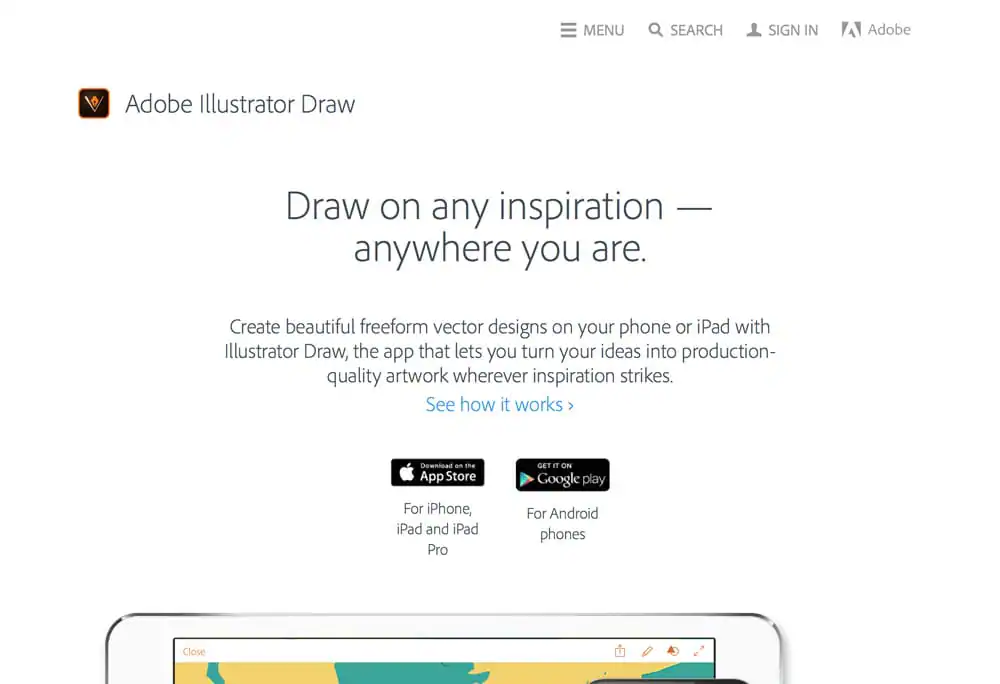
5. Adobe Illustrator Draw
Adobe Illustrator Draw takes the capability of Illustrator and combines it with the functionality of a tablet. The app lets you draw to your heart’s content, with no mouse or graphic pen needed.
6. Paper
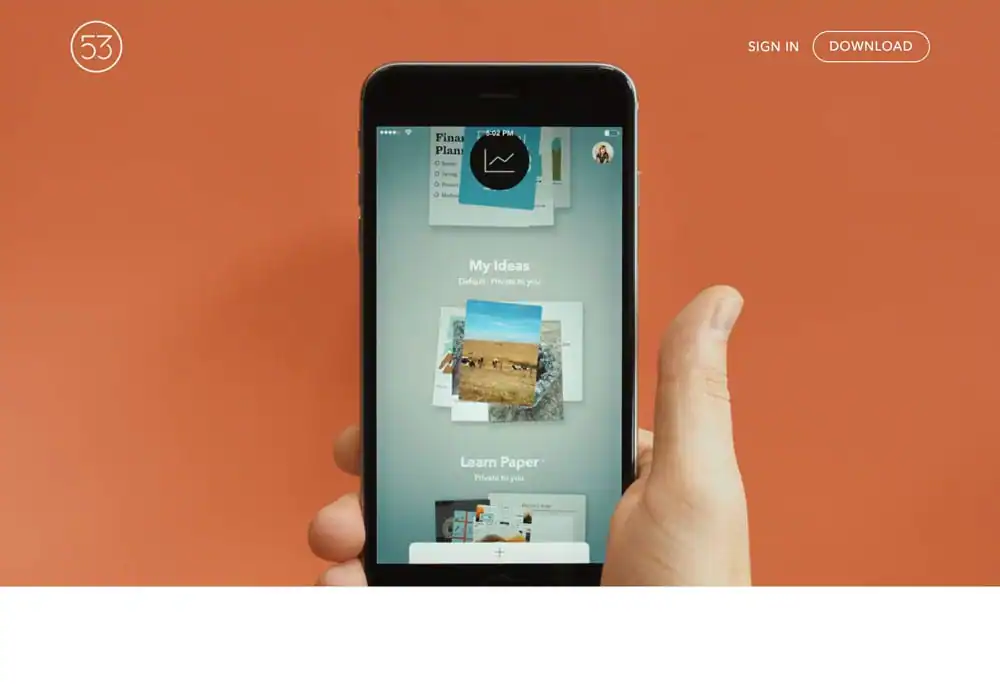
One of the most beautiful apps on the iPad, Paper by FiftyThree is another tool that lets you create beautiful designs. The app is built around on screen sketchbooks, allowing you to group your sketches by category. An optional stylus is available.
7. Canva
If you haven’t heard of Canva yet, there’s a good chance you will in 2016. Canva is an online graphic design platform that aims to empower ordinary folks in creating their own designs. No longer should graphic design be the sole dominion of those with a black turtleneck or a degree in fine arts, Canva wants anyone and everyone to be able to design their own graphics.

8. Sketch
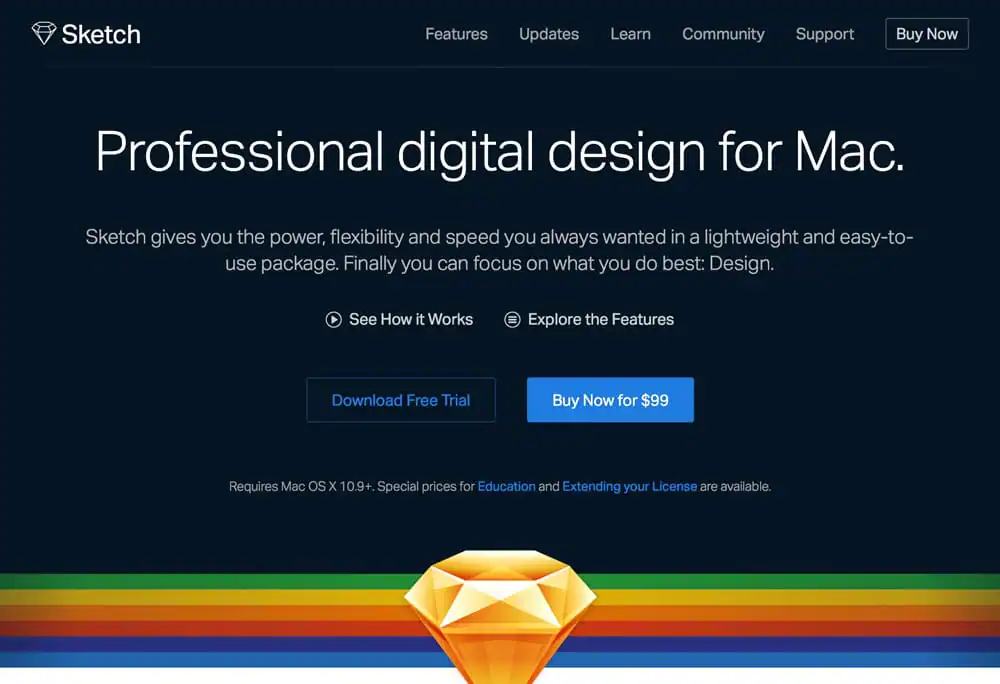
Already one of the most commonly used new design apps, Sketch will no doubt grow in popularity in 2016. Sketch is a favorite amongst app designers and offers a number of capabilities that make it a strong Photoshop alternative for some use cases.
9. Noun Project
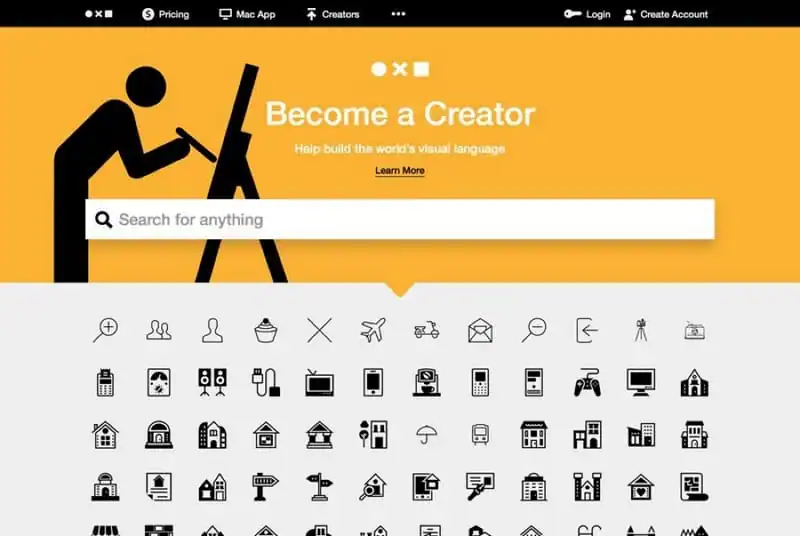
Noun Project started off as a website, but has since grown to include an Adobe widget that lets users use a wide range of symbols and shapes from designers around the world.
10. Slack
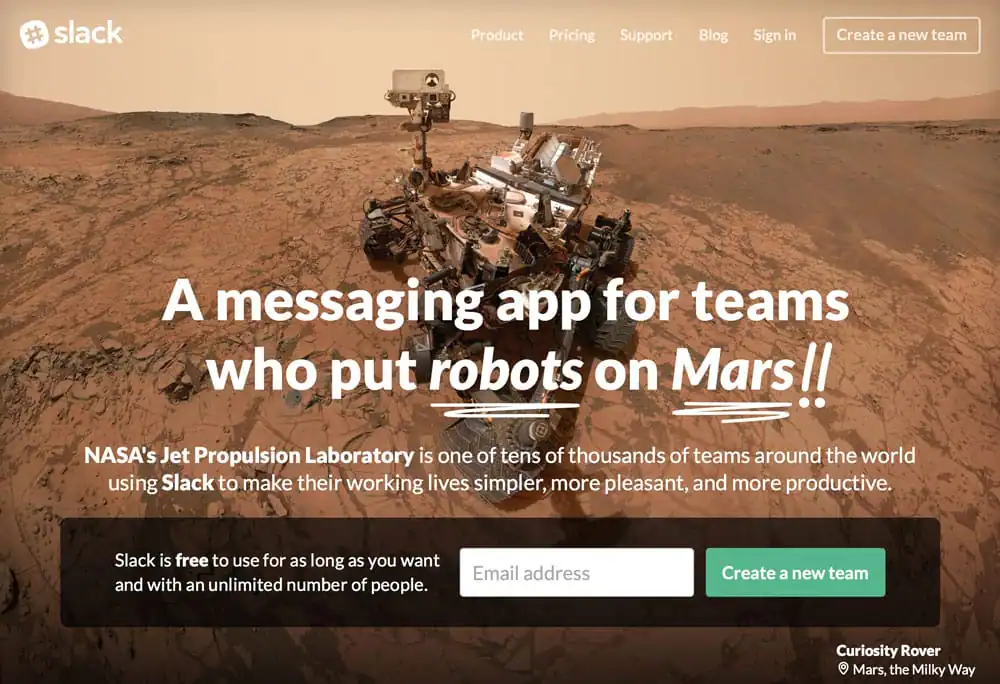
Slack has exploded in popularity in the past few years and shows no signs of slowing in 2016. It’s a handy team communication tool that allows everyone in your project to stay on the right page. And it’s even fun to use.
Anything you’d like to add?
There you have it. 10 awesome web and graphic design tools that should be on the top of your shopping list in 2016 if you want to get productive. What tools do you use? Let us know in the comments. References http://www.digitalartsonline.co.uk/features/creative-software/12-best-ipad-apps-for-designers/
Products Seen In This Post:

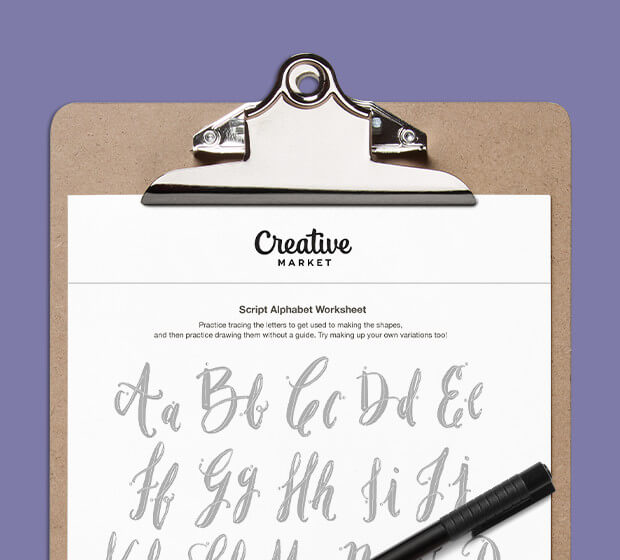
Download these worksheets and start practicing with simple instructions and tracing exercises.
Download now!



13 Comments