



Extra! Extra! Read all about it! Every Friday, we’ll be sharing a round-up of what’s happening in the Design Industry, such as new digital product announcements, platforms being launched, unique peer projects, interesting experiments and much more. Follow along as we keep a pulse on exciting news in design each week.Here’s our recap for the week of September 13 through 19, 2014.
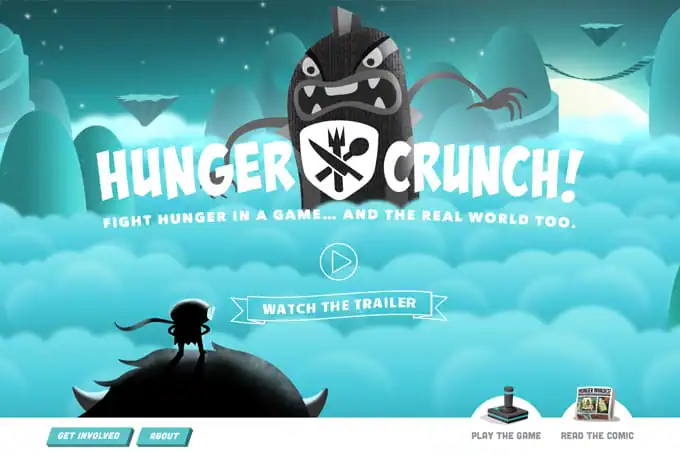
1. Hunger Crunch
Fight hunger in a game and the real world too. 100% of in-game purchases of Hunger Crunch sends rice bowls to feed orphaned kids in Haiti, Honduras, Nicaragua, Rowada, Ethiopia, India, South Africa and more.
2. Freefolio
This is the ideal way to store your work in a separate WordPress plugin. You won’t want to miss it if you want to build a responsive WordPress site.
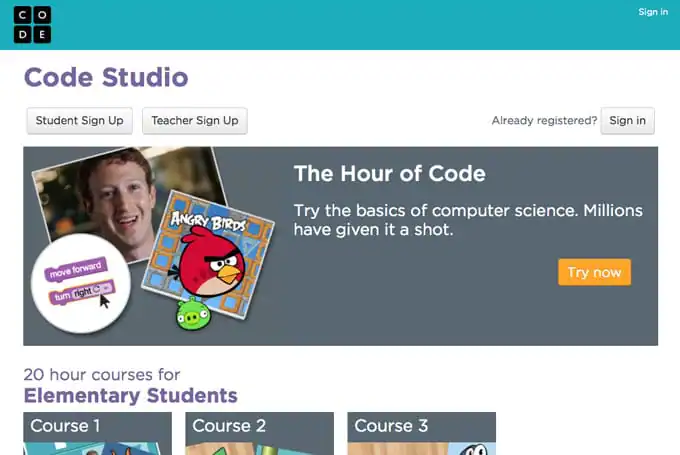
3. Code Studio
At the end of last week, the non-profit group Code.org launched Code Studio, a combined set of tools and curriculum to get students in kindergarten through high school interested in the underlying concepts behind coding through guided lesson plans. Start ´em early!
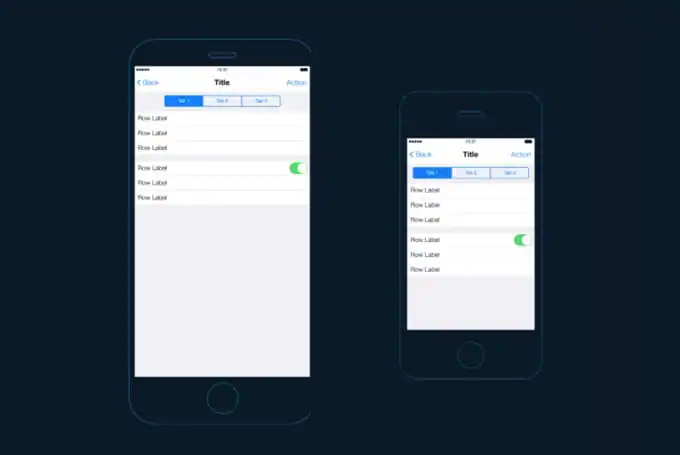
4. iOS UI Kit Actions for Photoshop
Jérémy Paul has created a fancy set of actions that lets you create entire interfaces in just a few clicks in Photoshop. He included tons of options for iPhone 4, 5, and 6, and an exhaustive user manual to boot. Available on Creative Market too.
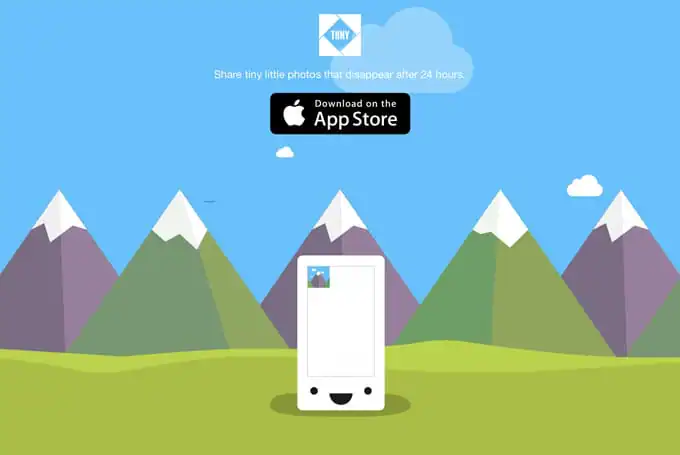
5. Tiiny
Created by North Technologies – a start-up led by Kevin Rose, Tiiny is an app that lets you send tiny little photos and videos to your friends. A word of caution: they disappear after 24 hours. Download the app on the App Store. Read more about why they built it by Kevin Rose on Medium. And, don’t miss Hemeon’s in-depth design article too.
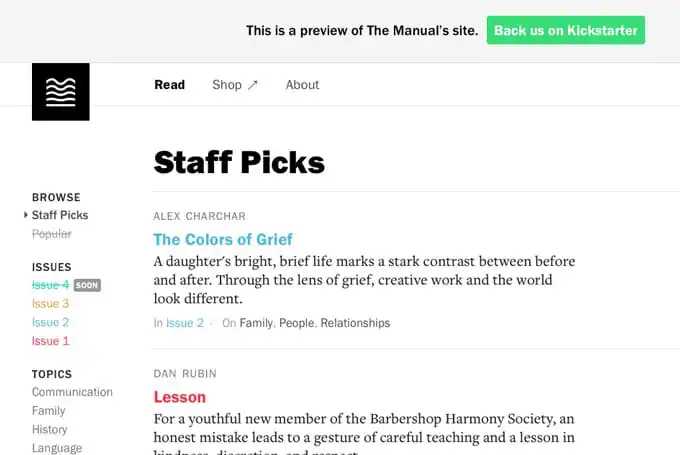
6. The Manual
is a web design journal that collects stories, articles and posts that examines why we design in our industry. Consider backing it on Kickstarter.
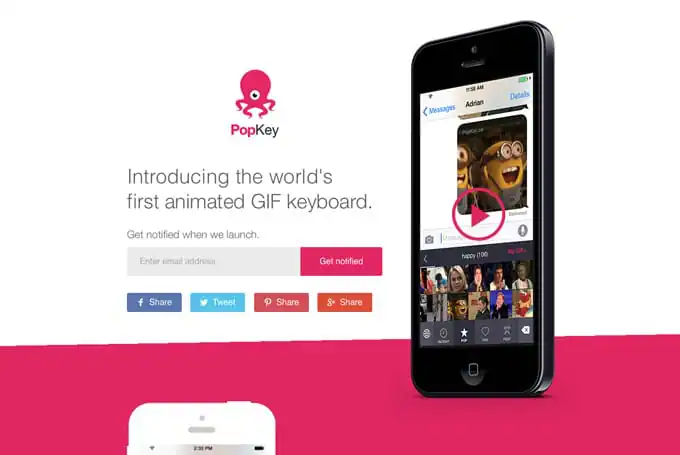
7. PopKey
It’s hard not find this funny. PopKey is planned to be the world’s fist animated GIF keyboard. Who needs talking when you can communicate with animated clips from your favorite movies?
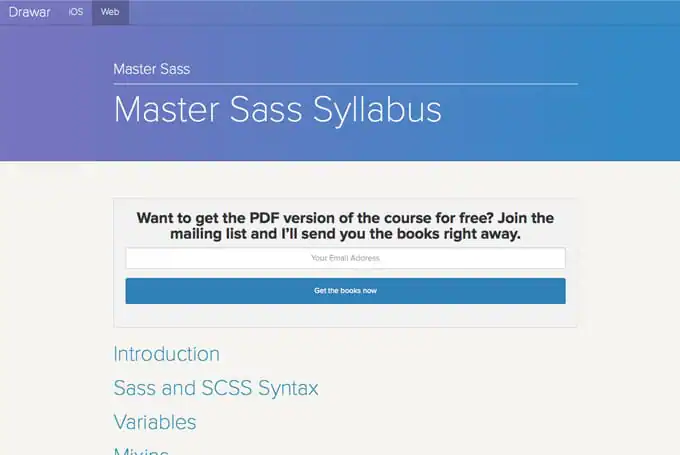
8. Master Sass by Drawar
Want to learn beginner and advanced Sass quickly and easily? Then you won’t want to miss this Master Sass Syllabus! You can browse the sections as web pages or download the massive PDF.
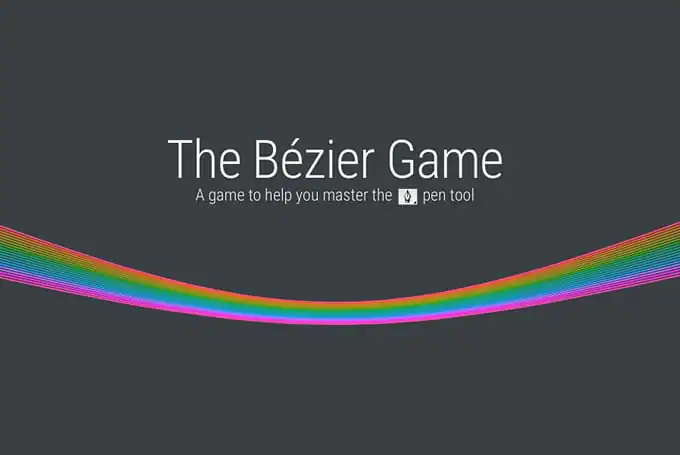
9. The Bézier Game
Do you loathe or love the pen tool in Adobe apps? Regardless of where you fall between those two verbs, check out this challenging browser game that helps you master the pen tool. Created by Mark MacKay.
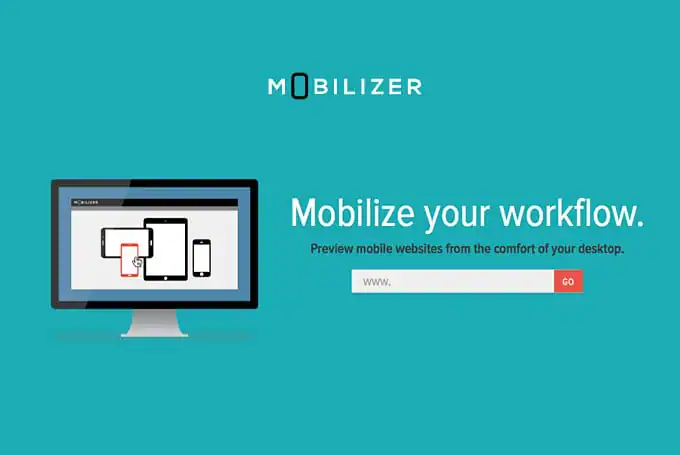
10. Mobilizer
Launched this Monday morning, Mobilizer is a new tool that lets users preview mobile websites from the comfort of your desktop. There are two ways to benefit from it: preview designs in mobile context on-screen or export and download full page image captures from all of the latest device emulators.
11. BriefBox
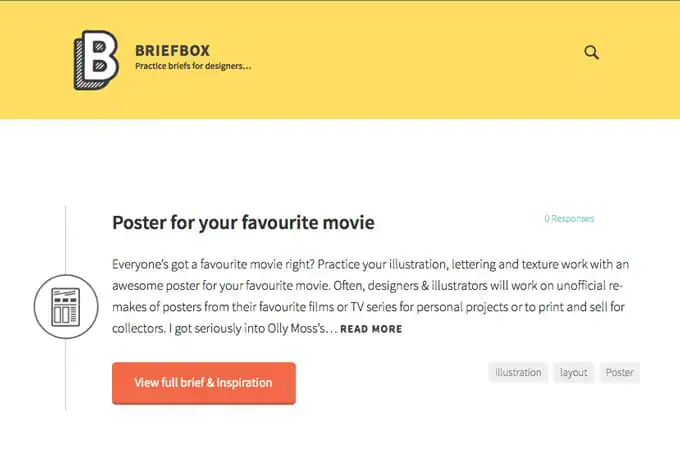
BriefBox is an archive of briefs by and for designers, collected with inspirational references for practice design projects.
12. CodePen Design Patterns
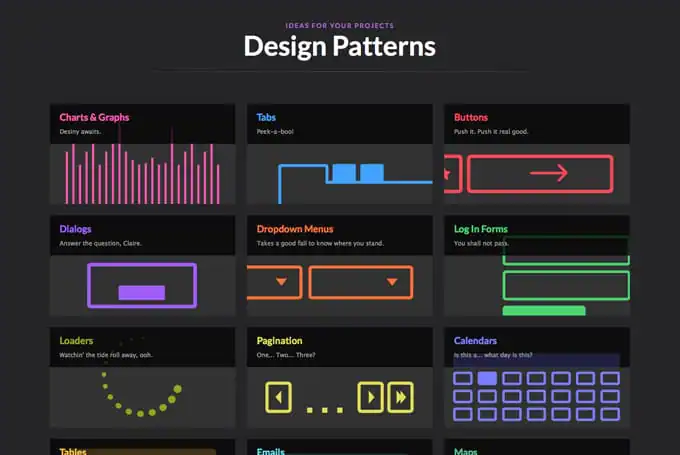
CodePen released a new patterns section, which contains collections of similar web elements. It’s a great place to go when you need new CSS-based ideas for your web projects.
13. Let It Rainbow Game
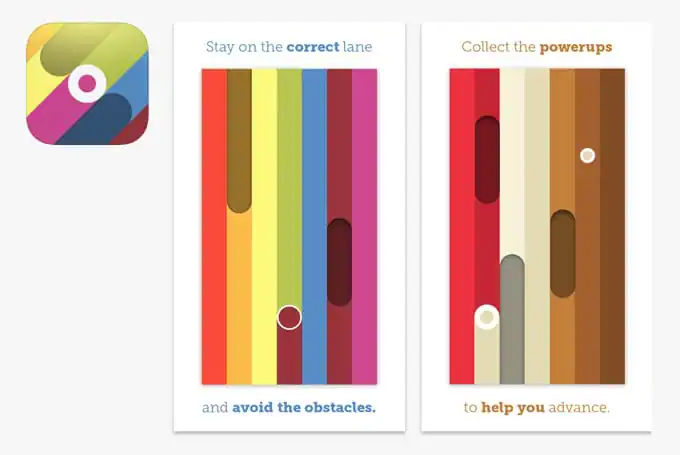
A simple, colorful indie iOS game with 7 levels that test your reflexes and sanity.
14. Underwater Life Low Poly
Browse dozens of low poly illustrations of underwater life by Mordi Levi.

15. Experience Mapping Guide
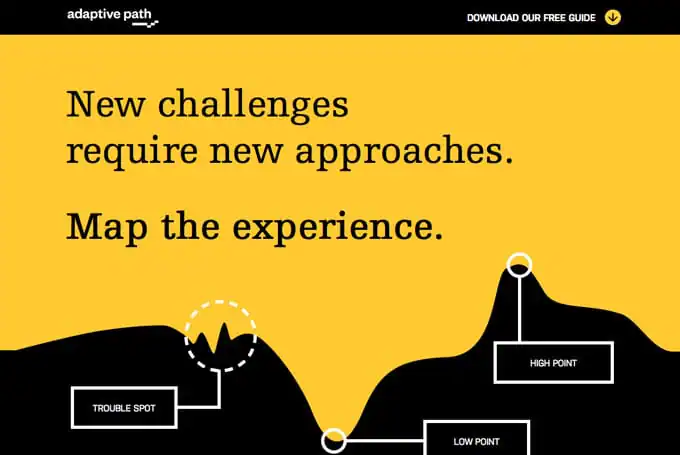
Grab this free guide to experience mapping written by managing director, Patrick Quattlebaum of Adaptive Path. The guide presents the activity mapping a user’s experience of a platforms the crucial ingredient needed to better understand your customers.
16. Meet the Ipsums
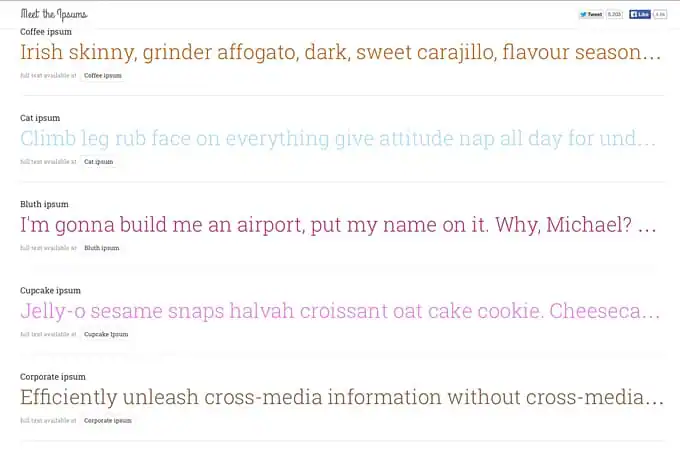
With many lorem ipsum variations to choose from, you’ll find a funny version of placeholder text to fit whatever design project or mood you’re in.
17. Colorful CSS Gradient Generator
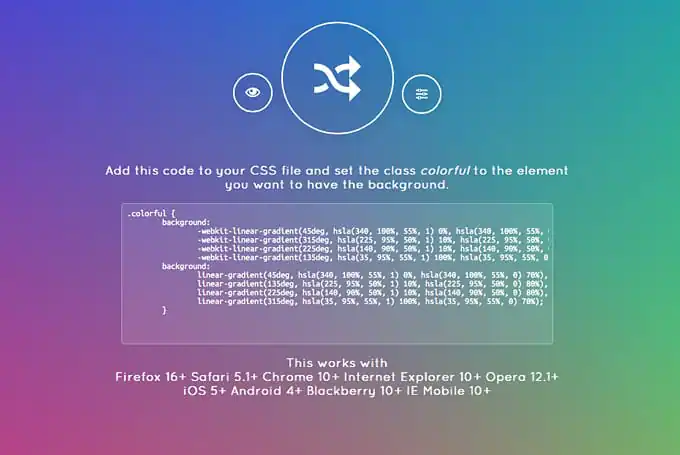
Create beautifully blended CSS hues with this handy generator.
18. Apple Product Image Templates
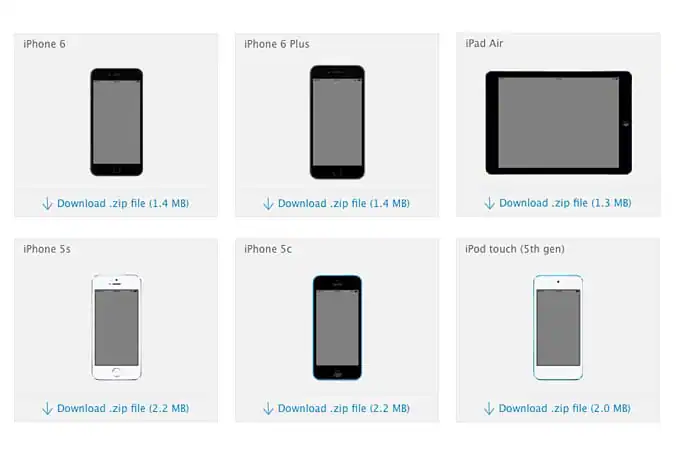
Apple is now offering template images of their Apple products to help designers display and market their apps, available for download in the Apple Developer App Store Marketing Guidelines area.
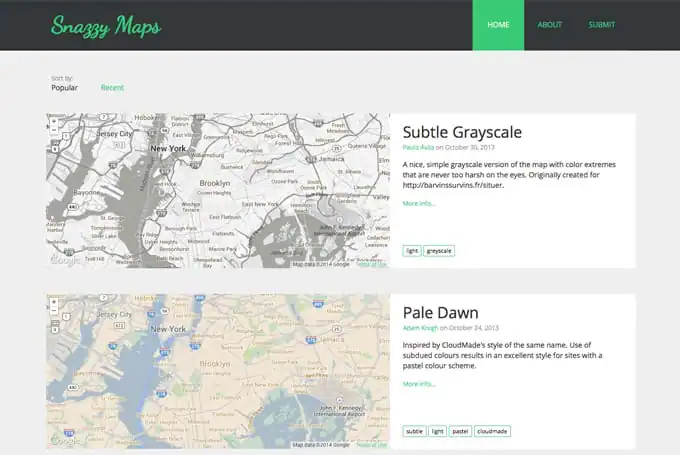
19. Snazzy Maps
Simple and free to use styles for Google maps.
20. StartUp Podcast
A new podcast by Alex Blumberg that features stories about what happens when someone who knows nothing about business starts one.
21. TinType & Koloid Apps
If you like the old-time look and feel of wet collodion photography, then you won’t want to miss these two excellent iOS apps, Koloid and Tintype. Tintype is a little bit more accurate of the historic photographic style, while Koloid offers more features.

22. The Creative Feed
Run by Creative Market member John Shaver, The Creative Feed offers frequent freebies and tutorials of design techniques to help you in your creative projects.
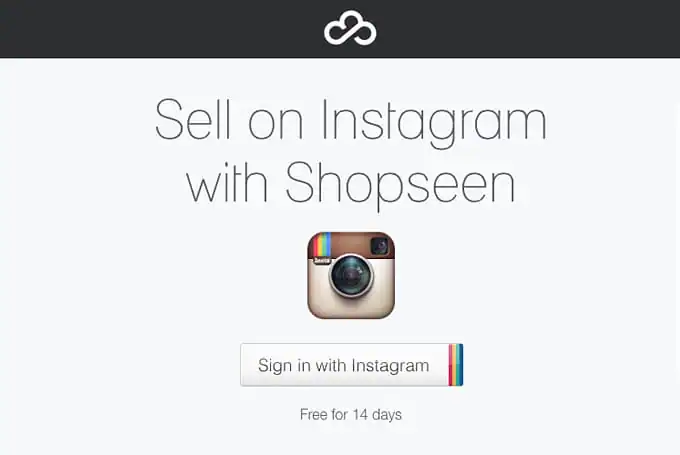
23. Shopseen
Sell on Instagram by posting a product for sale with a price in the description. The product will also become available on your Shopseen page, allowing customers to check out and purchase your product.
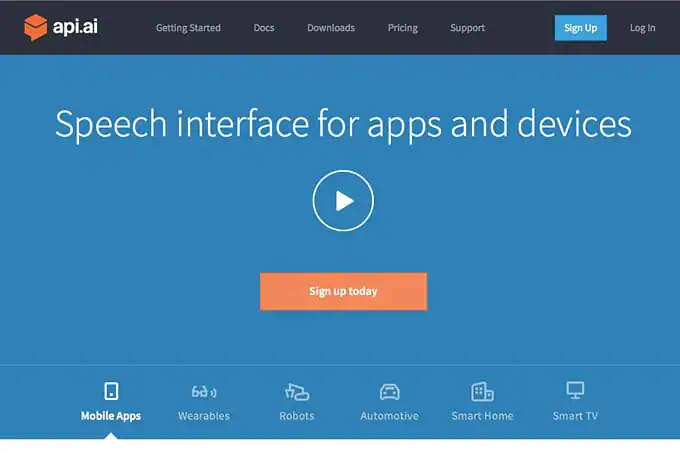
24. API.AI
Build your own Siri! Speech interface for apps and devices, available at your fingertips.
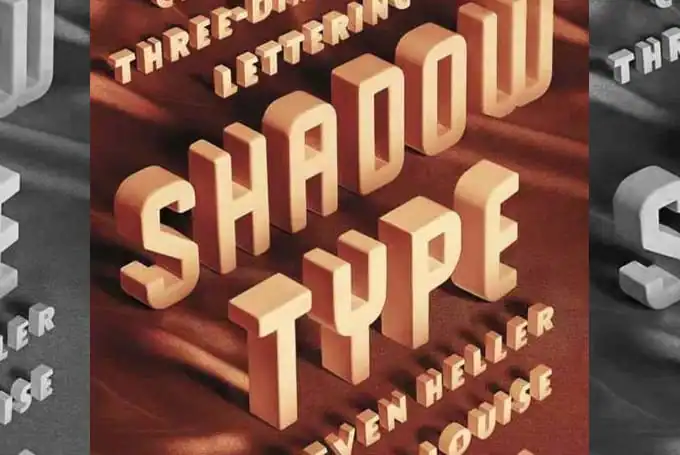
25. Shadow Type
Snag this book about adding spatial elements to your type design! Written by Steven Heller and Louise Fili, you’ll learn how to create many types of classic three-dimensional lettering, and be inspired by dozens of historic specimens.
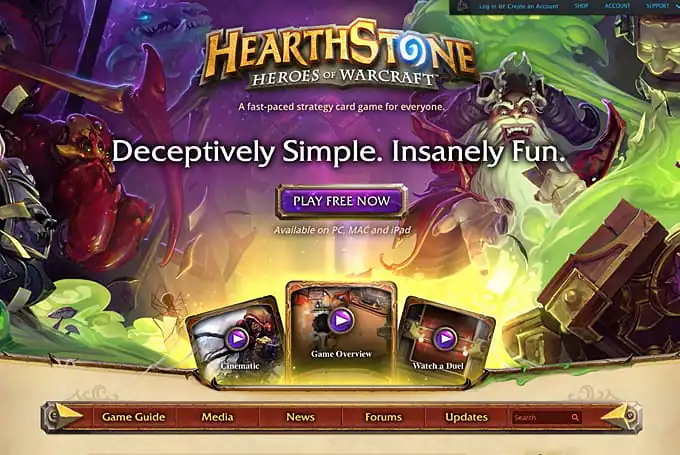
26. Hearthstone
It’s no secret that video games are extremely popular and raking in the dough these days. However, a new card game by Blizzard called Hearthstone (similar to Magic The Gathering) has just surpassed 20 million users. Who would’ve thought a well-designed digital card game could reach such numbers?
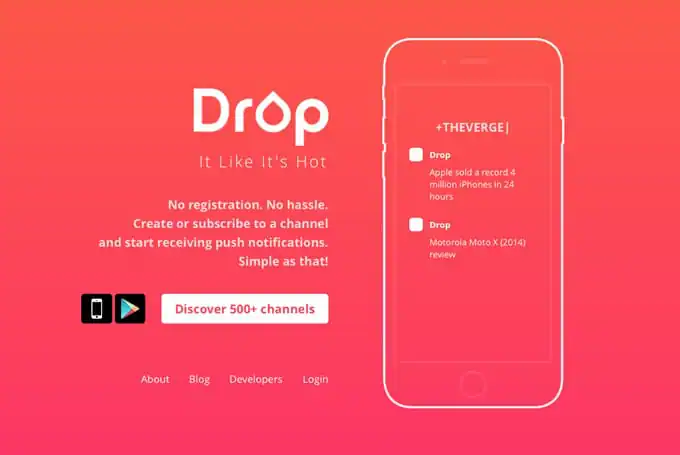
27. Drop
Create or subscribe to a channel of push notifications. There’s no registration or hassle in the process of signing up. Available in the App Store and Google Play Store.
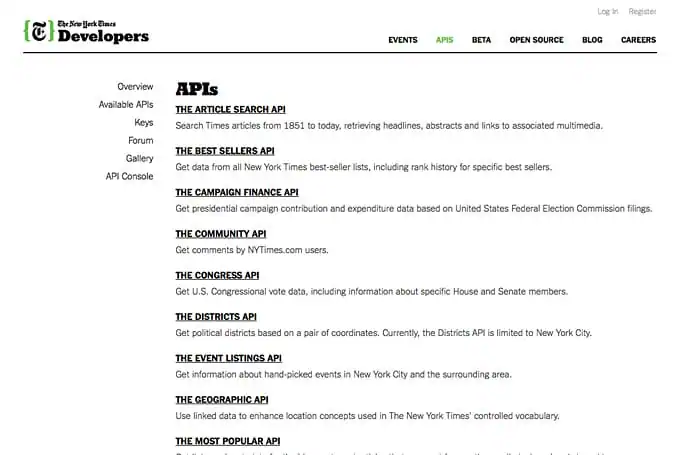
28. NYT API
Do more than read the New York Times newspaper: integrate it into your app or site with this deep list of available APIs.
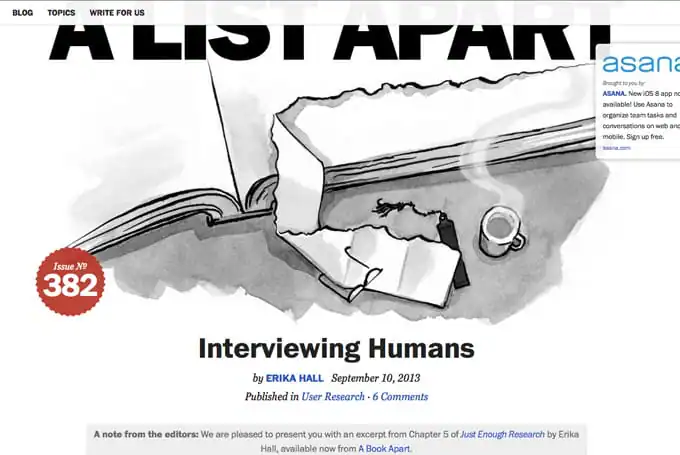
29. Interviewing Humans
An excerpt from Chapter 5 of Just Enough Research by Erika Hall, this A List Apart article has many helpful tips and insights into doing proper research before building digital products for people.
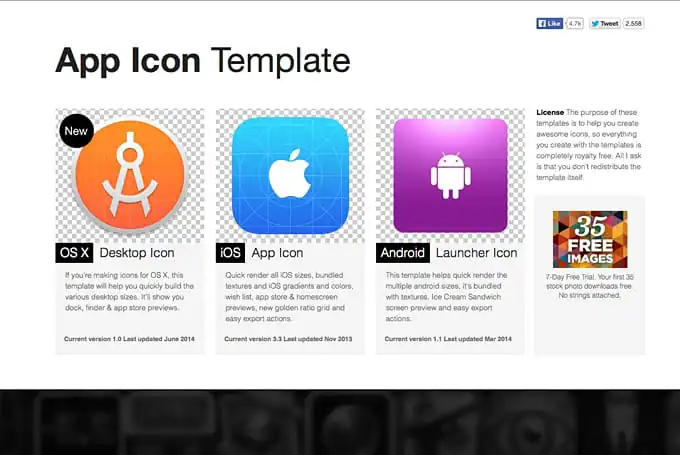
30. App Icon Template
A handy set of free instructions and templates to help you make an app icon that works across OS X desktop, iOS and Android.
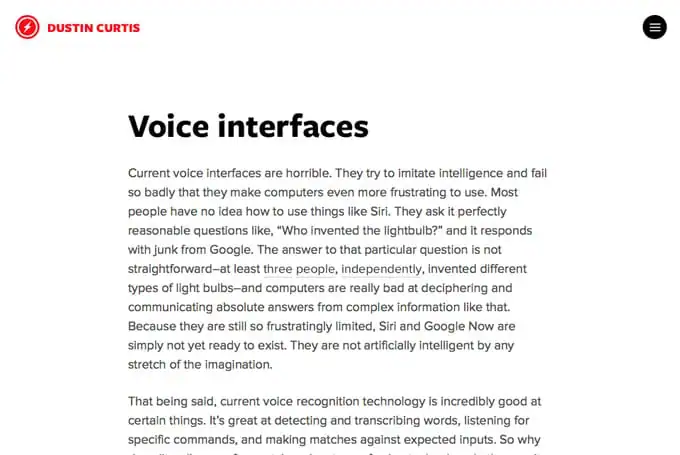
31. Dustin Curtis: Voice Interfaces
Read an in-depth article about the possibilities of voice control in the future. Dustin makes valid points as to why voice interfaces aren’t great at the moment, and ways in which we can hope they are improved moving forward.
32. The Land Book
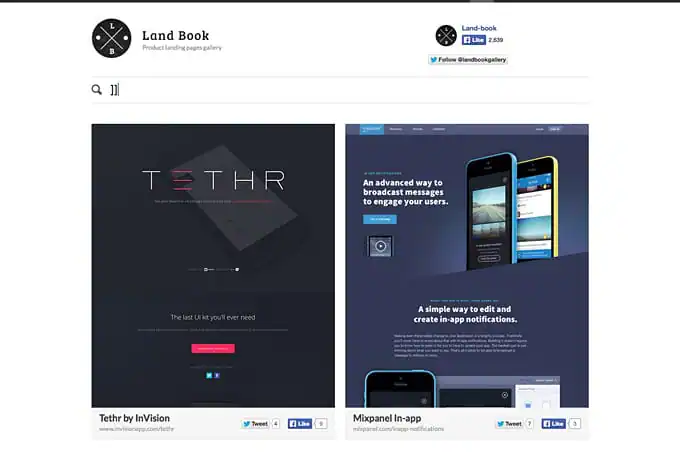
Explore a gallery microsite of well-design product landing pages.
33. Mix by FiftyThree
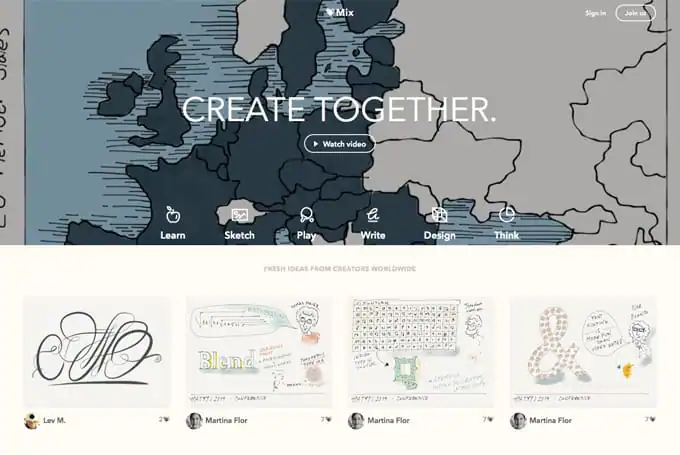
A new platform from the makers of the Paper app, that encourages users to create new visual work, learn together, and practice with templates. The community site has the following sections to dig into: Learn, Sketch, Play, Write, Design and Think.
34. New Mobile Safari features in iOS 8
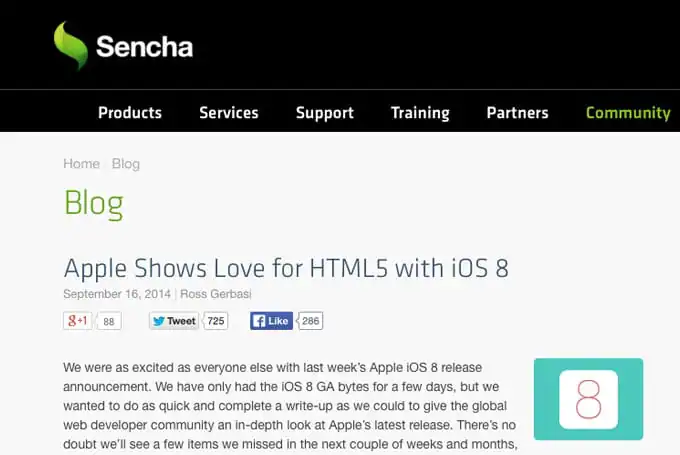
Check out this round up of upcoming features and improvements of Mobile Safari that are speculated to launch with iOS 8. Hint: The latest release furthers HTML5 development and increases performance gains across the board.
35. Pantone Beer
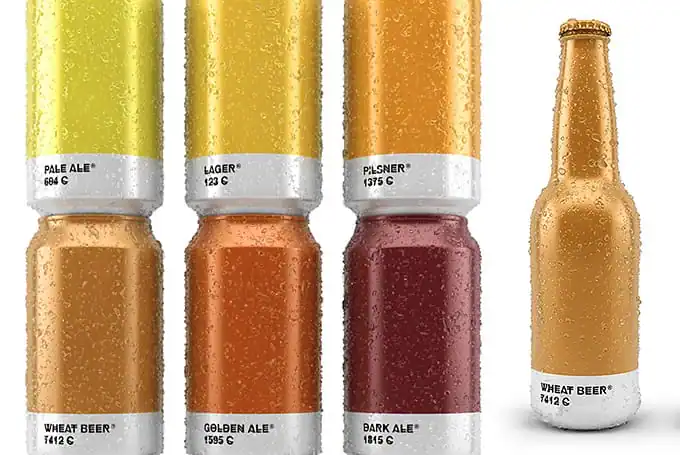
Have a look at this visual exercise that imagines what the packaging for beers would be like if they were branded and brewed by Pantone.
36. Color by Hail Pixel
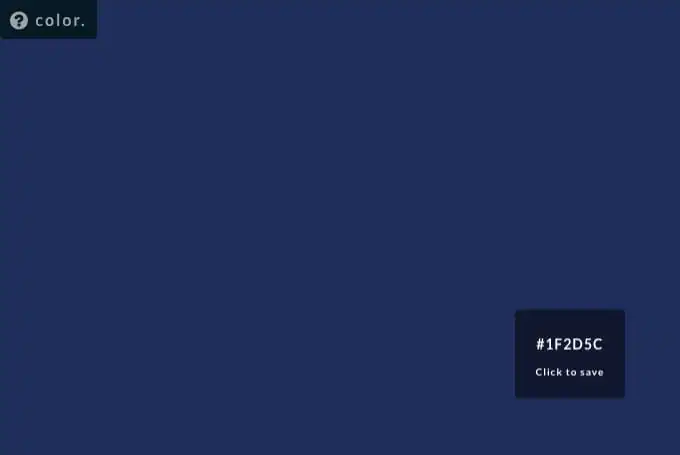
Drag your mouse around to explore thousands of hex colors at your fingertips.
37. DesignersMX
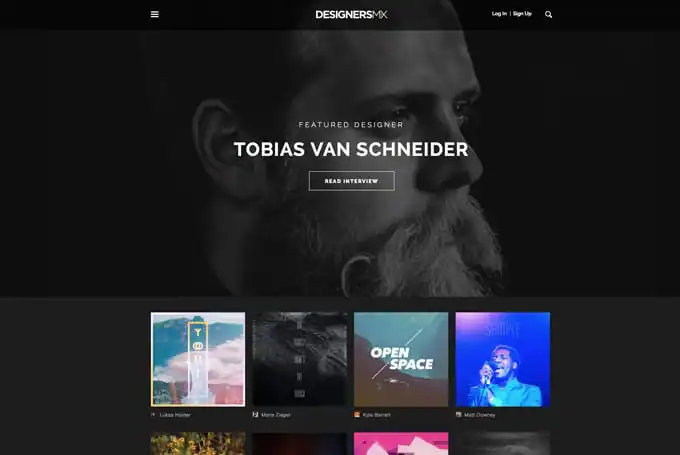
DesignersMX is back! Do you dig it?
38. SwiftKey Keyboard App
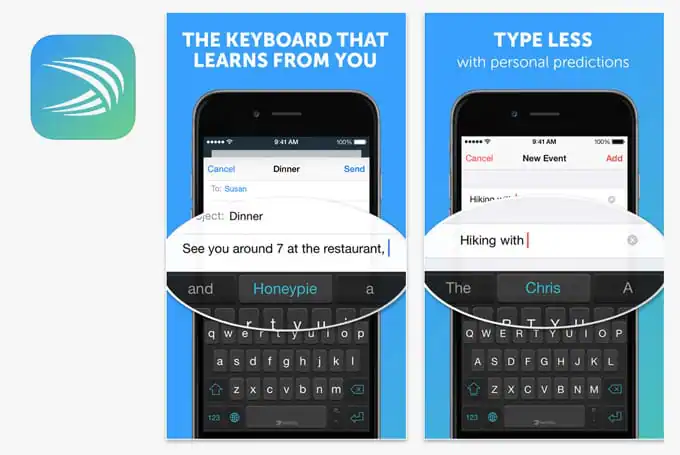
SwiftKey for iPhone, iPad and iPod touch is a smart keyboard that learns from you, replacing your device’s built-in keyboard with one that adapts to the way you type.
What Did We Miss?
That does it for all the great design industry links we found this week. Join the conversation by adding interesting sites or resources you found below.
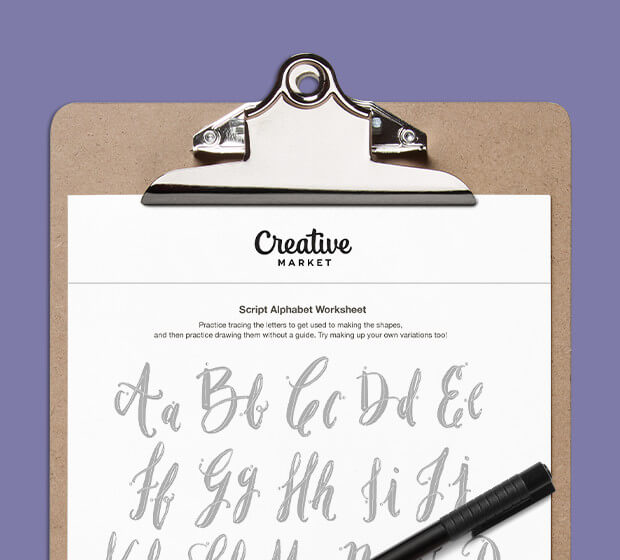
Download these worksheets and start practicing with simple instructions and tracing exercises.
Download now!








Making beautiful design simple & accessible to all.
View More Posts


6 Comments