



What is WordPress?
is a series that will introduce complete beginners to the wonderful world of WordPress. We’ll start at the very beginning and explain everything you need to know about the web’s favorite platform.
This first article will introduce you to WordPress and discuss what you do and don’t need to know to use it. Future articles will walk you through everything from choosing between WordPress.com and WordPress.org to installing themes and adding plugins.
The Question of The Day
So what is WordPress? It’s a simple question with a potentially complicated answer. At its core, WordPress is software that is used to make websites. And not just a few websites mind you, something like 21% of all websites. That’s a staggering number! Whether or not you have any clue as to what WordPress is, odds are, you’ve seen sites that use it countless times and didn’t even know it.
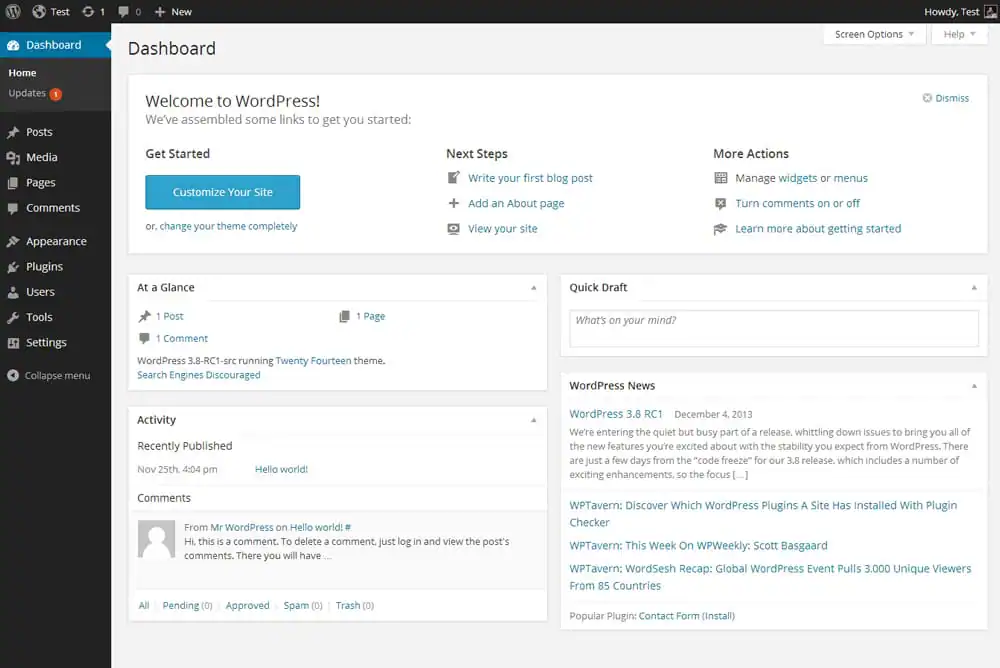
Much like ogres, all websites have several layers. There’s the layer that everyone sees when browsing the web (the pretty one), then there’s a hidden layer: the code that makes those sites work. WordPress operates on that hidden layer, and creates a middle layer by giving you a graphical user interface like the one above to create and manage content.
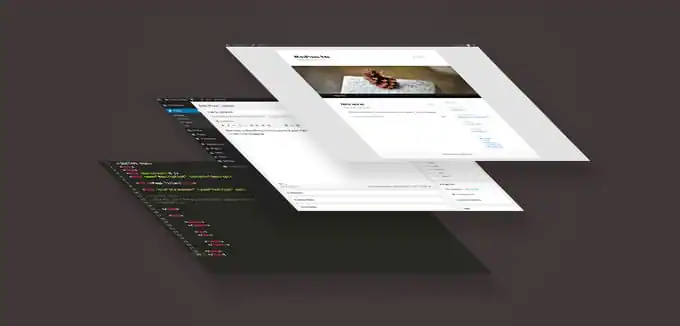
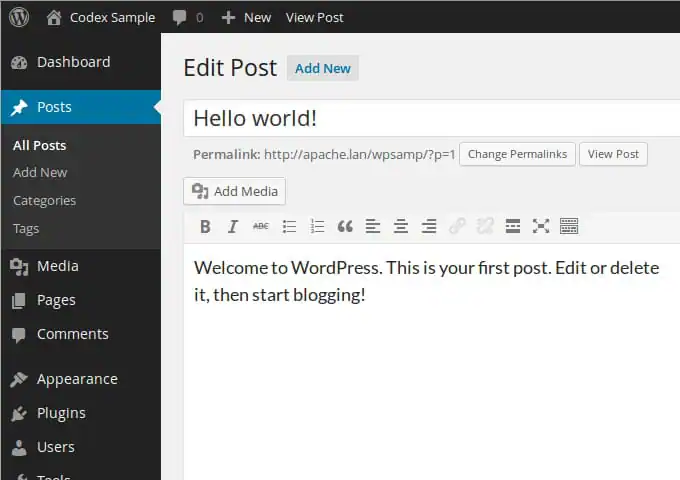
Normally, making changes to a website requires manually changing the code, but WordPress automates many of these tasks and makes it super simple to add or change things. So rather than coding up a new webpage every time you want a new blog post, you just type one into WordPress like you would in a word processor, hit publish, and you’re done.
Breaking It Down
“Software that is used to make websites” is a nice answer, but there’s a lot more to it than that. To round out this concept quickly, here are a few points about WordPress that you should know:
- It is open source software (the source code is made available for anyone to see and tinker with)
- It was created and is maintained by Automattic (the initial release was in 2003)
- Hundreds of volunteers also contribute regularly to the project
- It is based on PHP (a server-side scripting language) and MySQL (a relational database management system)
- WordPress itself is free, but there is a thriving ecosystem of premium products and services around it
- Every WordPress site uses a customizable “theme” and prebuilt “plugins” that determine the appearance and functionality of the site
- Every WordPress site uses a user-friendly dashboard GUI that easily allows site owners and operators to update the site and create new content (whether they know how to code or not)
Blogging Platform or CMS?
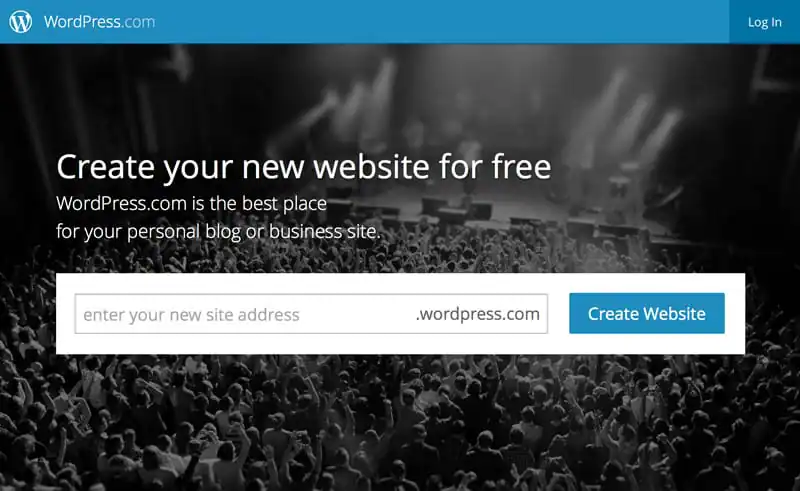
The roots of WordPress lie in blogging. Someone with little to no knowledge of how to create their own blog can get up and running on WordPress.com in mere minutes. You can name your blog, choose/customize a theme, and start creating posts, all without any knowledge of HTML, CSS, or PHP. WordPress gives you powerful tools to help you every step of the way.
Though what you should and shouldn’t use WordPress for was once a hot debate, today, it’s largely accepted that the usefulness of WordPress goes far beyond blogging. People use WordPress to create and maintain all sorts of websites, from photographer portfolios to restaurant menus.
You can still catch heat from some of the more hardcore WordPress purists if you refer to it as a CMS (content management system), but the simple truth is that it’s a great way to manage content of all types. Whether your site stays fairly static or changes hourly, WordPress is a great a solution that you’ll likely enjoy using.
Do I Have To Learn to Code to Use WordPress?
Once you’ve got your mind wrapped around what WordPress is used for, the next question relates to who it’s for. As I indicated above, the answer is anyone!
If you’re fluent in HTML, CSS, PHP, and maybe even JavaScript, you will absolutely be prepared to make the most of WordPress. You’ll be able to build your own themes, create custom plugins, and customize your setup to your heart’s content. The web is your oyster.
Fortunately though, even if you have no idea what all those things are, you can still have an important place in the WordPress community. Whether you’re using the built-in WYSIWYG tools to do it all yourself or hiring a developer to help you get set up, the actual day-to-day running of a WordPress site can be a code-free endeavor.
Sounds Great! Where Do I Get Started?
By now you should at least have a decent idea of what WordPress is and how it’s used. If it’s still a little bit fuzzy, the best thing you can do is throw yourself into WordPress.com and start your first site. You’ll get the hang of it in no time. Also be sure to look around our theme gallery to get a feel for the awesome things you can do with WordPress.
The next post in this series will walk you through the difference between and WordPress.com and WordPress.org, and help you decide which route is best for you.
Download these worksheets and start practicing with simple instructions and tracing exercises.
Download now!







Making beautiful design simple & accessible to all.
View More Posts


7 Comments