



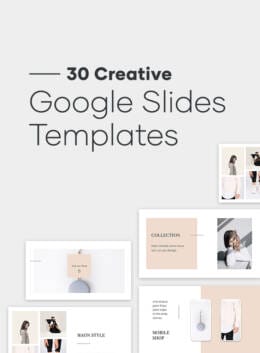
Whether it’s creating a presentation for your next big design client, a new partnership opportunity for your design business, or to use as a lead-generation tool on your own website, Google Slides templates are very helpful. The beauty of these templates is that they’re fully editable and customizable, so you can put your brand’s personal touch on them. Google Slides is a presentation program that’s available for free in Google’s popular web-based software suite. Depending on the purpose of your slide presentation, you’ll want to use the right template and switch it out accordingly. Mastering how to design a slideshow presentation is one of the most important skills any creative can learn. It can open doors to new client opportunities and portray your aesthetic style as you present ideas. Enjoy this detailed walkthrough that covers the ins and outs of designing a slideshow presentation from start to finish. Then, take in our rundown of the 30 top Google Slides templates or check out Creative Market’s entire catalog of creative Google Slide templates here.
How Many Slides in Total?
One of the biggest issues that people run into when they’re creating a slideshow is deciding on the number of slides in total. Should they err on the side of caution and go with fewer, or will that make for an inadequate presentation? Should they go on the longer side, but risk boring the audience after a while? Choice paralysis normally happens when there are many choices, but the fact that only this one fork in the road can cause such uncertainty in the process is telling. Let’s look what some authority figures say on the subject of the number of slides. Perhaps one of the best-known influencers who’s decided to even weigh in on this much-debated topic is Guy Kawasaki. The marketing specialist and venture capitalist recommends the old less-is-more approach. He recommends no more than just 10 slides in a typical presentation–but there’s a catch! This only applies if your presentation goes on for 20 minutes; shorter or longer than that, and you have to adjust the number of slides accordingly. For an opinion on the other end of the spectrum, we go to Fast Company’s Dan Heath, whose take is quite different. He recommends slideshows going as long as 42 slides–but with some conditions. For one thing, presenters should only reach that high number of slides if they’re giving something he calls an audience-aid approach, which is giving them extra context with additional slides. On the other hand, he also counsels that shorter presentations do have their place if they’re a presenter-aid approach, meaning the slides are actually there to help the presenter remember what to talk about in what particular part of the presentation. The bottom line? There is no right or wrong answer to this one. You can make your presentation as long or short as you want, but it has to be context-specific. Excessively long slideshows that fail to aid the audience by helping them to understand your points better will be your undoing, no matter what!
The Best Fonts to Use for Google Slides Templates
It goes without saying that something that depends on your audience being able to easily read the material requires excellent typefaces. That begs the question, what fonts are the best to use for slideshows?
One of the main criteria comes down to readability and legibility. You want your audience to both be able to recognize the words and paragraphs in your slides (readability) and make out the individual characters of the copy (legibility).
Another big factor is whether or not you’ll be using your presentation online, offline or in both environments.
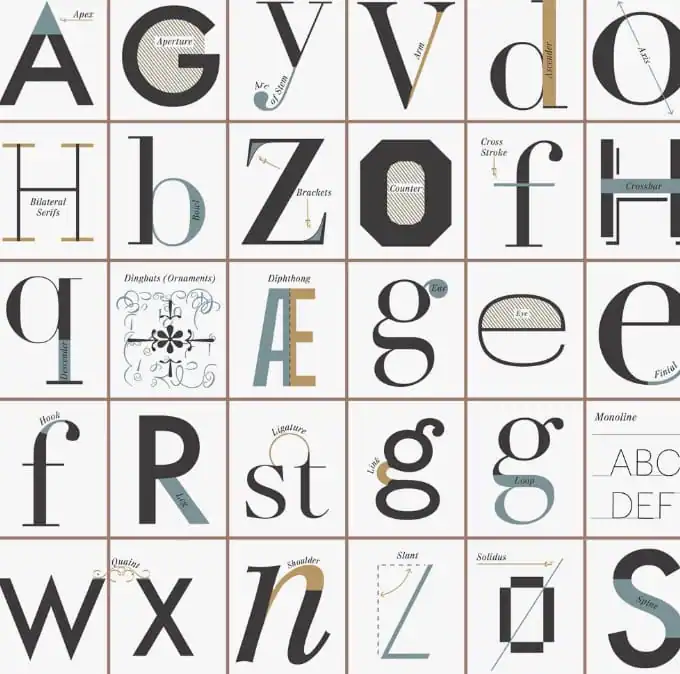 Finally, there are just specific font families that have been designed in such a way that they’re just naturally clearer and therefore more readable and legible than others. It pays to experiment with these fonts, too.
According to SlideShare’s own recommendations, if in doubt, go with the sans serifs. If you’re going to use your presentation exclusively online, also go with sans serifs, but if you have an offline use for it, then choose serifs in your slides.
Finally, there are just specific font families that have been designed in such a way that they’re just naturally clearer and therefore more readable and legible than others. It pays to experiment with these fonts, too.
According to SlideShare’s own recommendations, if in doubt, go with the sans serifs. If you’re going to use your presentation exclusively online, also go with sans serifs, but if you have an offline use for it, then choose serifs in your slides.
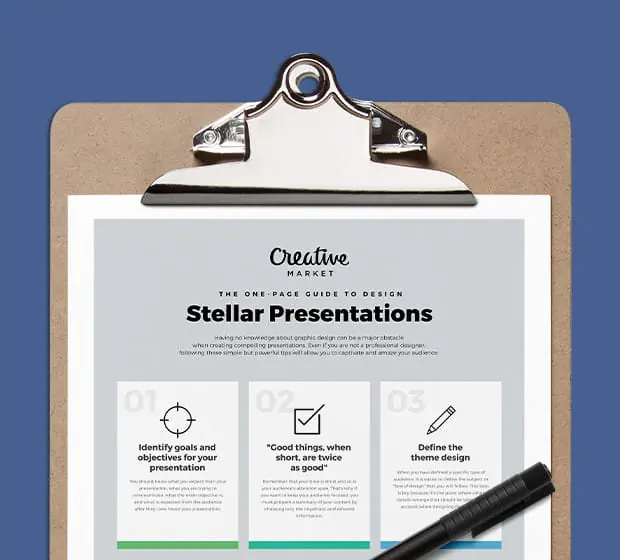
Grab this one pager with a summary of key tips to create a powerful presentation from scratch.
Download now!The Best Font Sizes to Use
There are differing opinions on this issue, but all are in broader agreement: bigger is better. This stands to reason when you want to ensure that everyone in your audience–older people, those at the back of the room, etc.–can easily see the text on each slide.
According to the aforementioned Guy Kawasaki, it’s best to use 30-point font sizes to err on the side of caution. The last thing you want to do is use a size that’s too small, like 10 points.
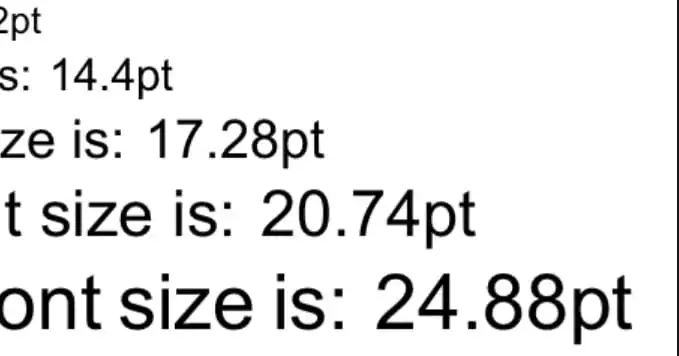 Presentation expert Scott Hanselman recommends between 14- and 18-point sizes, but they have to be bolded for extra readability.
So the bottom line is simple: use bigger font sizes that are at least 14 points. Ideally, you’ll want to go even higher than that. For extra effect, if you’re unsure about the legibility of the fonts you’re using, it’s best to bold the typefaces just to be on the safe side.
Presentation expert Scott Hanselman recommends between 14- and 18-point sizes, but they have to be bolded for extra readability.
So the bottom line is simple: use bigger font sizes that are at least 14 points. Ideally, you’ll want to go even higher than that. For extra effect, if you’re unsure about the legibility of the fonts you’re using, it’s best to bold the typefaces just to be on the safe side.
Using Templates for Great Slideshow Presentations
One of the fastest and most organized methods of creating presentations is to use templates. Google Slides templates offer a multitude of aesthetic and highly usable designs that allow you to simply incorporate your points into the preexisting templates. Not only does this save you time, but it also ensures sleekly presented slideshows that are better received by your audience. We’ve searched far and wide to give you a roundup of the 30 best templates for Google Slides from our marketplace.
Neue Minimal Google Slides Templates
This minimalist template is ideal for the presentation that needs to come across as clean and professional.
Zellisa Google Slide Presentation
If you’re looking for a clean and crisp way to present your slides, look no farther than this product.
Target — Google Slides Template
Impress your leads, clients and anyone else in your audience with this presentation deck.
Ghost Minimal Google Slides Templates
Aptly named, this template uses a monochrome scheme to present slides in a conservative and understated fashion.
Pitch Deck Google Slides Template
Colors can enliven any presentation, and this template is no exception.
Company Profile — Google Slides
Balance and fine symmetry unite in this slideshow to underscore how great design can help to make messages clearer and more effective.
BUILD Google Slides Template
Organize your thoughts and messages with better accuracy than ever with this well-designed template.
Simple Google Slides Template
Less is more is taken to its maximum potential on this elegant template.
Hybrid Google Slides Template
This presentation product epitomizes what a simple and intelligently laid-out design can do for crystal clear slideshows.
A4 Vertical Google Slides + 30 Photos
Knowing full well that high-quality images help sell the deal in presentations, the maker of this presentation product includes 30 high-resolution pictures as part of this deal.
NORS Vertical Google Slide + GIFT
Boasting more than 135 creative and unique slides in total, this template uses the art of contrast well to help you put together a perfect presentation that focuses audience attention on the most relevant parts.
10 Google Slides Themes 2017
A must for designers and creatives who want to present their ideas and concepts in a well-structured and well-designed manner, this template pack is spectacular for meetings, presentations and talks.
Investor Pro — Google Slides
Enjoy full creative control with this smart and well-designed slideshow template.
Elevation Google Slides Template
Featuring a clean, crisp and modern layout with chunked text blocks for easy reading, this presentation template is a godsend at any business meeting.
Branding Google Slides Template
This slideshow template makes excellent use of the design concept of symmetry for vibrant presentations.
Be. Google Slides Template + 30 Photos
Stunning and vibrant, this presentation includes 30 high-quality images as a bonus.
Business Plan Google Slides Template
In just a matter of a few clicks, you have the power of an efficient and effective presentation at your fingertips.
ONE. Minimal Google Slides Template
There’s an elegance in true simplicity, which this template epitomizes.
Landmark Google Slides Template
Boasting 800 free vector icons together with 75 unique slides, this presentation template offers great value.
Startup Pitch — Google Slides Theme
Whatever you want to communicate to your viewers–charts, graphs, images, and everything in between–this presentation deck has you covered.
Reverta Google Slides Template
Sharp, sleek and refreshing as far as Google Slides templates go, Reverta is a presentation to help you make the best impression possible.
Awesome Google Slides Template
Living up to its name, Awesome features several colors schemes, almost 1000 icons as shapes, and editable charts.
Rework Google Presentation
The word that best describes this template offering is multipurpose.
Corporate Google Slides Template
This professional and corporate template set is your go-to solution when giving business-related talks and presentations.
Business Google Slides Template
Are you looking for a simple drag-and-drop solution to your presentation needs?
Spark Minimal Google Slides Templates
A simple and contemporary design gives your presentations a spark.
Enyo Google Slides Template
The use of well-placed focal points in various slides form the backbone of this great presentation suite.
NORS Google Slides Template + Bonus
Let your penchant for creativity shine with awesome Google Slides templates like this one.
Geometry Google Template
With its unique and eye-catching design, the Geometry template will give you the leg up in getting your points across.
Food Vintage Presentation Template
This huge presentation pack includes Google Slides templates for meetings, get-togethers, speeches, and other creative uses.
Easy and Customizable
When you’re creating slideshows for meetings, presentations, and talks, you want to use a format that gives you a lot of control. Templates fit the bill since they’re a cinch to personalize. These premade designs give you a very attractive and usable framework in which to create dazzling presentations. Next time you want to impress, persuade, or enlighten while walking people through slides, consider using templates to create your presentation.
Products Seen In This Post:
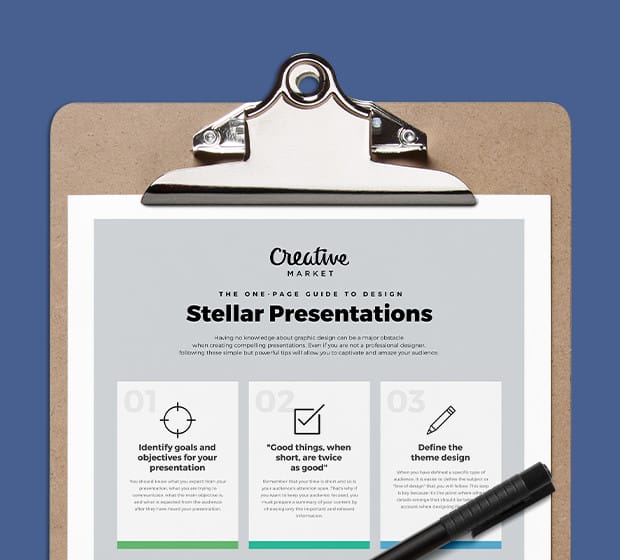
Grab this one pager with a summary of key tips to create a powerful presentation from scratch.
Download now!


Marc is a copywriter and marketer who runs The Glorious Company, a marketing agency. An expert in business and marketing, he helps businesses and companies of all sizes get the most bang for their ad bucks.
View More Posts



3 Comments